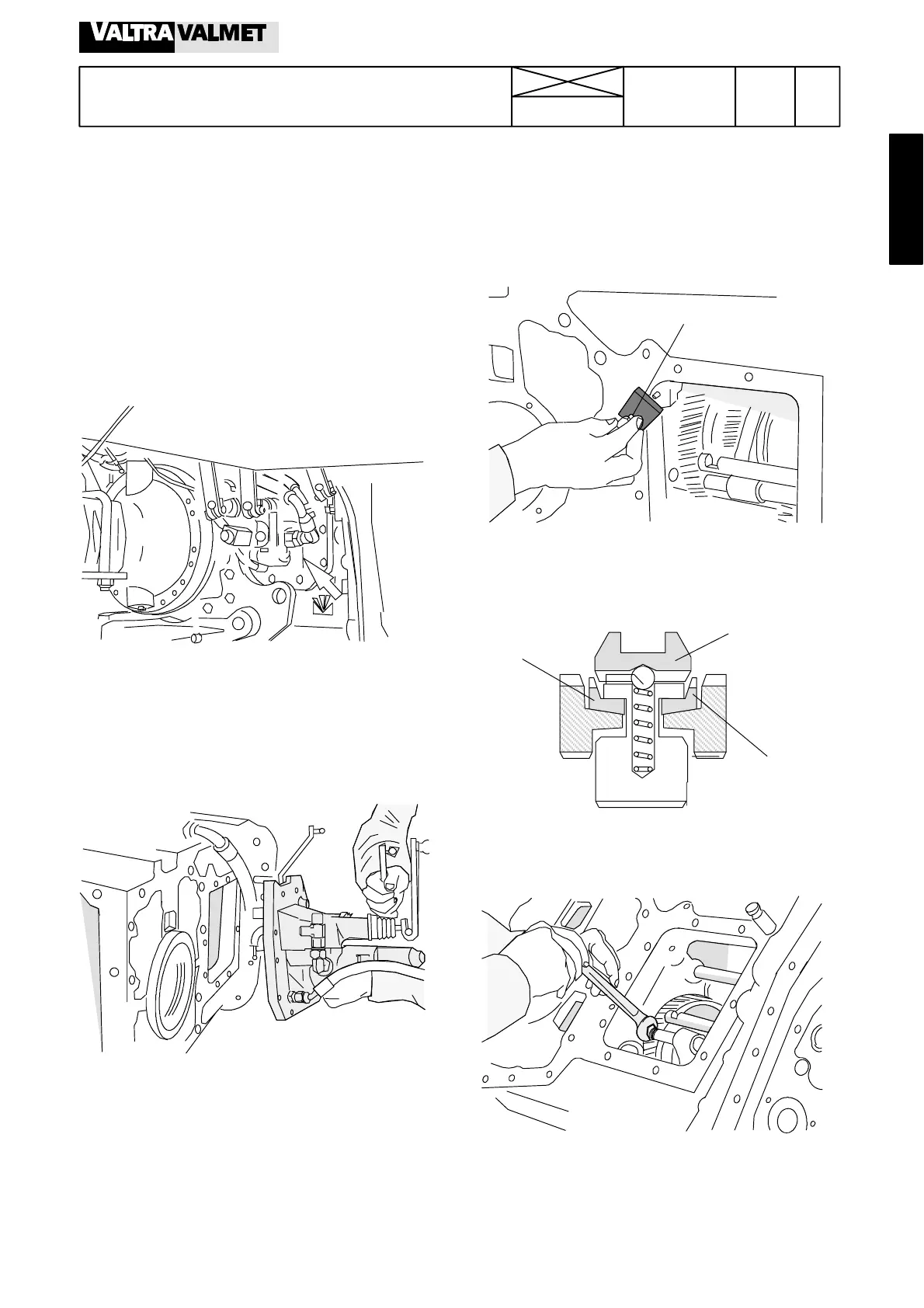
Sliding coupling in middle pos.
Synchronizing
cone
Cone
703
Model Code Page
42. Gearbox
8. 11. 1990
6000--8750
421 1
Selector forks (Op. no. 421)
1. Adjusting selector forks
Note! If the gear change mechanism does not function
properly (e.g. if selected gear does not stay in the engaged
position), the selector forks can be adjusted as follows:
A. Removing side cover
1. Drain the oil from the gearbox. Remove the RH side rear
wheel. Move the gear levers to the neutral position.
2. Disconnect oil hoses from the hydraulic power lift control
valve. Disconnect the return oil hose from the side cover.
3. Disconnect the shifter rod rear ends and the cable wires
fromtheshifterleversonthesidecover.
Note! ThereisanaccessholeontheRHsidemudguard.
2433
4. Unscrew the side cover bolts and remove the cover. At the
same time the selector fork rail locking pins (3 pcs) are re-
leased.
B. Adjusting selector forks
5. Fit the locking balls, springs and pins into their holes.
Note! The longer pins into the two upper holes and the
shortest pin into the lowest hole.
2464
ET 894 060
5. Press the upper pin (for gears 1---2) into its drilling with tool
ET 894 060.
6. Move the selector fork (and rail) for gears 1---2 to the middle
position. Adjust the fork to themiddle position by screwing the
adjusting piece at the rear end o f the selector fork rail.
2439
7. When the fork (and the sliding coupling) is in the middle
position, push the selector rail/fork to the rear position (it is
locked by the ball) and tighten the adjusting piece nut (pre-
vent rotation of the adjusting piece while tightening).



 To Next Page