Customer Call Routing (PGM 228) 1-125
Chapter 1: SBX IP Online PC Admin
SBX IP - PC Admin Guide
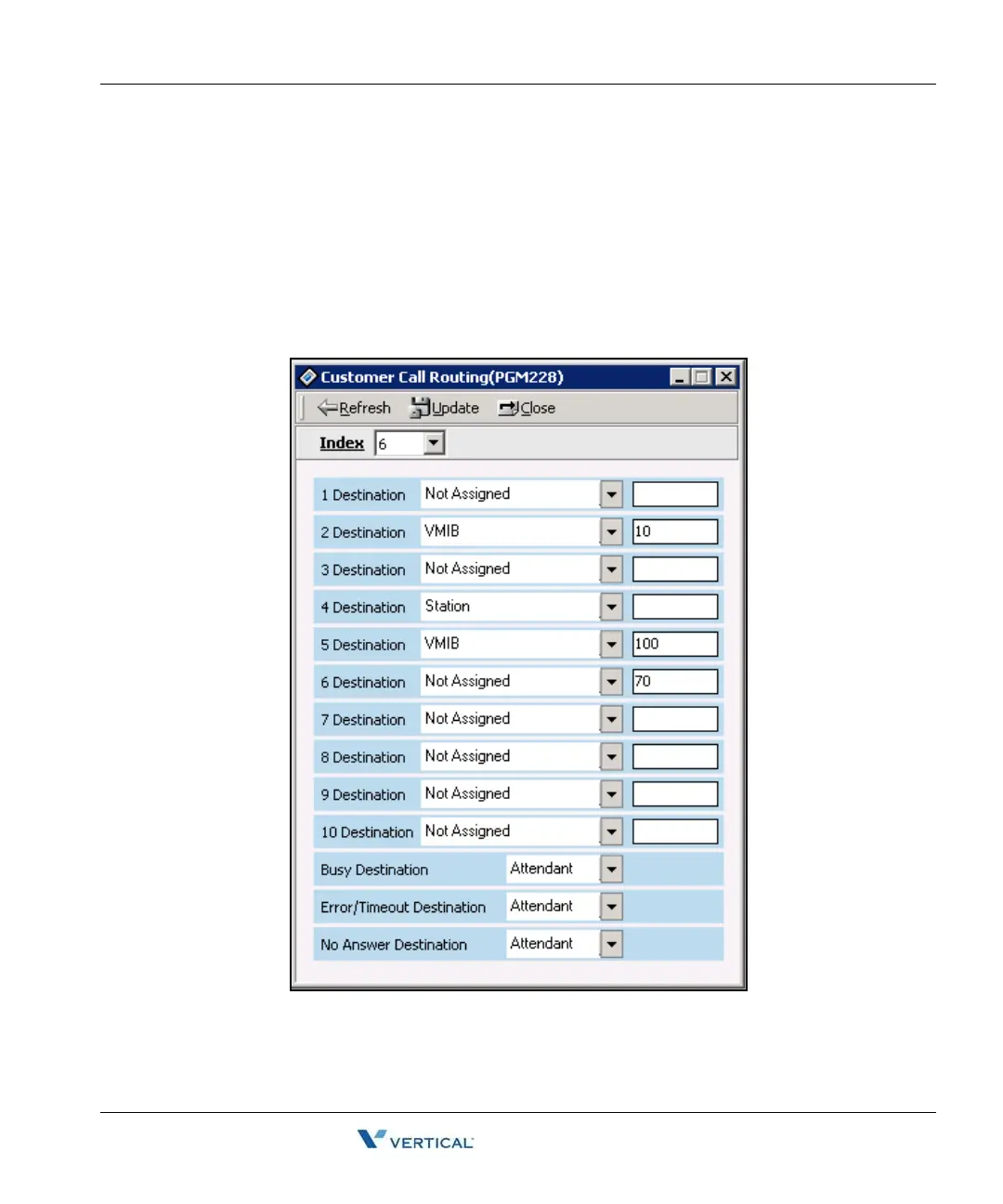
Customer Call Routing ( PGM 228)
According to voice guidance, an outside caller may be connected to a certain destination, and
to hear another voice message by pressing a button on their keyset.
Operation
1. Click [Customer Call Routing].
2. Select a CCR table number (01-70), and press the [Refresh] button. You will see 10
entry indexes in the [CCR Table].



 To Next Page