User Management - Administrator Only 1-10
Chapter 1: SBX IP Online PC Admin
SBX IP - PC Admin Guide
User Management - Administrator Only
Description and how to program
PC Admin supports multiple users with different levels. When you want to add or modify
the user information, refer to below description.
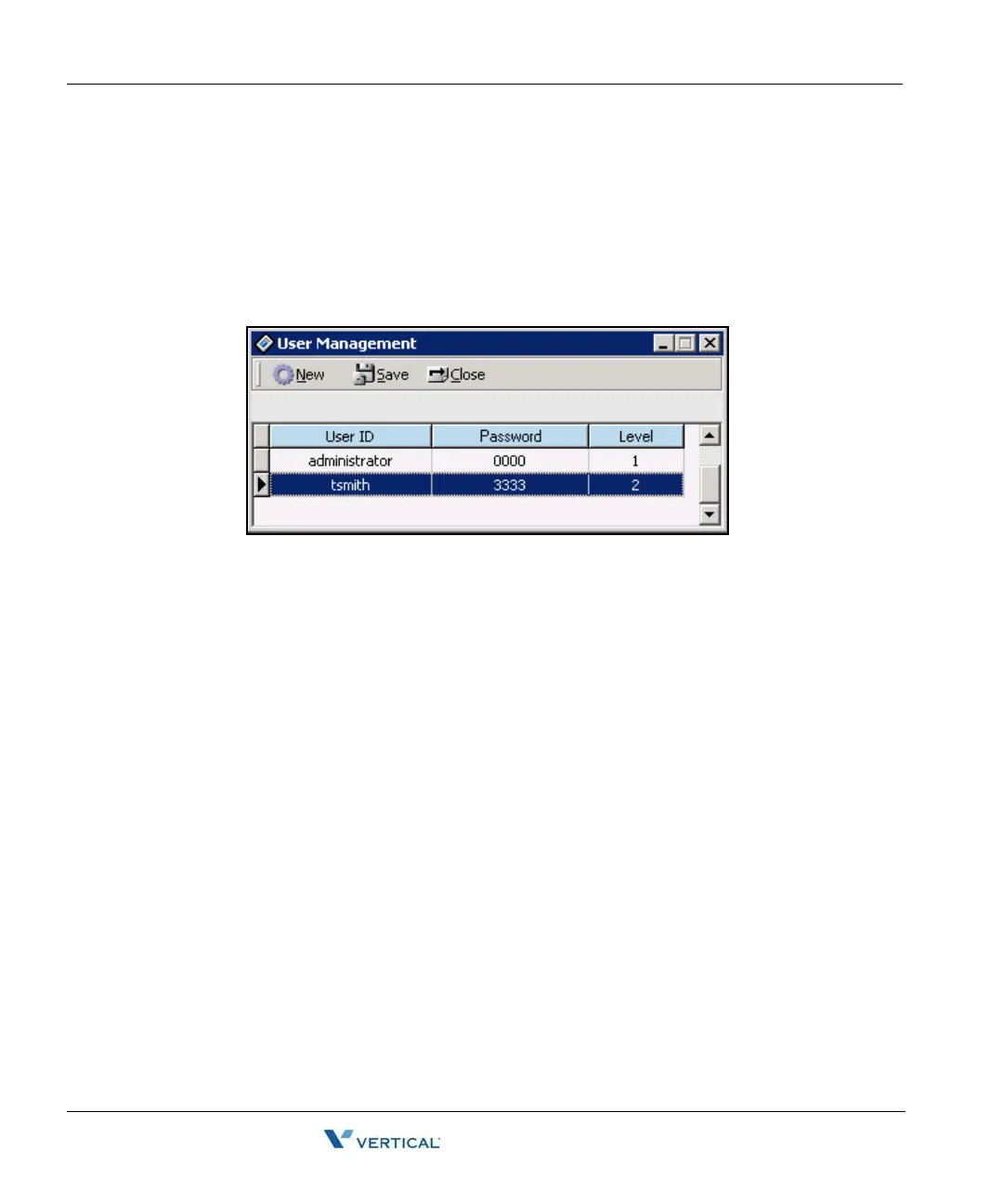
1. Click on [Tools] > [User Management]. The following window for level management
displays.
2. Press the [New] button to add a user. A dialog box will display with fields in the
following order.
User Name / Password / Level
After entering the three items, press the [SAVE] button to save the input.
Tip for backup and restore of user database
To backup the user database, save the attribute.cds file to your mobile storage device.
This file is located the installation directory (Default: C:\Program files\LG
Electronics\ipLDK PCADM\Data).
To restore the user database, save the attribute.cds file from.your mobile storage device to
the installation directory.
If you want to backup the databases for level and user, backup the three files.
Lmaster.cds, Ldetail.cds, Attribute.cds



 To Next Page