Editing Data 3-8
Chapter 3: Speed Editor
SBX IP - PC Admin Guide
Editing Data
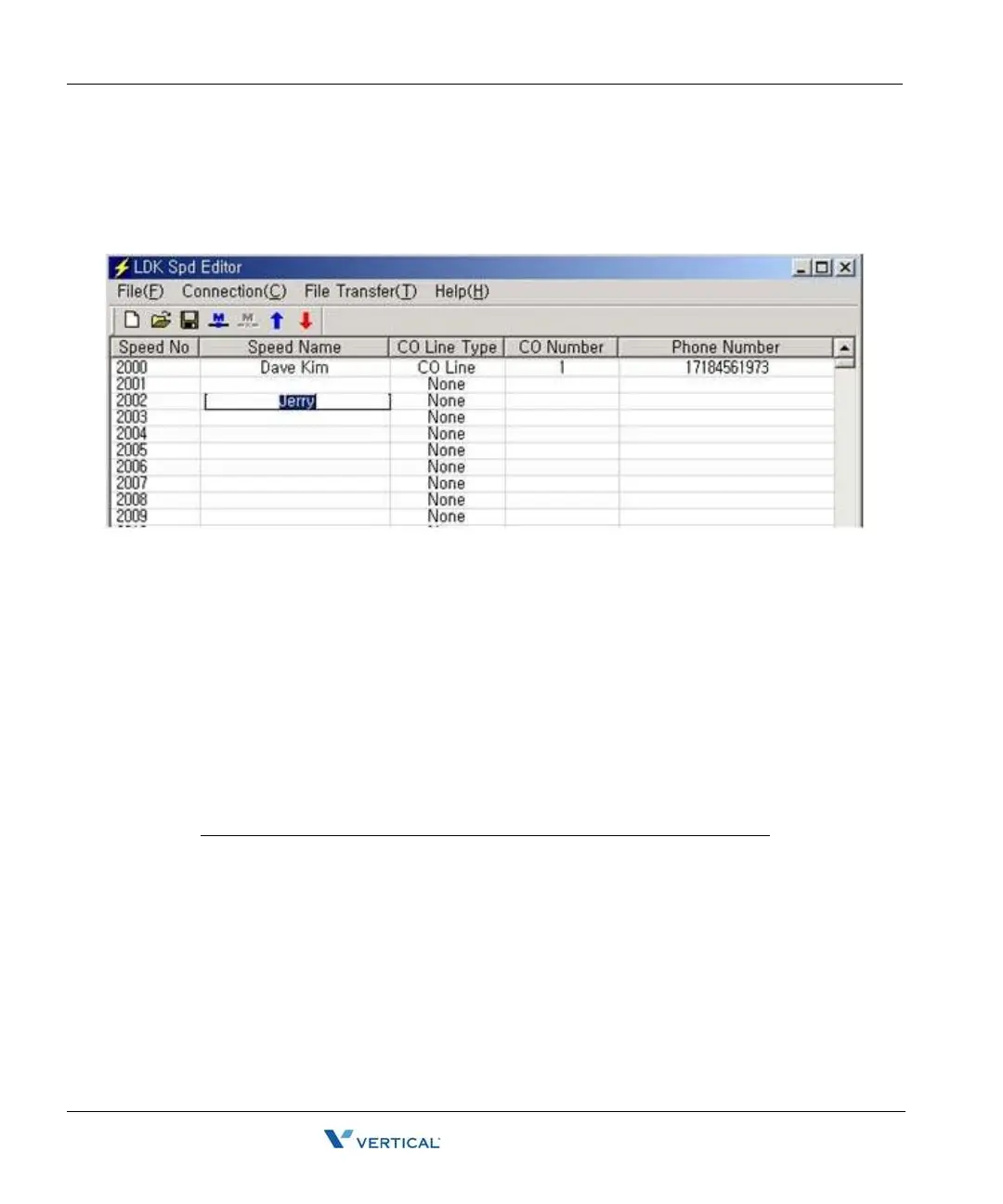
Editing in Speed Editor View
1. Click on an empty cell.
2. Type the data and press [tab] to move on to next column or click on the next column.
3. Select the [Save File] sub-menu in the [File] menu. => the [Save] Dialog displays.
4. Select the file type, text, doc, or Excel
5. Click the [OK] button.
Enter the correct CO Line/CO Group Number/Network index number, otherwise the Speed
Editor will ignore the CO Numbers during uploading and the CO Line Type and CO Number will
not be updated.
You must enter the index number in networking PGM 324 (00-72). Otherwise the SBX IP
system may not work properly.
SYSTEM CO LINE CO GROUP NET NUMBER
SBX IP 1-12 1-24 Index number in Networking
PGM 324 (00-72)



 To Next Page