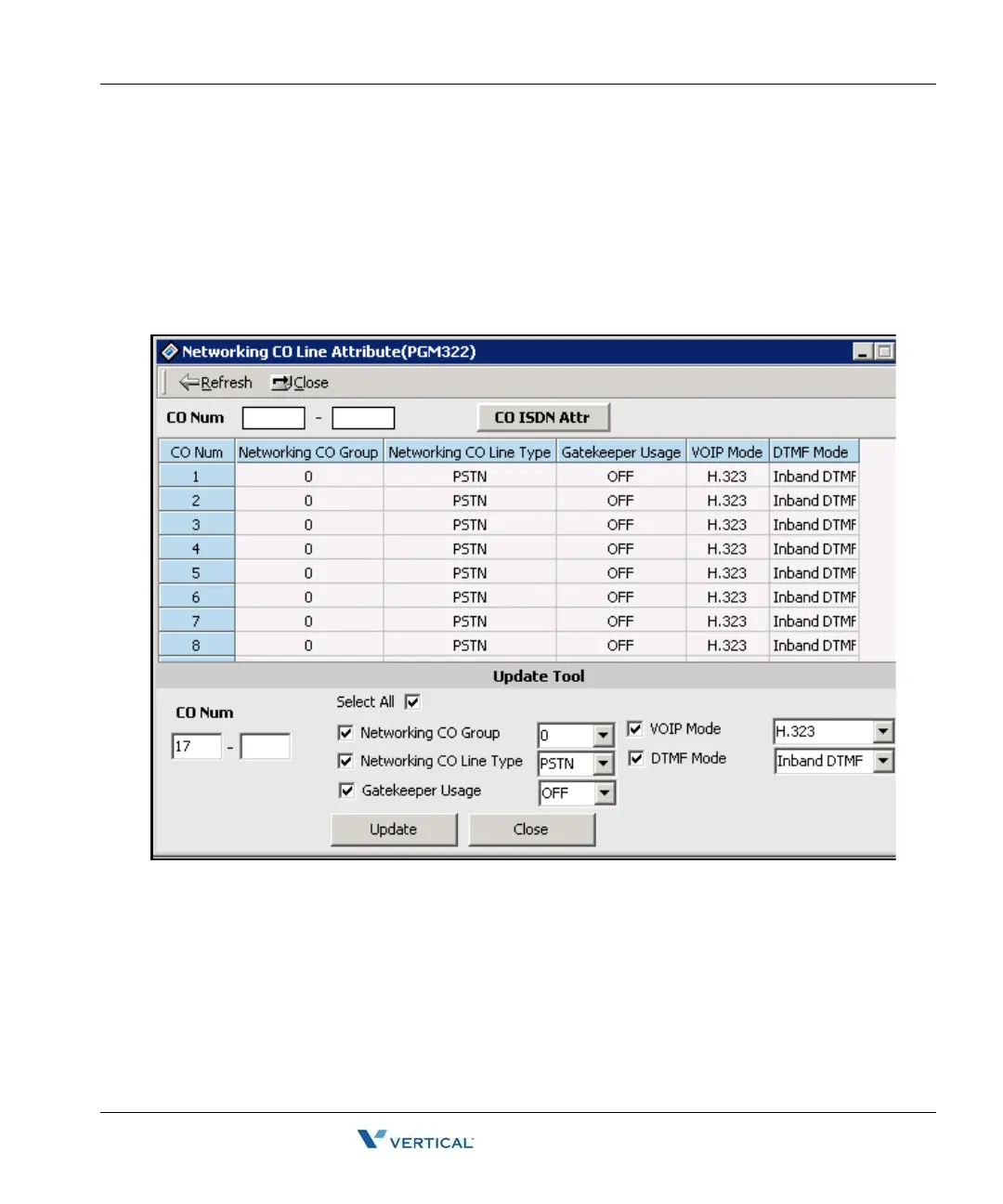
Networking CO Line Attribute (PGM 322) 1-141
Chapter 1: SBX IP Online PC Admin
SBX IP - PC Admin Guide
Netw orking CO Line Attribute (PGM 322)
Operation
1. Click [Networking CO Line Attribute]. Then default setting will be displayed.
2. Click the [Update Tool] to change attributes in popup menu. After changing each field,
press the [Update] button to save changes.



 To Next Page