Preferred Line Answer (PLA) Priority (PGM 173) 1-81
Chapter 1: SBX IP Online PC Admin
SBX IP - PC Admin Guide
Preferred Line Answ er (PLA) Priority (PGM 173)
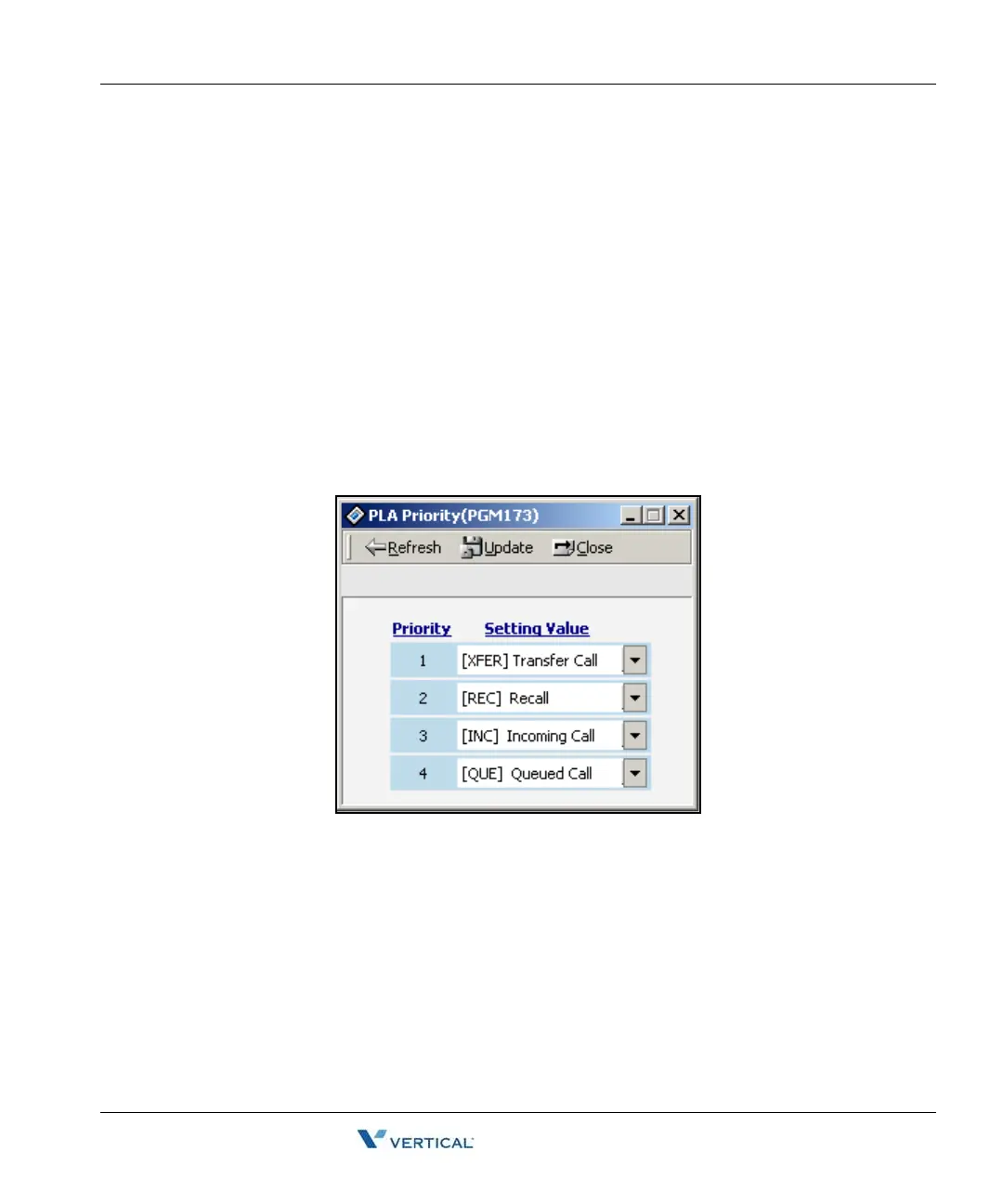
You may set up the priority for the order in which calls are received.
Operation
1. Click [PLA Priority]. Each item has the following meaning. Use the dropdown box in
order to assign each call type by the desired priority.
• XFR: Transfer Call
• REC: Recall
• INC: Incoming Call
• QUE: Queued Call
You cannot assign a duplicated number. If you try to assign a duplicated number and click
[Update], the program automatically reassigns the priority.
2. Press the [Update] button to save the changes.



 To Next Page