Installing & Unstalling Software 3-2
Chapter 3: Speed Editor
SBX IP - PC Admin Guide
I nstalling & Unstalling Softw are
Once the hardware is installed, you are ready to install the software.
To Install the Speed Editor program:
Microsoft Windows must be installed on your computer before you install the Speed Editor
program. For information on installing Windows, refer to the appropriate user's manual.
To Uninstall the Speed Editor program:
Click Uninstall - Speed Editor or you can also select Speed Editor in Add/Remove
Programs in the Control Panel.
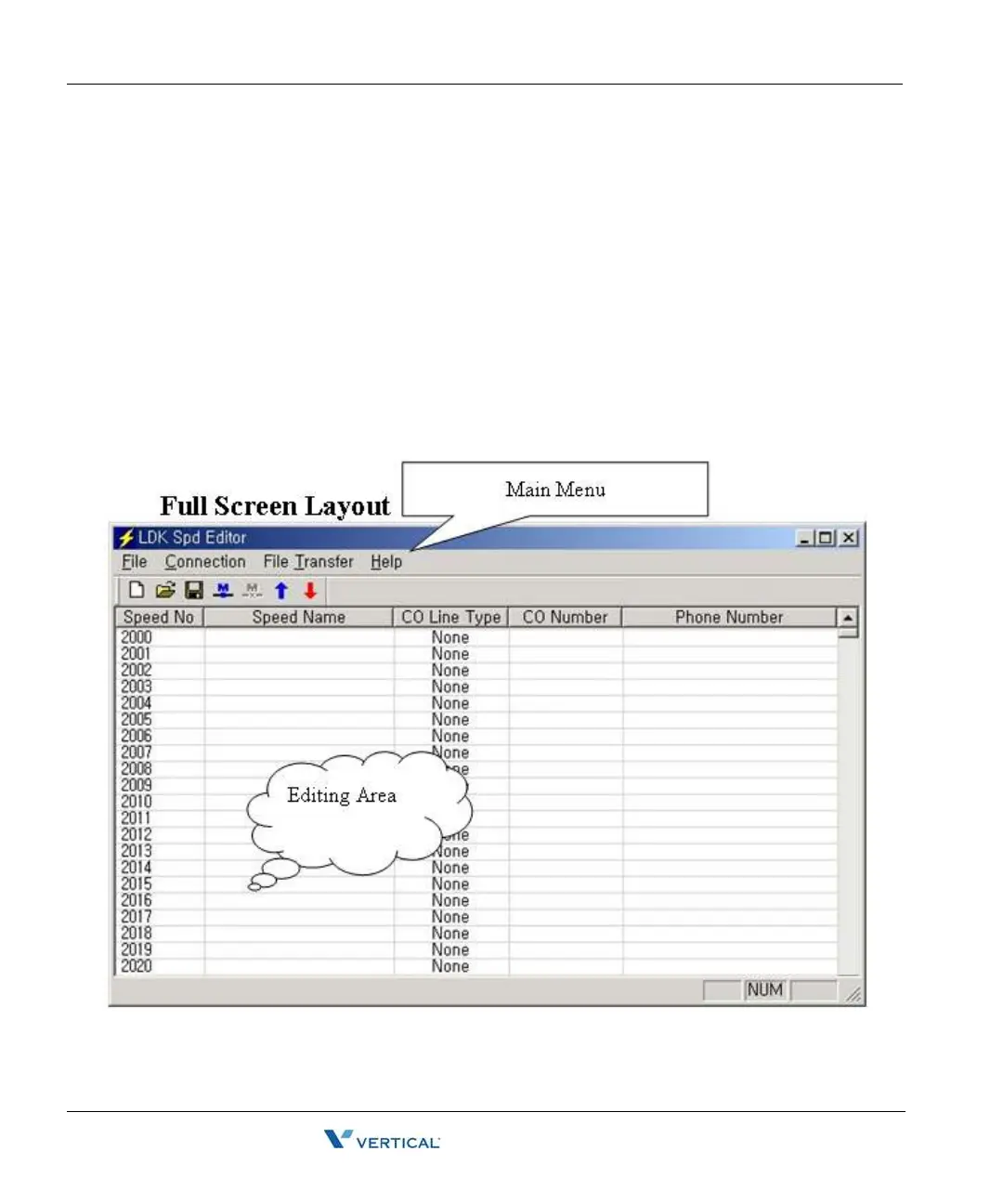
Full Screen Layout



 To Next Page