ICM Tenancy Group (PGM 120) 1-37
Chapter 1: SBX IP Online PC Admin
SBX IP - PC Admin Guide
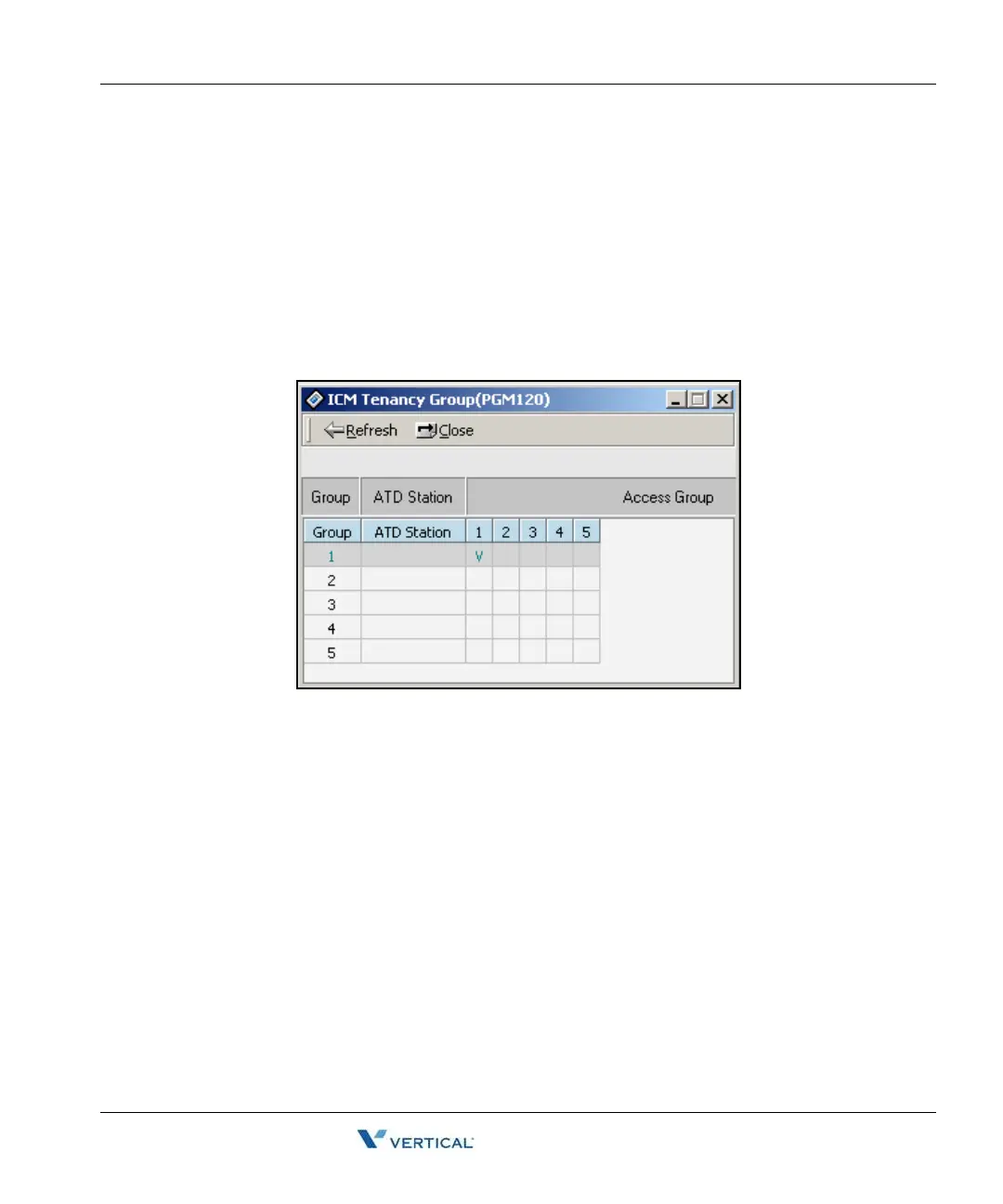
I CM Tenancy Group ( PGM 120)
You may assign a station to an ICM Tenancy Group, and restrict ICM Tenancy Groups to call
each other. Each ICM Tenancy Group can be assigned a different attendant.
Operation
1. Click [ICM Tenancy Group]. Then all ICM tenancy group information is displayed on
one screen.
2. Select an ICM Tenancy Group that you want to change and click the [Update] button
in the popup menu.
3. Put an attendant station number for the ICM Tenancy Group you have just selected.
4. Click each ICM group check box that you want to access.
5. After all changes press the [Update] button to save changes.



 To Next Page