VoIB Programing 2-126
Chapter 2: SBX IP Offline PCAdminPro
SBX IP - PC Admin Guide
VoI B Programing
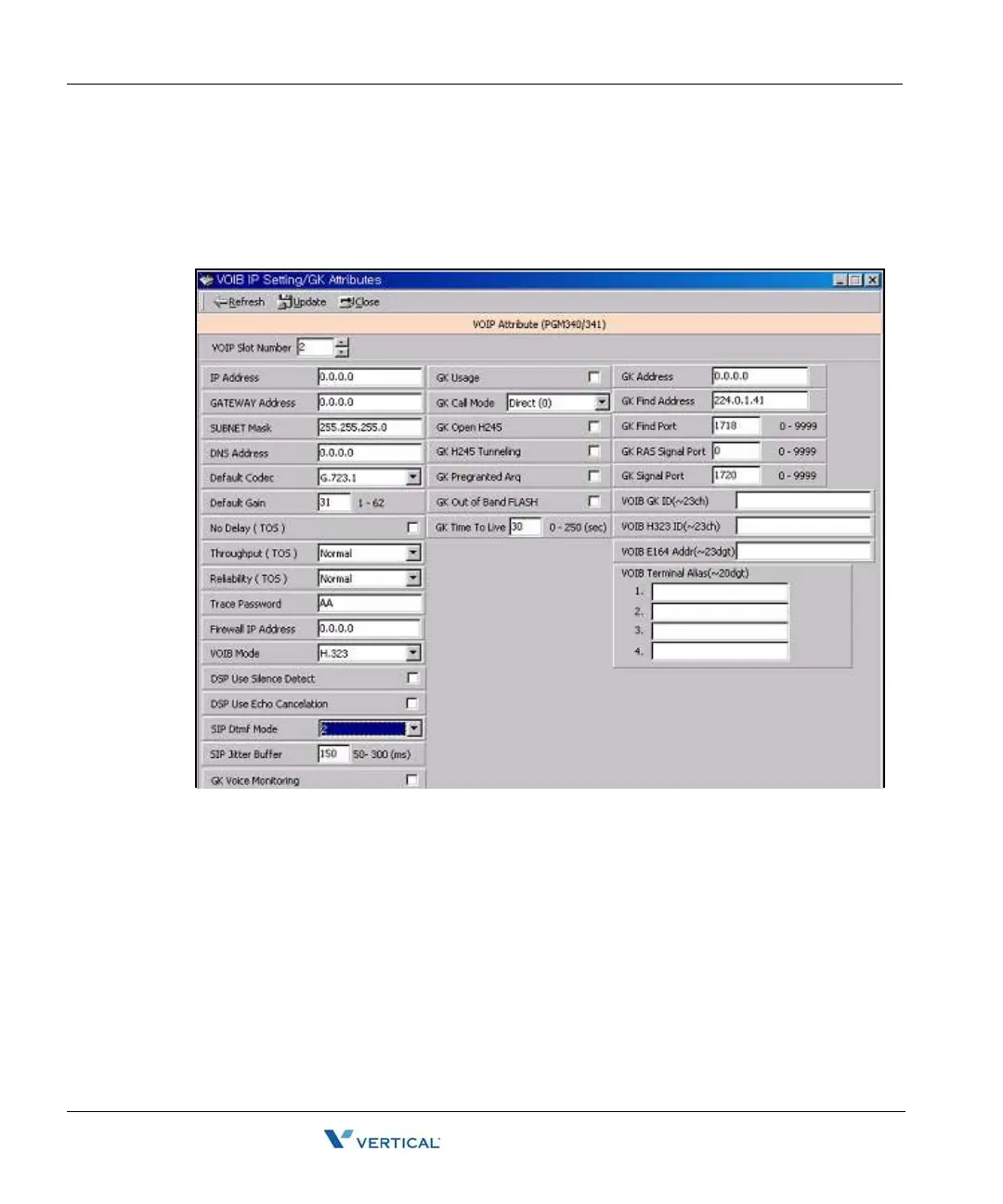
VoI B Programming ( PGM 340)/ Gate Keeper Attributes (PGM 341)
You can program the VoIB configuration/GK Attributes with PC Admin.
Operation
1. Select the VoIB board number. If selected board number is not VOIB, the program will
display error message. This menu is valid only for VOIB.
2. After selecting the board number, press the [Refresh] button. The first time, the whole
data are the default value.
It is the same as Network Setting (PGM108) to enter the IP address, gateway address,
subnet mask. For the correct value, you should ask the network administrator about this
information. You should ask the network administrator for the DNS address.Trace
password is 10 digits password for tracing data. Numeric value and characters are all
available up to 10 digits.
3. To save the data, press the [Update] button.



 To Next Page