PLA (Preferred Line Answer) Priority (PGM 173) 2-69
Chapter 2: SBX IP Offline PCAdminPro
SBX IP - PC Admin Guide
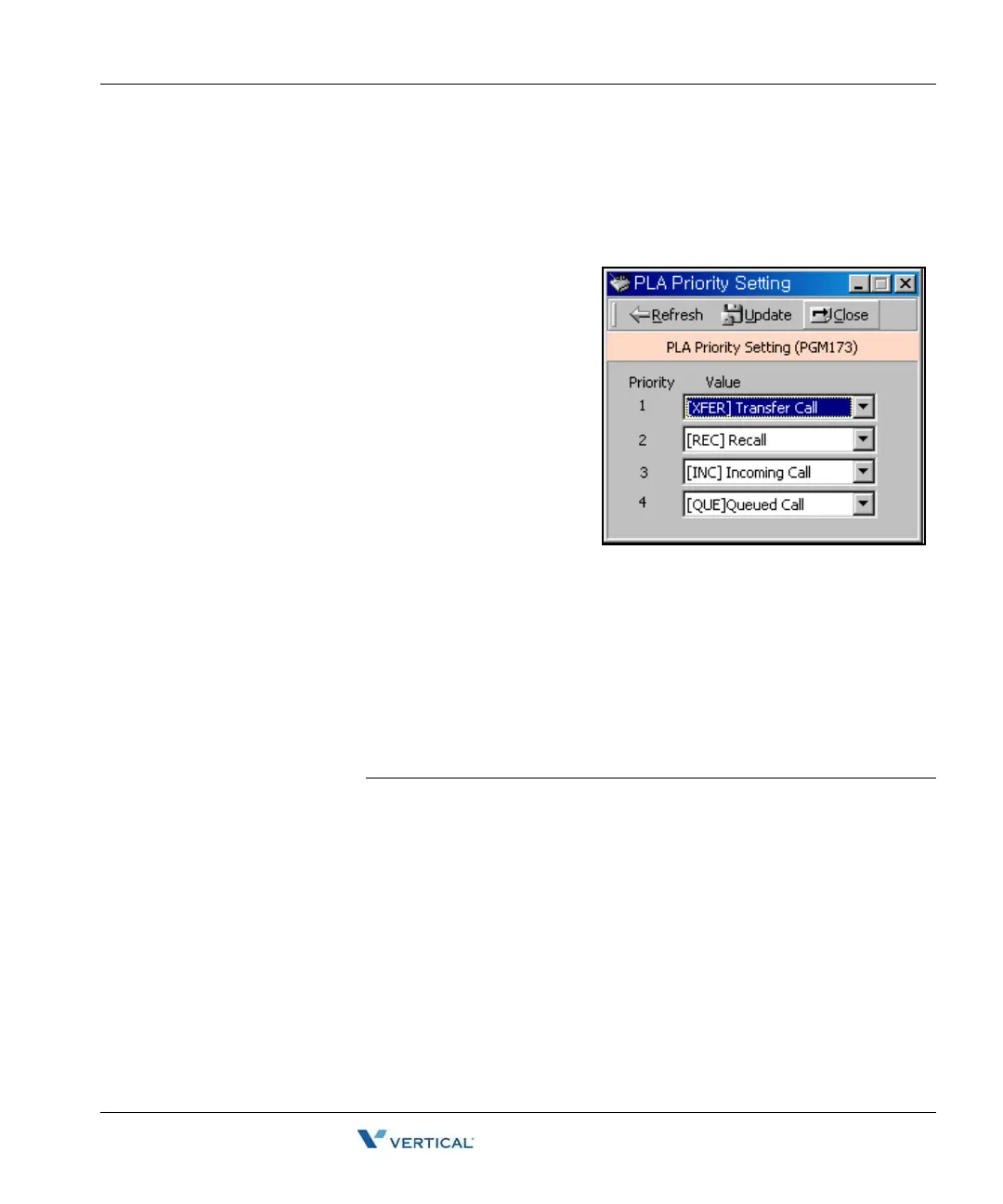
PLA ( Preferred Line Answ er) Priority ( PGM 173)
You can set up which order of priority calls are to be received.
Operation
Each item has the following meaning. Place them
in priority order to receive each call by their priority.
•XFR : Transfer Call
•REC : Recall
• INC : Incoming Call
• QUE : Queued Call
You may not assign a duplicated number.
RS-232C Port Setting ( PGM 174)
You can set up RS-232C port configuration.
Note:
If you use COM2 as MODU (MODEM
interface), the maximum speed is limited to
9600bps.
If you use COM1 for PC Admin, the maximum speed is limited to 19200bps.
Operation
Default values are shown below for each port.
ITEM RANGE DEFAULT REMARK
Baud Rate 0-7 19200 0: N/A 1: N/A
2: 1200 Baud 3: 2400 Baud
4: 4800 Baud 5: 9600 Baud
6: 19200 Baud 7: 38400 Baud
CTS/RTS ON/OFF OFF --
P-Break ON/OFF OFF --
LPP 001-199 060 --



 To Next Page