Installation of the Online PC Admin Software 1-3
Chapter 1: SBX IP Online PC Admin
SBX IP - PC Admin Guide
I nstallation of the Online PC Admin Softw are
1. Put the CD-ROM into your PC.
2. Run Explorer on your PC and search for the setup.exe on the CD-ROM.
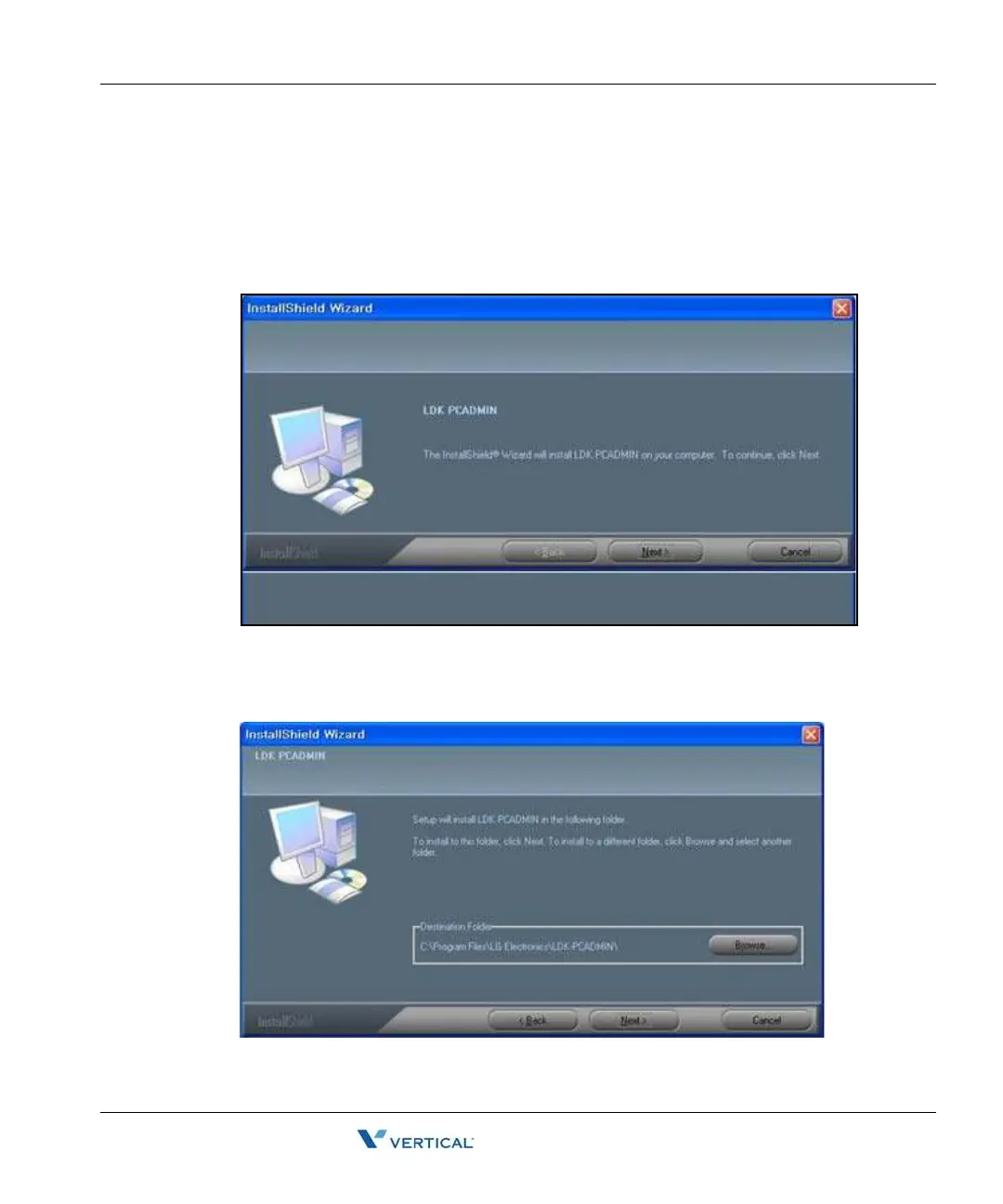
3. Double-click on the setup.exe file. This will bring up the initial screen for the
installation of PC Admin as shown in the following illustration.
4. Click [Next] to start the install process. If you press the [Cancel] button, the install
process will stop.
The next step is selecting a location for the installation.



 To Next Page