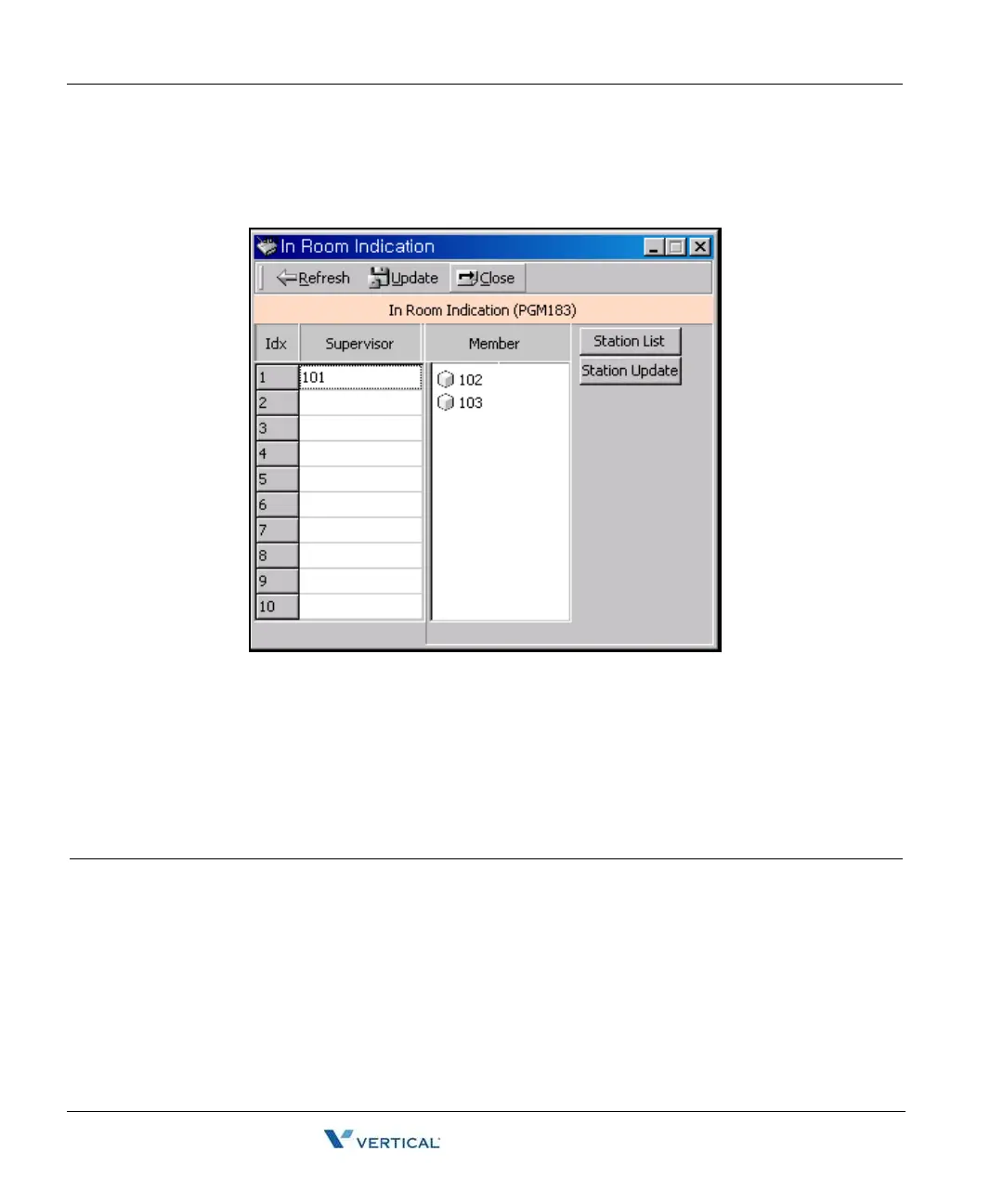
In Room Indication (PGM 183) 2-82
Chapter 2: SBX IP Offline PCAdminPro
SBX IP - PC Admin Guide
I n Room I ndication ( PGM 183)
Operation
1. Enter a supervisor station.
2. Click the Station List button, then drag and drop member station in the station list.
3. Click the Update button to change all values or Station Update for member station.
In Room Indication (PGM 183)
ITEM RANGE DEFAULT REMARK
Supervisor Station
Member Station Max 20 Stations



 To Next Page