File Menu 3-3
Chapter 3: Speed Editor
SBX IP - PC Admin Guide
File Menu
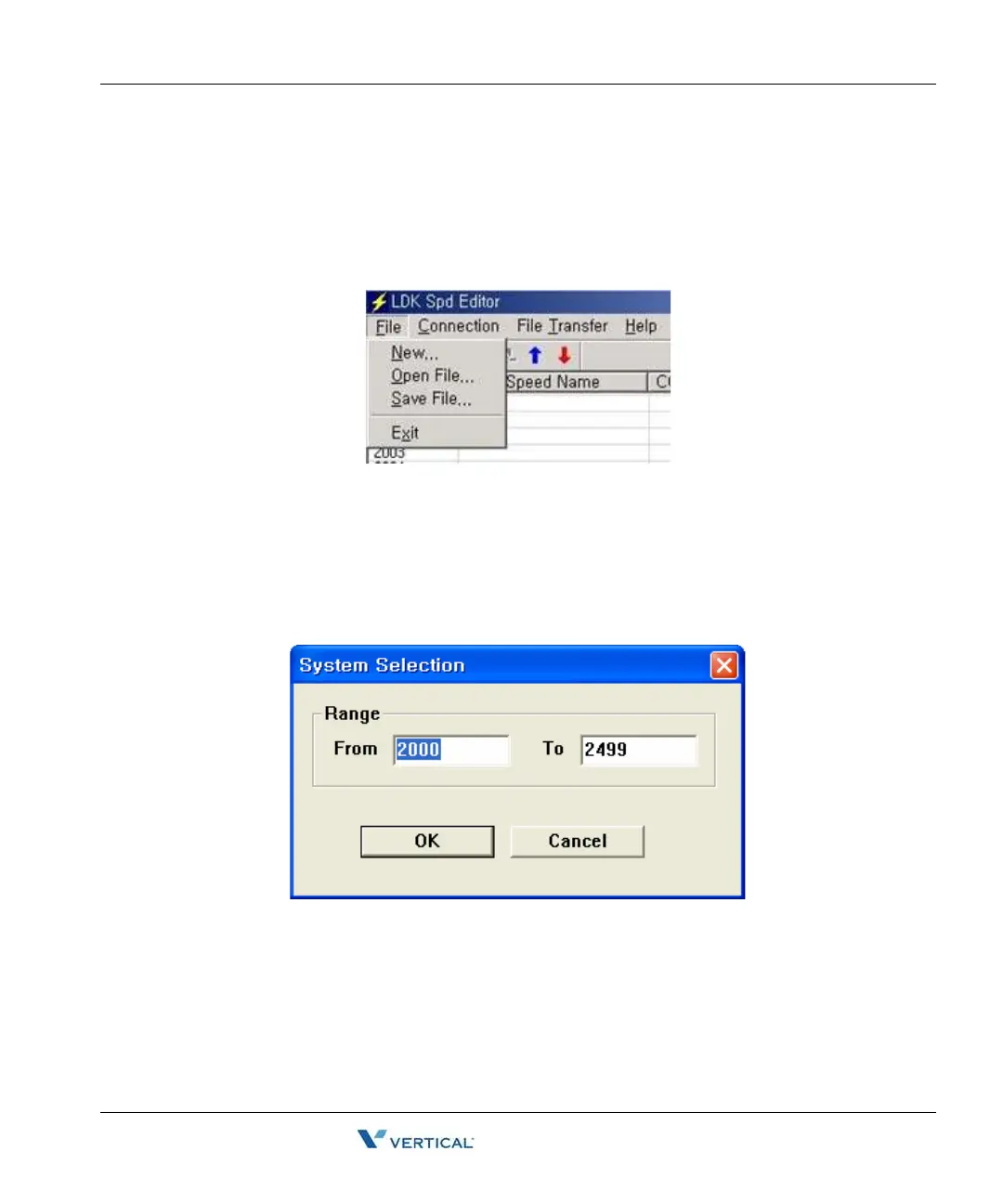
The [File] menu includes [New], [Open File], [Save File].
Recommendation: When speed editor accesses network drives, opening and saving files can
fail due to the network condition. Therefore, it is recommended that you copy files onto local
drives.
New Sub-menu
1. Select [New] sub-menu in [File] menu. => the [System Selection] dialog displays.
2. Select the system and version.
3. Enter the range you want to edit.
4. Click the [OK] button.
Open File sub-menu
1. Select [Open File] sub-menu in [File] menu. => [Open] Dialog displays.
2. Select the file type: text, doc, or Excel.
3. Click the [OK] button.



 To Next Page