Station COS (PGM 116) 1-33
Chapter 1: SBX IP Online PC Admin
SBX IP - PC Admin Guide
Station COS (PGM 116)
You can change the COS (Class of Service) for each station. COS is from COS 1 to
COS 7. All station COS for day and night operation is COS 1 by default.
For a particular call, the CO COS is combined with station COS to determine the restriction.
Each station must be assigned a class of service which governs the station's toll restriction for
the day and night operation. The weekend COS is same as night COS.
Operation
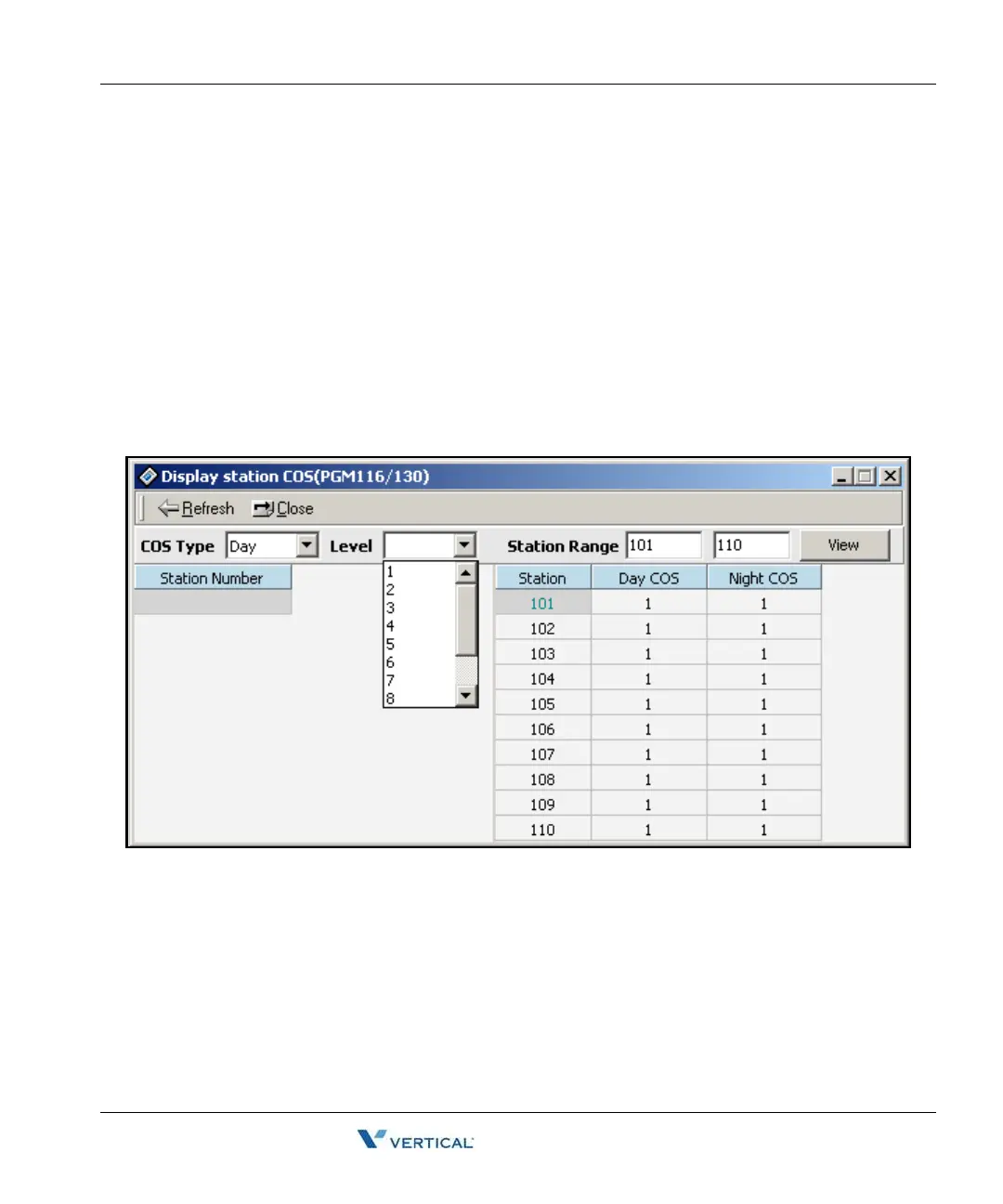
1. Click [Display Station COS].
2. Enter a station range, then click on the [View] button.
3. For day and night you select a station COS, and press the [Refresh] button. You can
see the COS information that you have selected.



 To Next Page