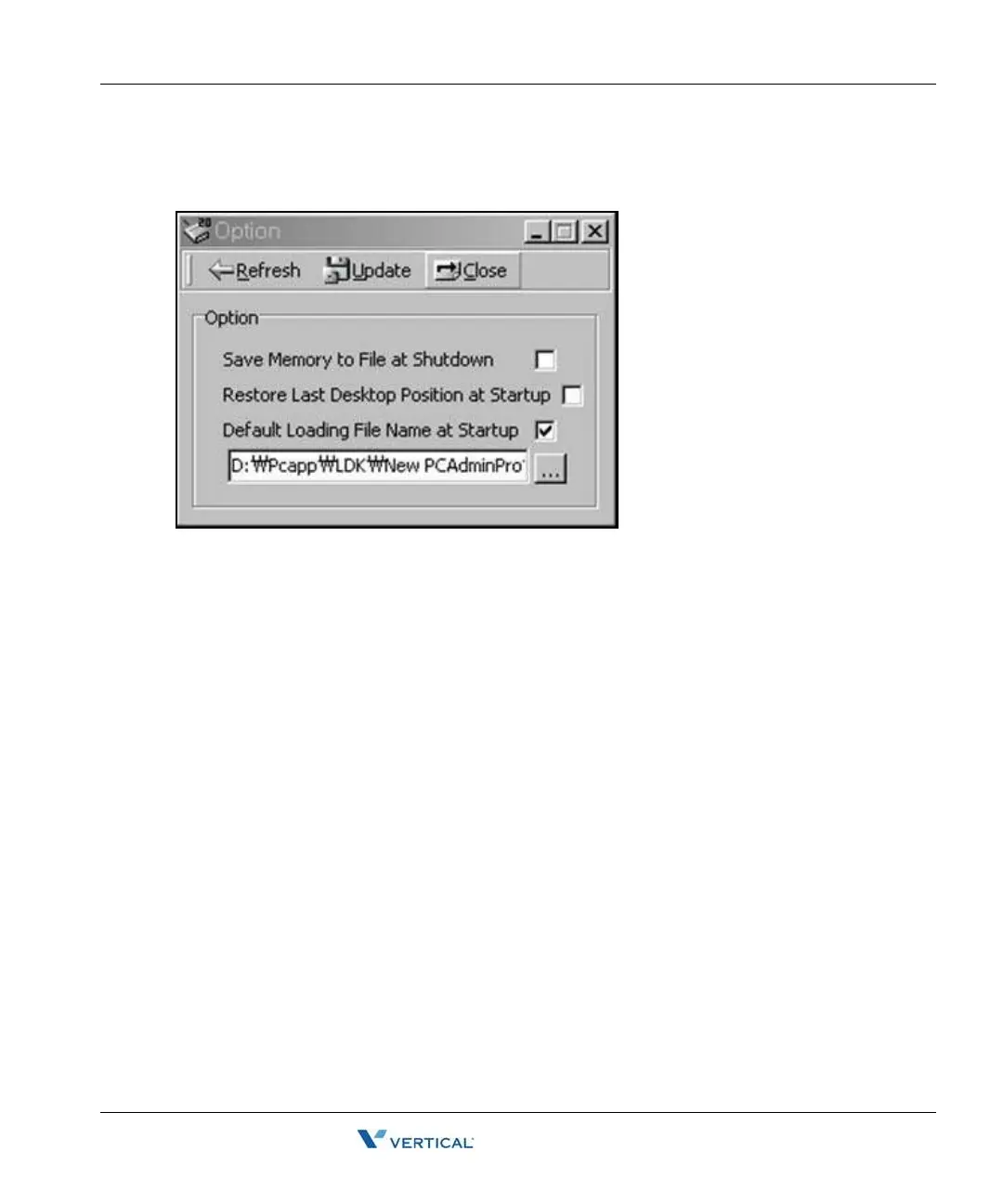
Options Window 2-11
Chapter 2: SBX IP Offline PCAdminPro
SBX IP - PC Admin Guide
Options Window
You can change the program environment.
• Save Memory to File at Shutdown
If this box is checked, the File is automatically saved when the program is closed.
• Restore Last Desktop Position at Startup
If this box is checked, when the program is started-up, the window is automatically
activated to the same figure as before last closed.
• Default Loading File Name at Startup
• If this box is checked, the Database file is automatically loaded to memory.
• You must set the default file name in the text box below this option.



 To Next Page