Pulse Dial / Speed Ratio (PGM 176) 1-85
Chapter 1: SBX IP Online PC Admin
SBX IP - PC Admin Guide
Note: If you select the MODU for PC Admin connection, port speed is limited to
9600 bps. If you select a value greater than 9600 bps, you might experience connection
problems.
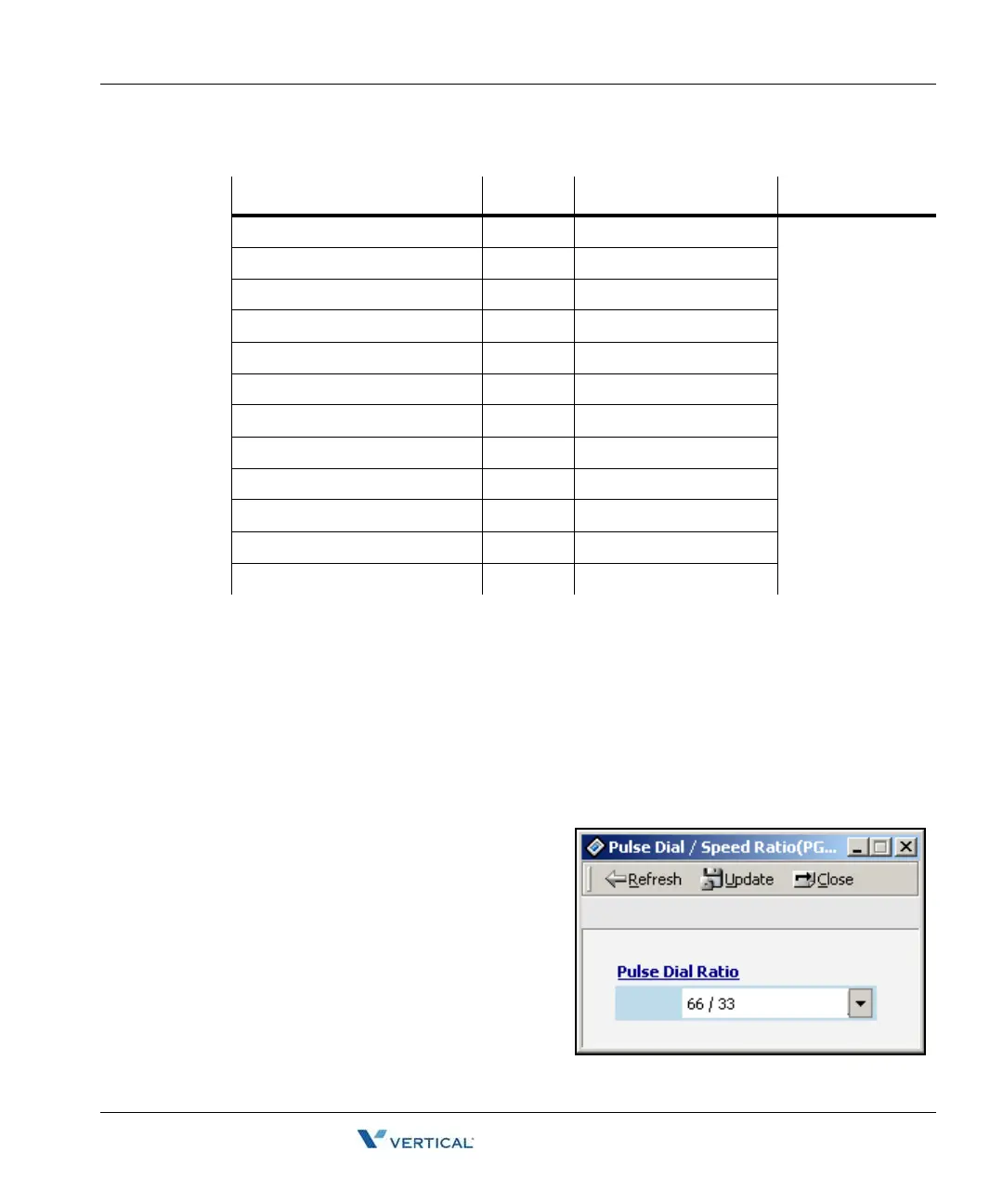
Pulse Dial / Speed Ratio ( PGM 176)
If the type of CO line is PULSE instead of DTMF, it decides pulse dial ratio.
Operation
1. Click [Pulse Dial / Speed Ratio].
2. Change the ratio.
ITEM RANGE DEFAULT REMARK
Off-line SMDR / Statistics Print 01-11 COM 1 (01) 01: COM1
02: COM2 - MODU
03: TELNET 1
04: TELNET 2
05: TELNET 3
06: Reserved
07: NET_PCADM
08: NET_PCATD
09: NET_CTI
10: NET_REMOTE
11: Not Supported
Admin Print 01-11 COM 1 (01)
Traffic 01-11 COM 1 (01)
SMDI Print 01-11 COM 1 (01)
Call Information 01-11 COM 1 (01)
Info/On-line SMDR 01-11 COM 1 (01)
Trace 01-11 COM 1 (01)
Debug 01-11 COM 1 (01)
PC Admin 01-11 Auto Select. Display Only
PC Attendant 01-11 NET_PCATD (08)
CTI 01-11 NET_CTI (09)
Remote Diagnostic N/A Not Supported



 To Next Page