IP Setting (PGM 108) 2-21
Chapter 2: SBX IP Offline PCAdminPro
SBX IP - PC Admin Guide
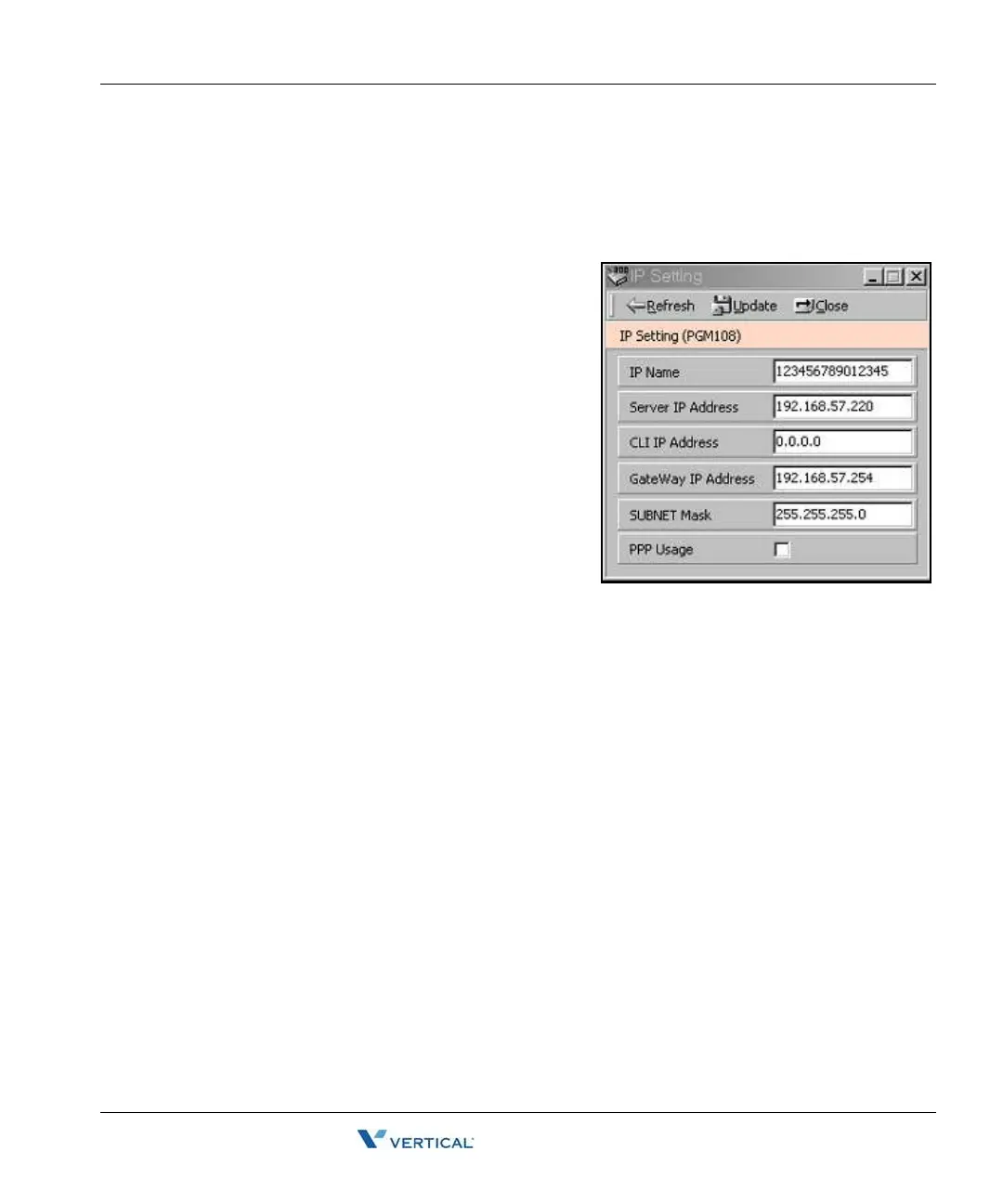
I P Setting (PGM 108)
You must enter a valid IP Setting to transport data remotely through the network.
Operation
IP Name has no meaning at all. It can contain up to
15 characters. You can put the hostname if you
want. In that case, it is not a real hostname
(optional).
The Server IP Address is the IP address of the SBX
IP system. The IP address is assigned by the
network administrator. If you don't want to use the
network connection, you can skip this feature. If you
want to use the network connection, you must
configure this feature.
Client CLI IP Address (optional)
The Gateway Address is the IP Address of the
gateway that the system uses. If you don't enter the
gateway's IP Address, you can't access the SBX IP
system from another LAN segment that is
separated by a router or a 3-layer switch.
Subnet Mask is set to 255.255.255.0 by default.
Board Attributes (PGM 155)
You can program the board attributes of equipped boards.



 To Next Page