File Transfer Menu 3-6
Chapter 3: Speed Editor
SBX IP - PC Admin Guide
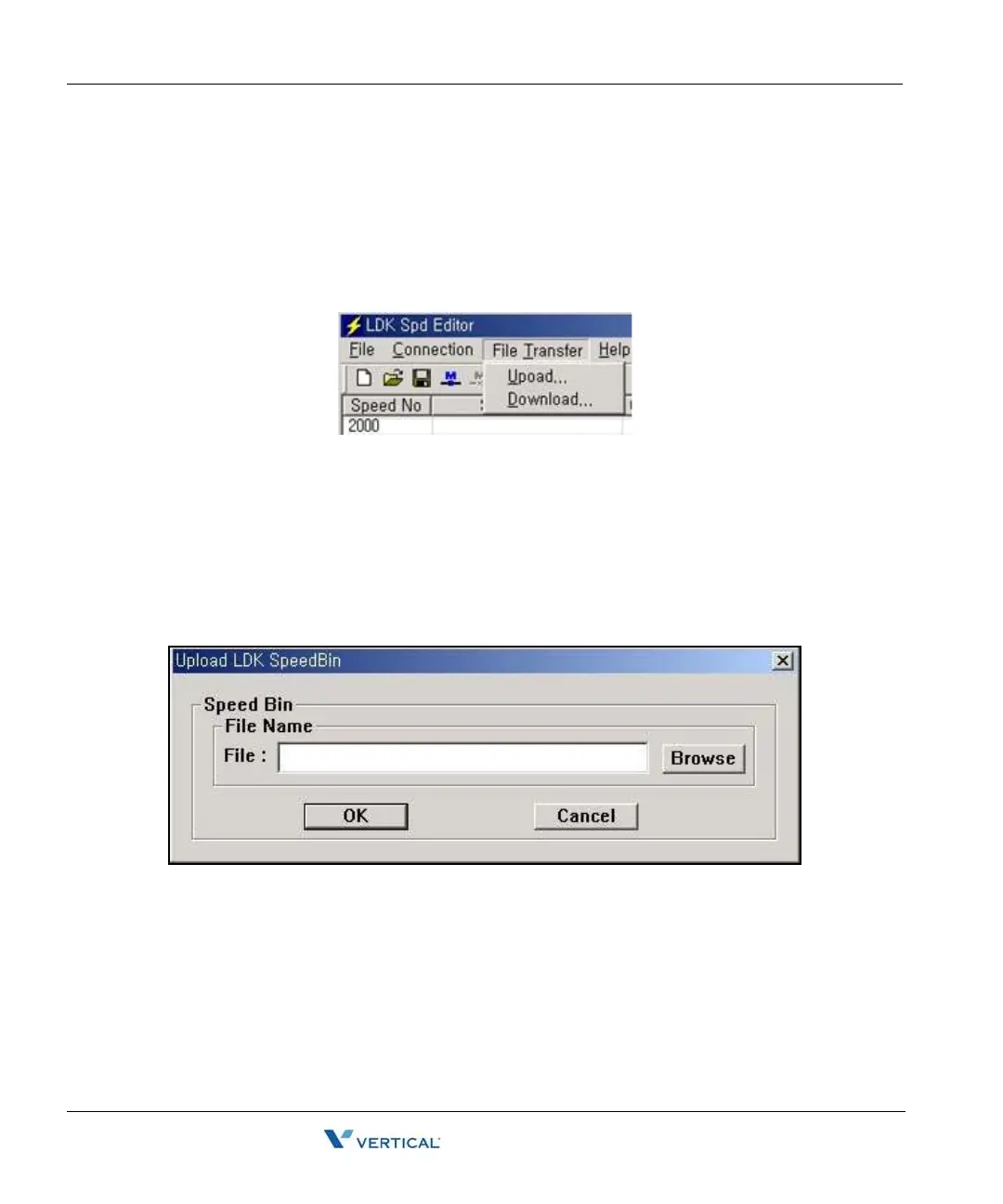
File Transfer Menu
When Speed Editor is logged onto the SBX IP System, do not use a keyset for editing speed
bin data.
Recommendation: When speed editor accesses network drives, opening and saving files can
fail due to the network condition. Therefore, it is recommended that you copy files onto local
drives.
Upload
1. Check to see if the file that you want to upload is being used by another process. If the
file is open, you cannot upload it.
2. Select [Upload] sub-menu in [File Transfer] menu.
3. Select [Browse], and select a file to upload.
4. Click the [OK] button.



 To Next Page