Desktop 2-12
Chapter 2: SBX IP Offline PCAdminPro
SBX IP - PC Admin Guide
Desktop
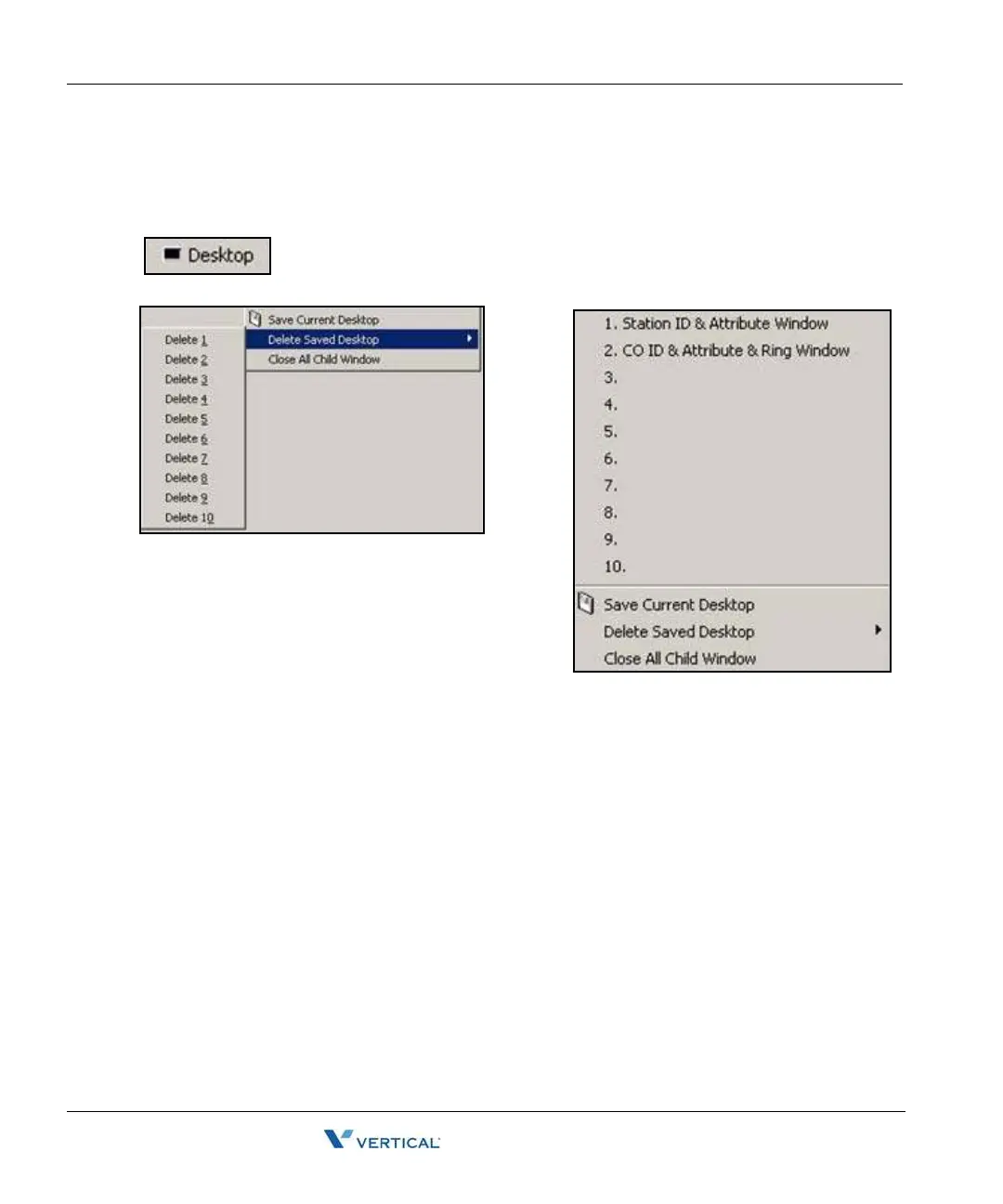
This feature allows you to save a window’s position and size, and be able to switch between up
to 10 saved desktop windows.
This icon is at the top menu of the program. Click this icon to popup the
desktop function.
• Restore window
• Click from No. 1 to No. 10 to restore
• From 1 to 10, you can save 10 window positions.
• Save Procedure
• Click the"Save Current Desktop" button
• Name and then click the OK button
• Delete Procedure
• Click the "Delete Saved Desktop" button
• Select the "Delete XX" button to delete
• Close All Child Window
• To close all sub windows, click this button.



 To Next Page