Copy DSS Button (PGM 125) 2-38
Chapter 2: SBX IP Offline PCAdminPro
SBX IP - PC Admin Guide
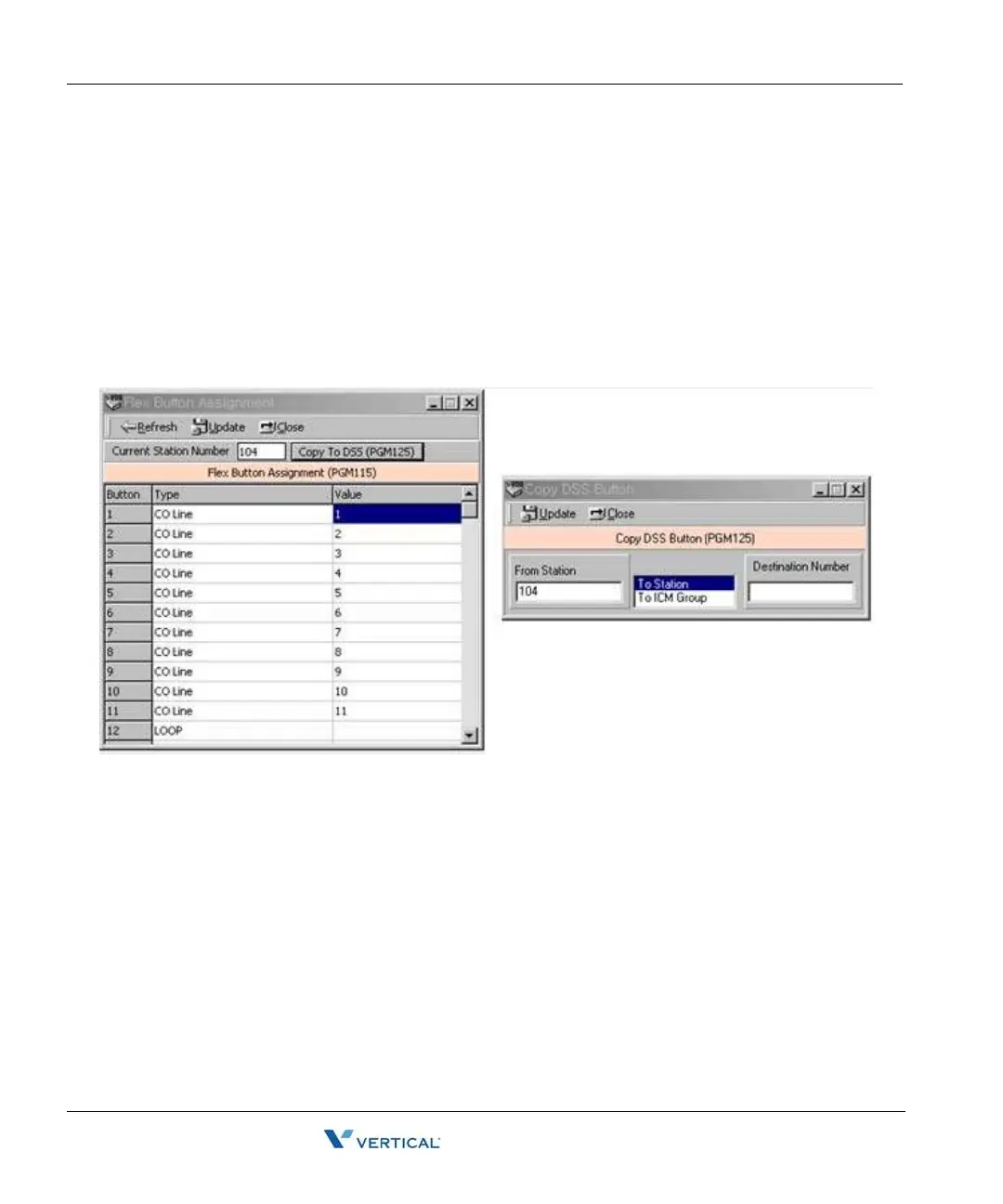
Copy DSS Button ( PGM 125)
The assigned DSS button of a DKTU can be copied to another station or ICM group. This does
not apply to DSS BOX / Doorbox
Operation
1. Click the [Copy DSS Button].
2. Enter the station number and select the type of destination. You can select two types
of destinations. One is station and the other is ICM Group.
3. Press the [Update] button to save the data.
Station I P List for CTI ( PGM126)
The SBX IP does not support CTIU for a CTI link. Instead of CTIU, you can make a CTI
connection with a LAN connection. To use this feature, you must enter the IP address of the
PC's that you want to use with CTI. For example, if you use station 100 and your IP address is
10.0.0.5, then you should enter this table with station 100 and IP address of 10.0.0.5.
You can enter this mapped table up to the max station numbers of the SBX IP. The limitation is
dependent on the lock key that is installed on SBX IP system.



 To Next Page