Hot/Warm Line Selection (PGM 122) 1-39
Chapter 1: SBX IP Online PC Admin
SBX IP - PC Admin Guide
Hot/ Warm Line Selection ( PGM 122)
This feature lets a station perform a pre-assigned feature as soon as lifting the handset or
pressing the [SPEAKER] button as if a station selects the feature (Hot Line). On the other hand,
Idle Line Selection for a station which is assigned to a warm line is activated when you take no
action for Warm Line Timer setting after lifting the handset or pressing the [SPEAKER] button
(Warm Line). Warm line is programmable at PGM 113.
All stations are not assigned any Idle Line Selection by default.
Operation
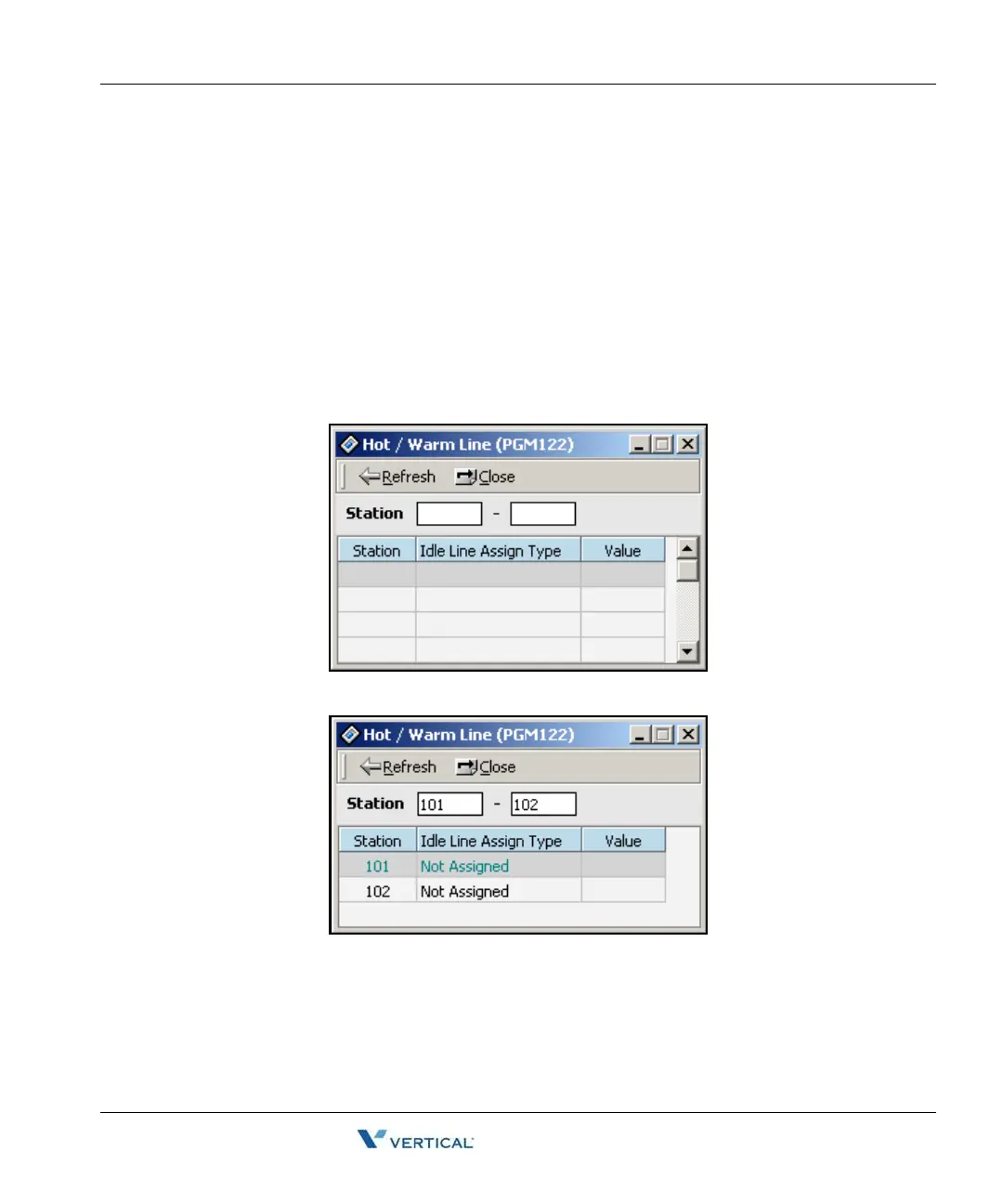
1. Click [Hot/Warm Line] then you will see the list of Hot/Warm line programming.
If there is no data, the table will be empty.
2. Enter a station range, then click on [Refresh].



 To Next Page