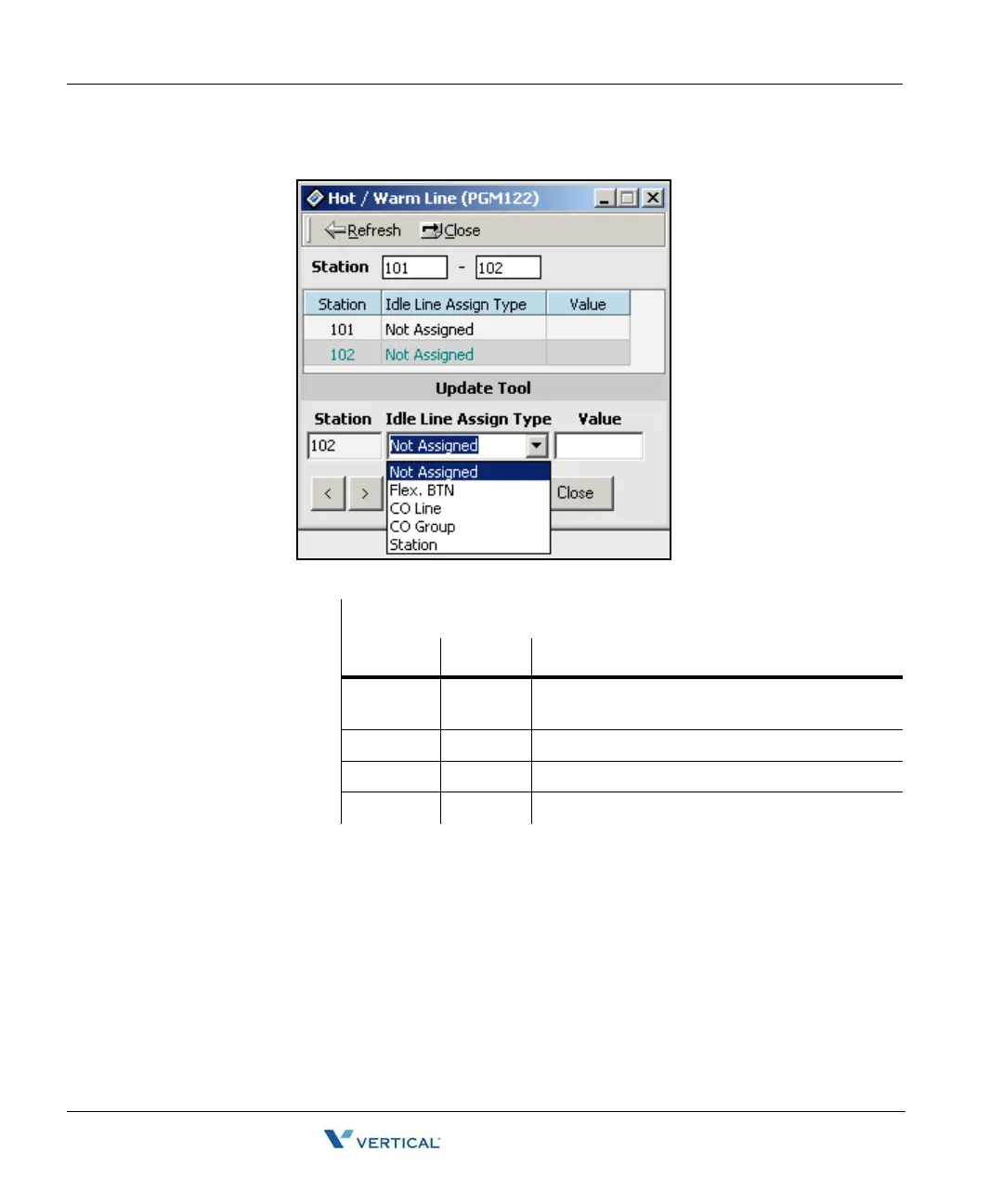
Hot/Warm Line Selection (PGM 122) 1-40
Chapter 1: SBX IP Online PC Admin
SBX IP - PC Admin Guide
3. Right-click under the headings in the blue area, then click on the [Update Tool] button.
4. After setting data, press the [Update] button in the Update Tool to save changes.
Values for Hot/Warn Line Selection
ITEM RANGE REMARK
Flex Btn 01-48 To activate a feature on a flex button as if
pressed
CO Line 01-12 To seize a CO Line
CO Group 01-24 To seize a CO Line Group
Station 100-131 To call another station



 To Next Page