Basic Information 1-7
Chapter 1: SBX IP Online PC Admin
SBX IP - PC Admin Guide
4. To connect to a site, move the mouse to the site that you want to connect and
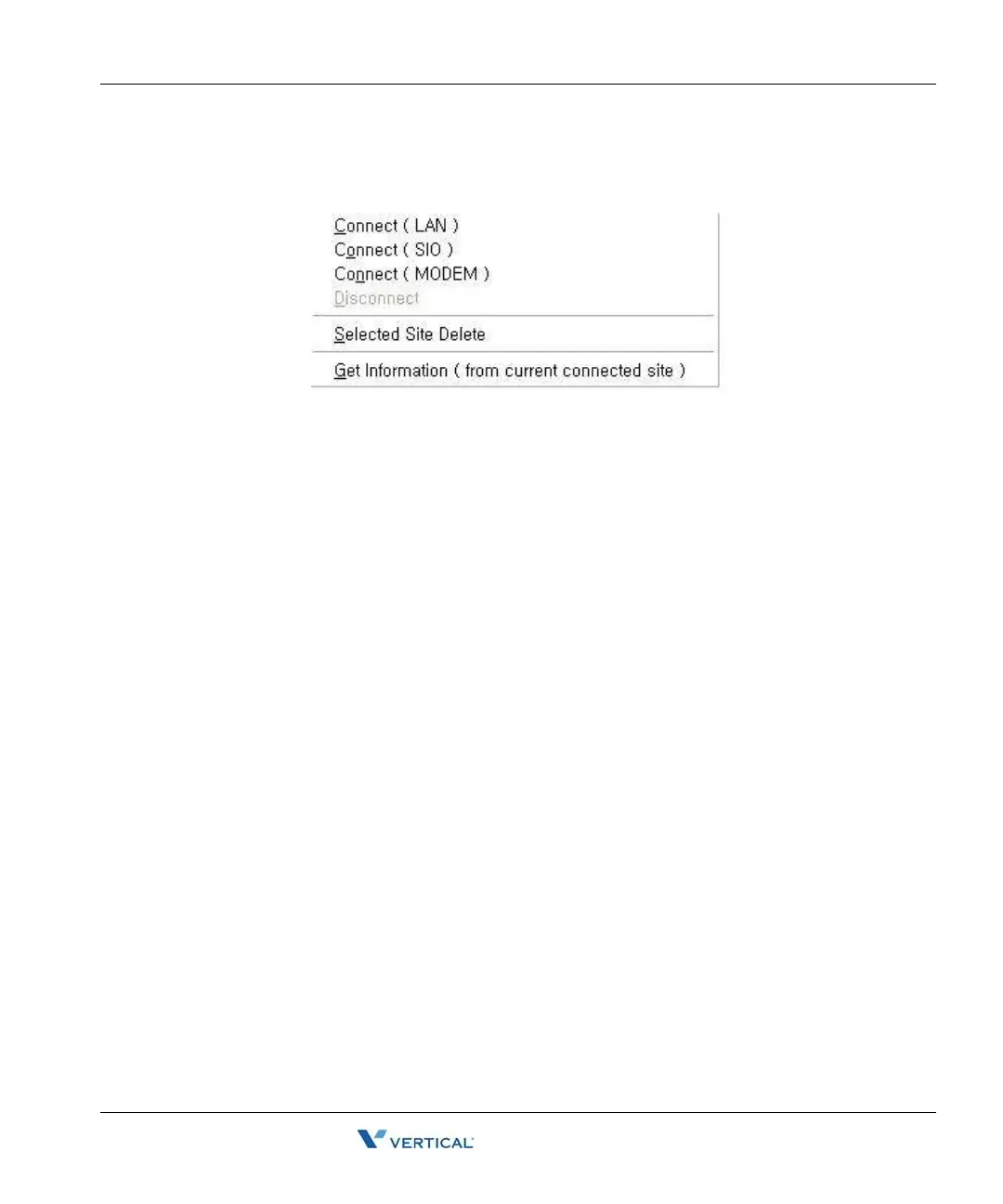
right-click with the mouse button. The following selection menu will display.
From this menu, you can select the type of connection.
Use the "Get Information (from current connected site)" to save the basic configuration of the
site. If you select this menu during your connection, PC Admin will read the basic slot
configuration and will save the data. If you save this data, you can later see this information
without connecting to the site.
[File] > [Connect]
• This menu is for fast connection to the last site that you have visited.
• The PC Admin software remembers the type of connection and connection number (IP
address or telephone number) of the last site visited. So, if you want to connect again to
the last visited site, select this menu instead of selecting site information.
Basic I nformation
Connect LED
If connection is established between PC Admin and the SBX IPsystem, the connect light LED
will illuminate. The Tool Bar shows menu items, including connection and disconnection to the
system, Reload, Debug Window, and Item Window.
Tx/Rx LED
This LED will illuminate when PC Admin sends or receives data from the SBX IP system.
Nation Code and Site Name
This information will be displayed when connection is established between PC Admin and the
SBX IP system.



 To Next Page