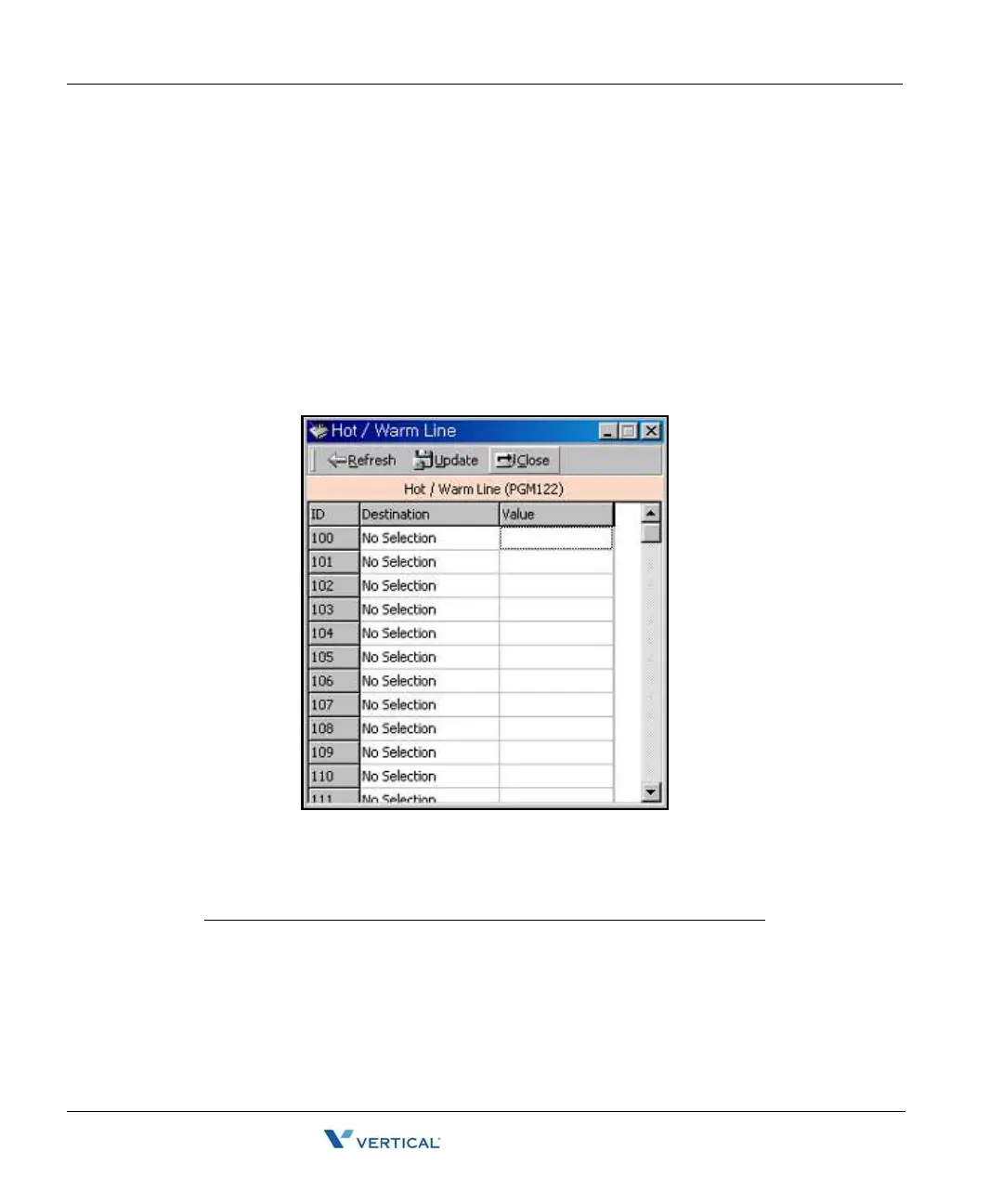
Hot/Warm Line Selection (PGM 122) 2-36
Chapter 2: SBX IP Offline PCAdminPro
SBX IP - PC Admin Guide
Hot/ Warm Line Selection ( PGM 122)
This feature lets a station perform a pre-assigned feature as soon as lifting handset or pressing
the [ON/OFF] button as if a station selects the feature (Hot Line). On the other hand, Idle Line
Selection for a station which is assigned to a warm line, is activated when no action takes place
for the length of time established for the Warm Line Timer after lifting handset or pressing the
[ON/OFF] button (Warm Line). Warm line is programmable at PGM 113.
All stations are not assigned any Idle Line Selection by default.
Operation
• You will see the list of Hot/Warm line programming. If there is no data, the table will display
nothing.
Information for Hot/Warn Line Selection
ITEM RANGE REMARK
Flex Btn 01-48 To activate a feature on a flex button as if
pressed
CO Line 01-12 To seize a CO Line
CO Group 01-24 To seize a CO Line Group
Station 100-131 To call another station



 To Next Page