Basic Operation 2-9
Chapter 2: SBX IP Offline PCAdminPro
SBX IP - PC Admin Guide
Basic Operation
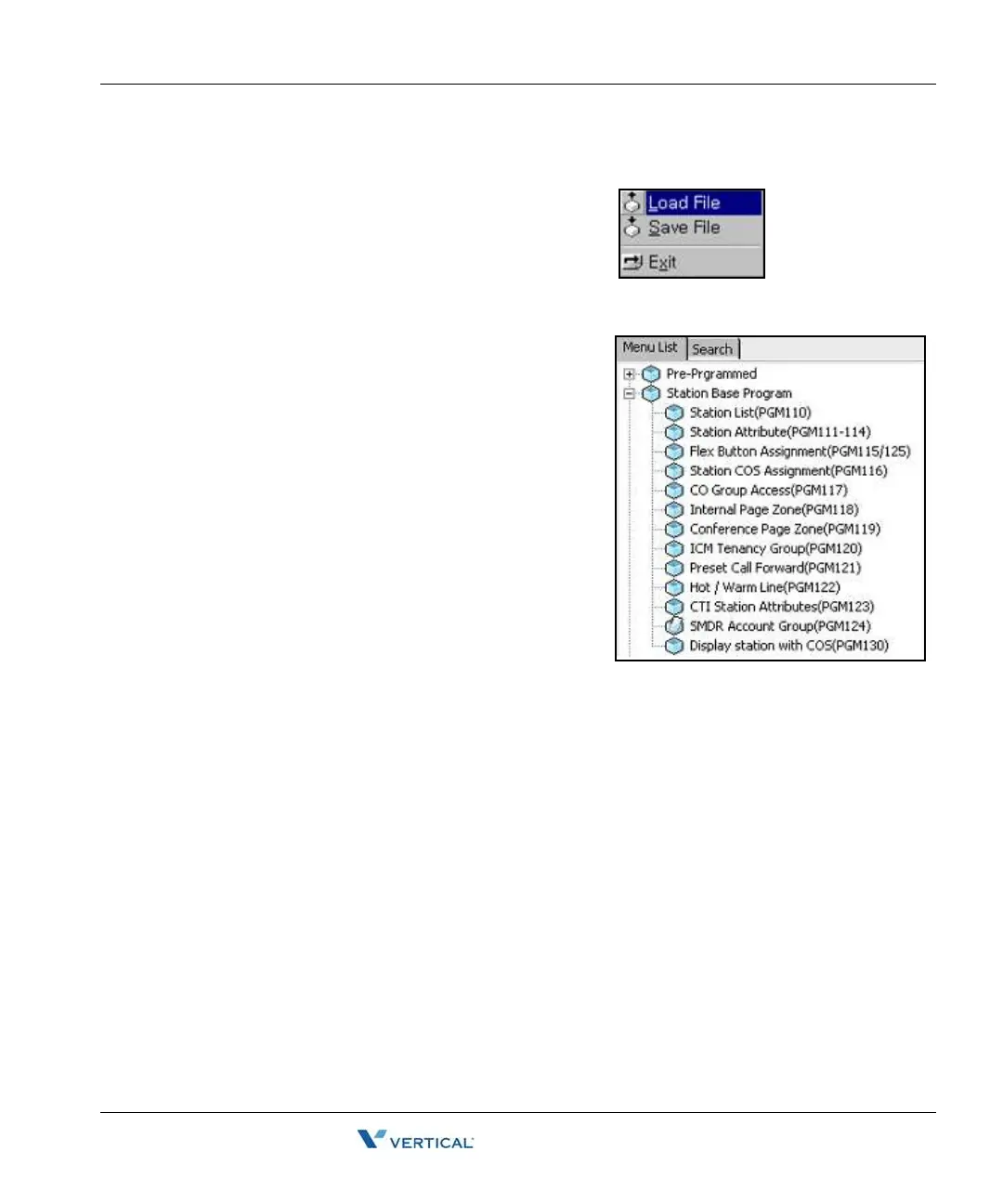
1. Open File - Open the database file from the
"Load File" window.
An "Open Complete" message is displayed in
the information area.
=> [Message] Data is loaded to memory
successfully.
2. Open Window - Click the menu bar button
you want to view, then select an item.



 To Next Page