System Base Program 1-65
Chapter 1: SBX IP Online PC Admin
SBX IP - PC Admin Guide
System Base Program
Use the System Base Program to change any system features.
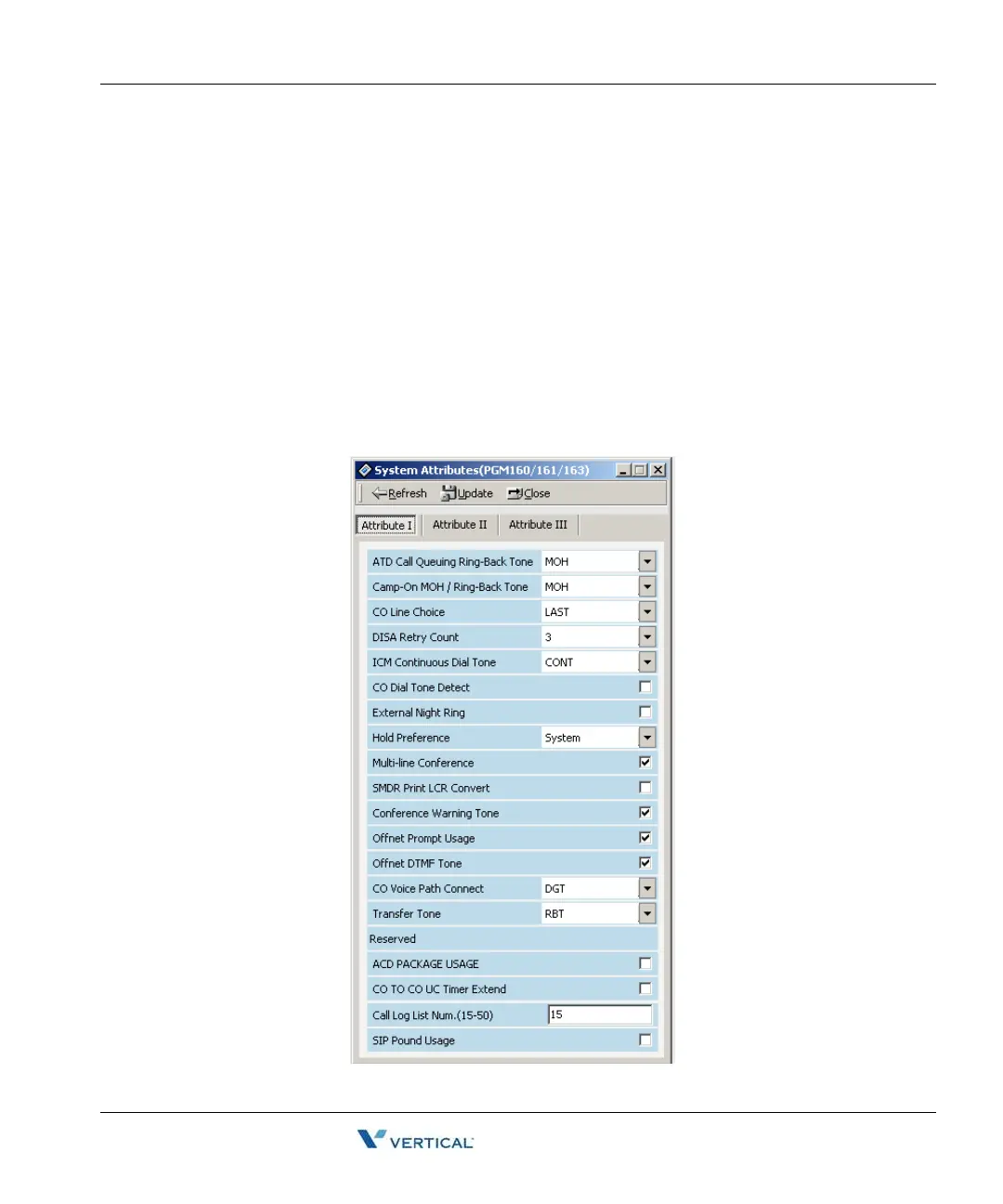
System Attributes ( PGM 160/ 161/ 163)
This area of programming changes system attributes.
Operation
1. Select System Attributes in main menu. The System Attribute I window will be display
and you can select System Attribute II or III by pressing each button.
2. After editing, press the [Update] button to save the changes.



 To Next Page