Flex Buttons Assignment (PGM 115) 1-30
Chapter 1: SBX IP Online PC Admin
SBX IP - PC Admin Guide
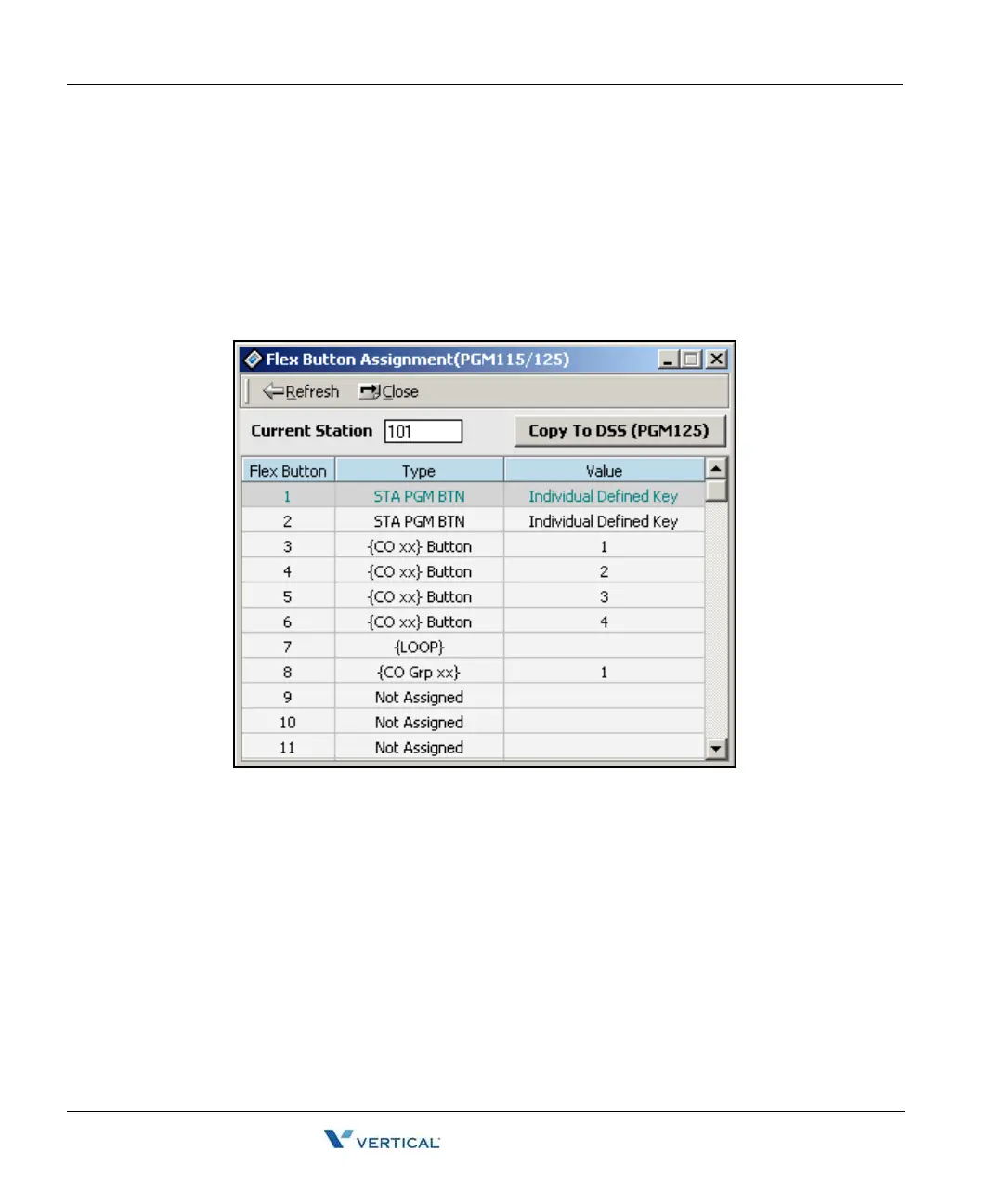
Flex Buttons Assignment ( PGM 115)
This feature is to enable programming flexible button and copy feature (PGM 125). Select
[Flexible button assignment] from the popup menu and the configuration window displays.
Operation
1. Select [Flex Button Assignment].
2. Click the [Update] button to edit data.



 To Next Page