LCD Date/Time/Language Display Mode (PGM 169) 1-76
Chapter 1: SBX IP Online PC Admin
SBX IP - PC Admin Guide
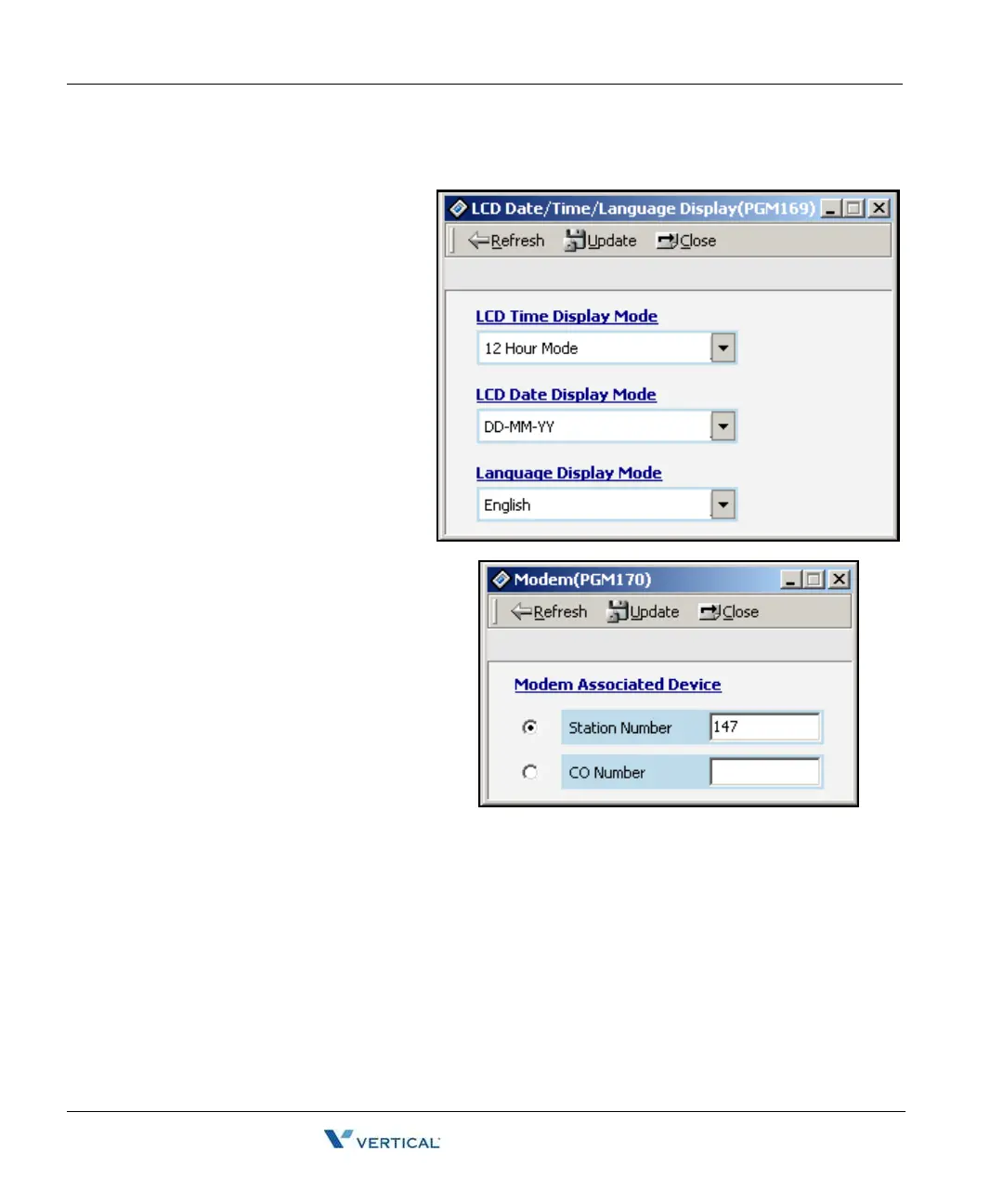
LCD Date/ Time/ Language Display Mode ( PGM 169)
You can set a different
time/date/language display on the
LCD screen.
Operation
1. Click [LCD Data/
Time/Language Display
Mode].
2. LCD Time Mode: 12 Hour
Mode or 24 Hour Mode.
3. LCD Date Mode:
MM-DD-YY or DD-MM-YY.
4. LCD Language: Select
which language.
Modem ( PGM 170)
It must be specified which station or CO
line is connected to the modem. The
last station is assigned by default and
the CO line isn't assigned any default
value.
Operation
1. Click [Modem].
2. The range for station is
100-131. Default value is last
station number.



 To Next Page