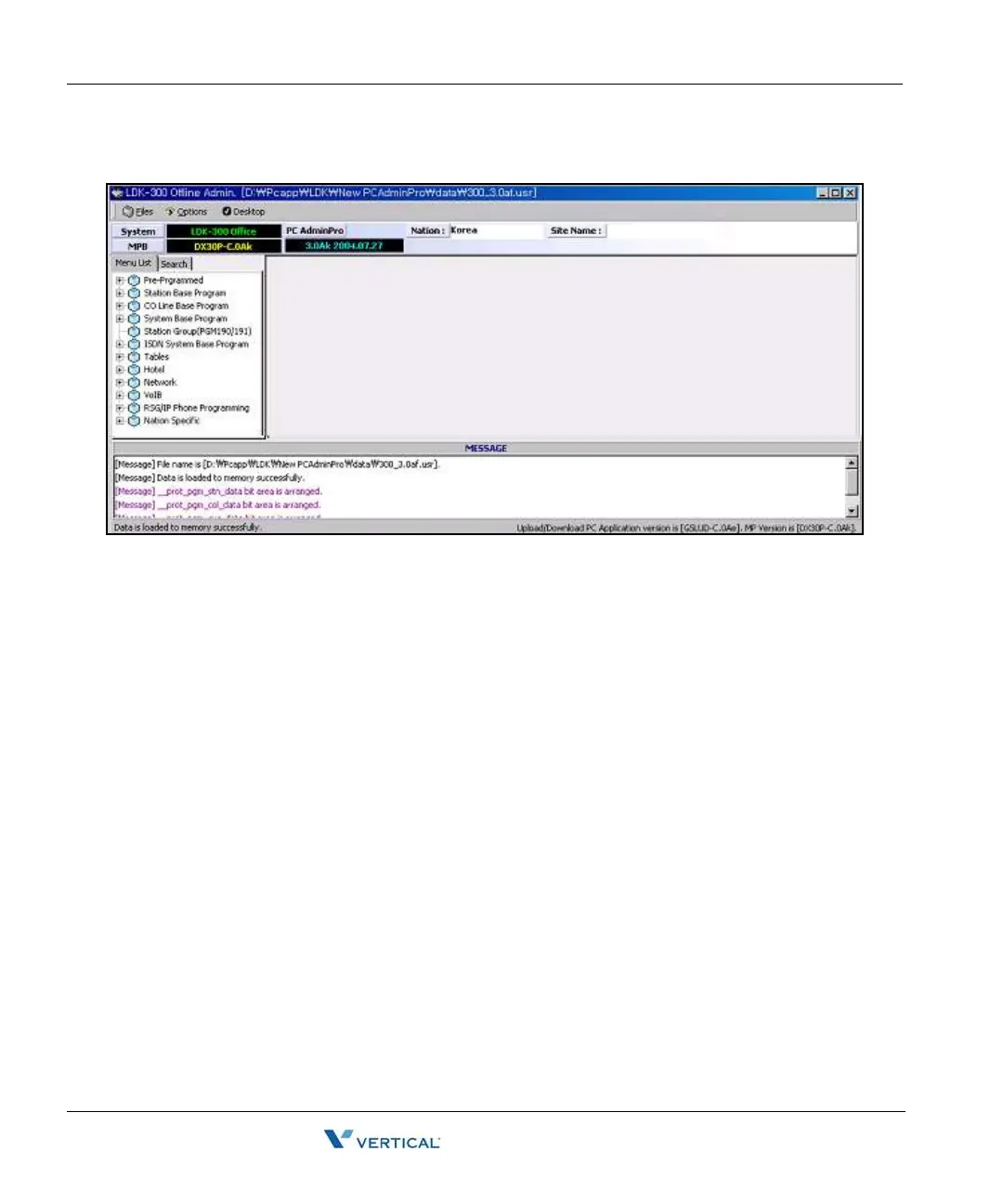
Sub-Window 2-8
Chapter 2: SBX IP Offline PCAdminPro
SBX IP - PC Admin Guide
Sub-Window
• Work Space
When you select the admin menu, the information window of the admin field will be
displayed in this area.
•Menu
• Load File : You can load file.
• Save File : You can save file.
• Options : You can change program environment.
• Desktop : To memory window position and size, and bring back anytime.
• Exit
• Menu List
The Admin Menu is displayed.
•Search
PGM No.: You can run admin window by inputting PGM Number directly.
Search : You can run admin window by inputting the string of admin menu.
• Information Display Area
Operation result message is displayed here.
•Status Bar
The Status Panel shows the final displayed result message.



 To Next Page