System Date / Time (PGM 178) - Not Used 1-88
Chapter 1: SBX IP Online PC Admin
SBX IP - PC Admin Guide
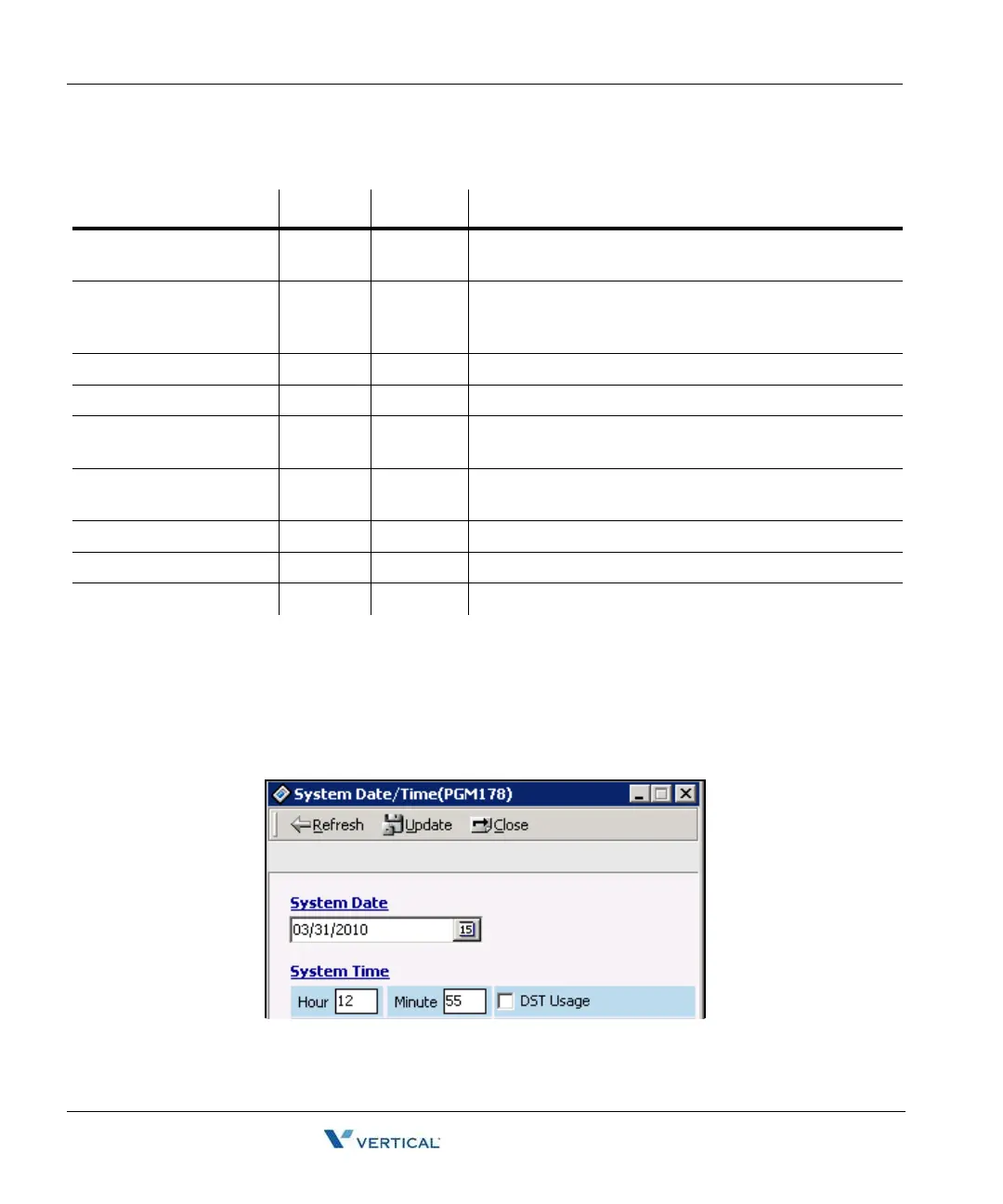
System Date / Time ( PGM 178) - Not Used
You can set the system date/time.
Operation
1. Click [System Date/Time].
2. Set the values and click the [Update] Button. The changed values will display on the
LCD screen of your keyset instantly.
SMDR Long Distance Call
Digit Counter
7-15 7 If the SMDR digits are more than this value, the system
considers it as a long distance call.
SMDR Long Distance
Codes
Flex Btn
1-5
0 A maximum of 5 SMDR Long Distance codes are
available. The SMDR Long Distance code is 1 or 2 digits
number. By default, the SMDR Long Distance Code is 0.
MSN Print On SMDR ON/OFF OFF Enable or Disable printing MSN on SMDR
Print Caller Number ON/OFF OFF Enable or Disable printing of the Caller Number
ICM SMDR Save ON/OFF OFF If this value is set to ON, ICM call data is stored in Off-line
SMDR
ICM SMDR Print ON/OFF OFF If this value is set to ON, ICM call data is printed in On-line
SMDR
SMDR Interface Service ON/OFF OFF --
I-SMDR Connection Type SIO/LAN SIO --
I-SMDR Author Index ON/OFF OFF --
SMDR Attributes (PGM 177)
ITEM RANGE DEFAULT REMARK



 To Next Page