CO Line Base Program 1-50
Chapter 1: SBX IP Online PC Admin
SBX IP - PC Admin Guide
CO Line Base Program
Use this CO Line Base Program to change CO Line features. The program numbers are from
PGM140 TO PGM147.
CO Related Admin ( PGM 140/ 141/ 142/ 143/ 146/ 147)
PC Admin links various features that are related to each other. So, you can move to another
programming with popup menu.
Operation
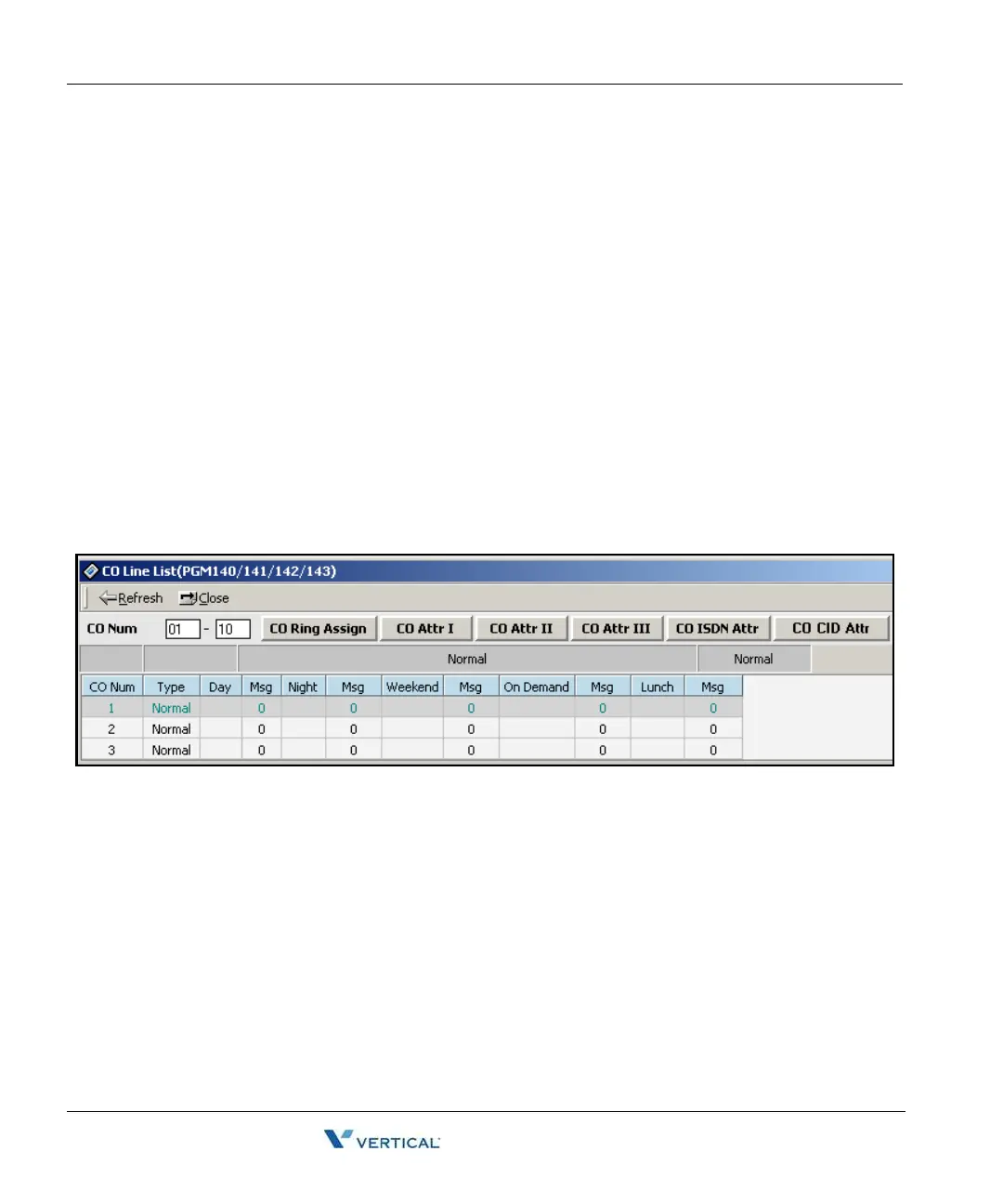
Select [CO Line List]. The following window displays CO line basic information.
(PGM140).
To check a range, enter the range in the index field.
-or-
You can press the [Refresh] button and PC Admin will search and display information for
the entire CO range.(1 - NO_OF_COLS).
With this window, you can select a linked menu by right-clicking in the data area of the
window and then selecting an option from the popup menu or by clicking on one of the
tabs above the data area.



 To Next Page