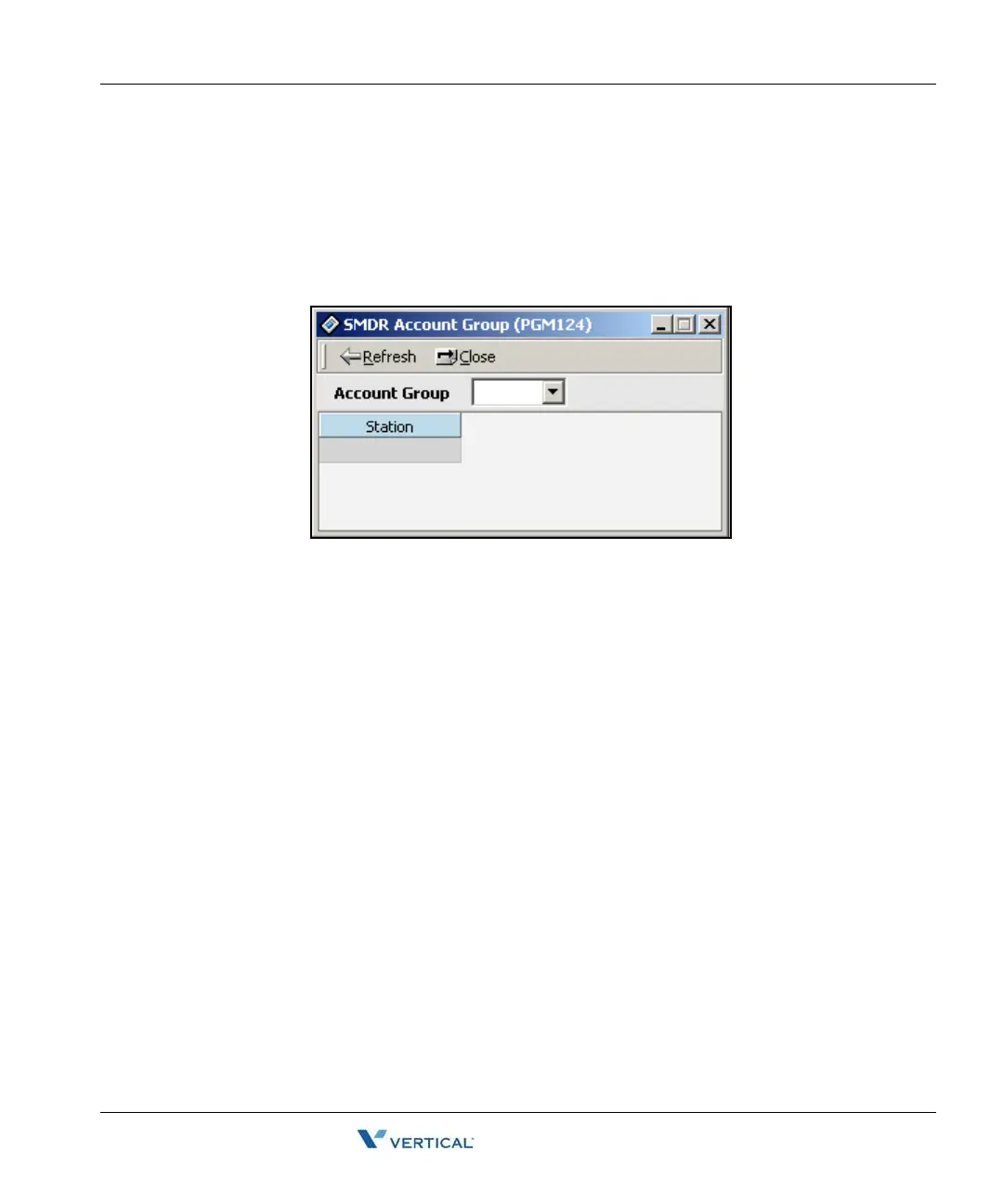
SMDR Account Group (PGM 124) 1-41
Chapter 1: SBX IP Online PC Admin
SBX IP - PC Admin Guide
SMDR Account Group ( PGM 124)
Stations can be assigned as a member of a call account group on SMDR. A station belongs to
only one call account group. The system supports 24 SMDR Account Groups (0-23).
Operation
1. Click [SMDR Account Group].
2. Click in the [Account Group] box to display a dropdown menu, then select an Account
Group (0-23).
By default, all stations are in group 0. Once stations are placed in a different group they
cannot be deleted; however, they can be moved back into group 0 or another group as
desired.
3. Right-click on [Station] or the adjacent area, then click on the [Update Tool] button.



 To Next Page