Installation of the Offline PCAdminPro Software 2-3
Chapter 2: SBX IP Offline PCAdminPro
SBX IP - PC Admin Guide
I nstallation of the Offline PCAdminPro Software
1. Insert CD-ROM to be installed into the CD-ROM Drive of the PC.
2. Double-click "setup.exe".
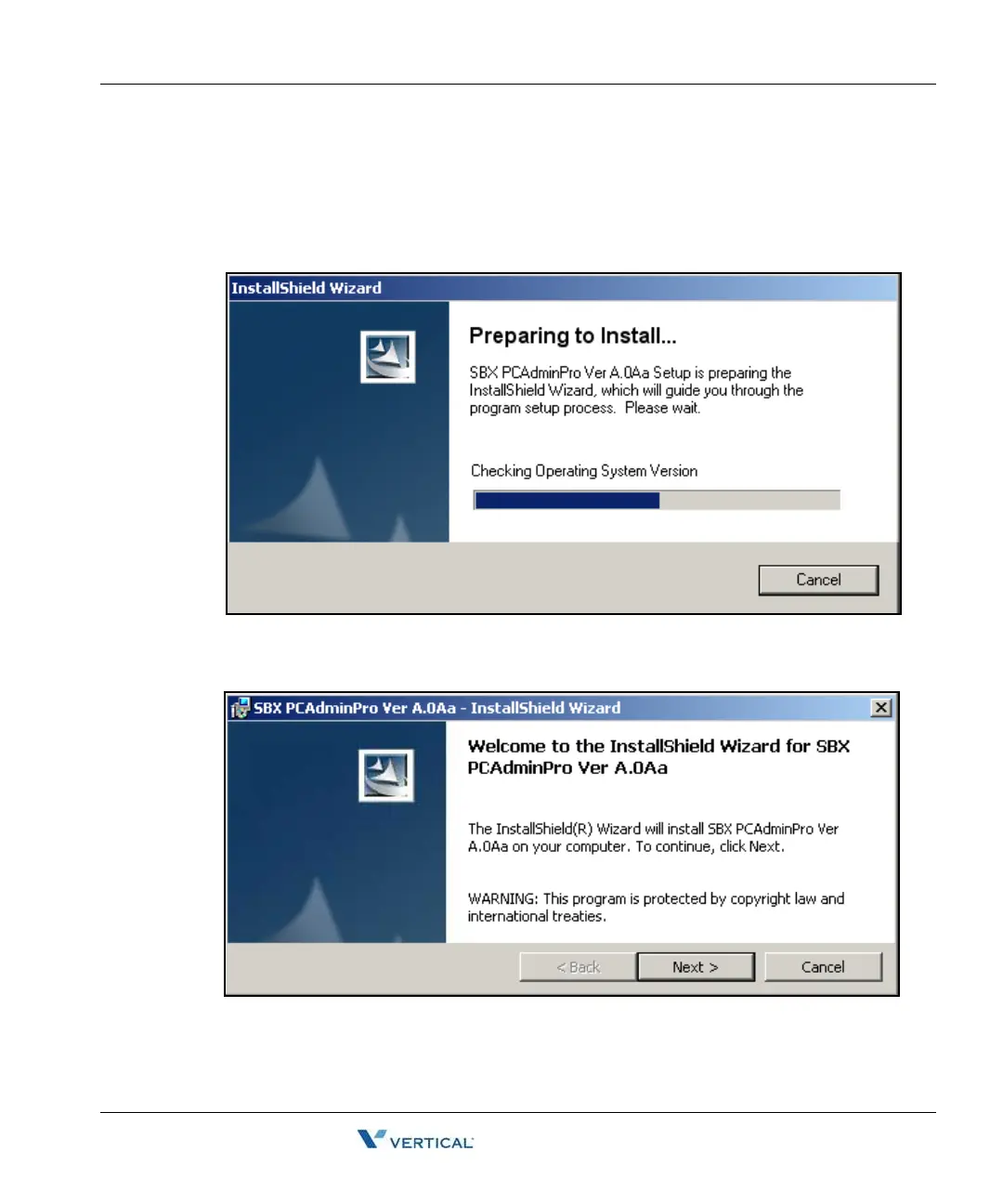
The "Preparing to install" progress window will display
If you want to cancel, click the Cancel button.
The "Welcome to the Install Shield Wizard for SBX PCAdminPro" window will appear.
3. Click the "Next" button.



 To Next Page