Installation of the Offline PCAdminPro Software 2-4
Chapter 2: SBX IP Offline PCAdminPro
SBX IP - PC Admin Guide
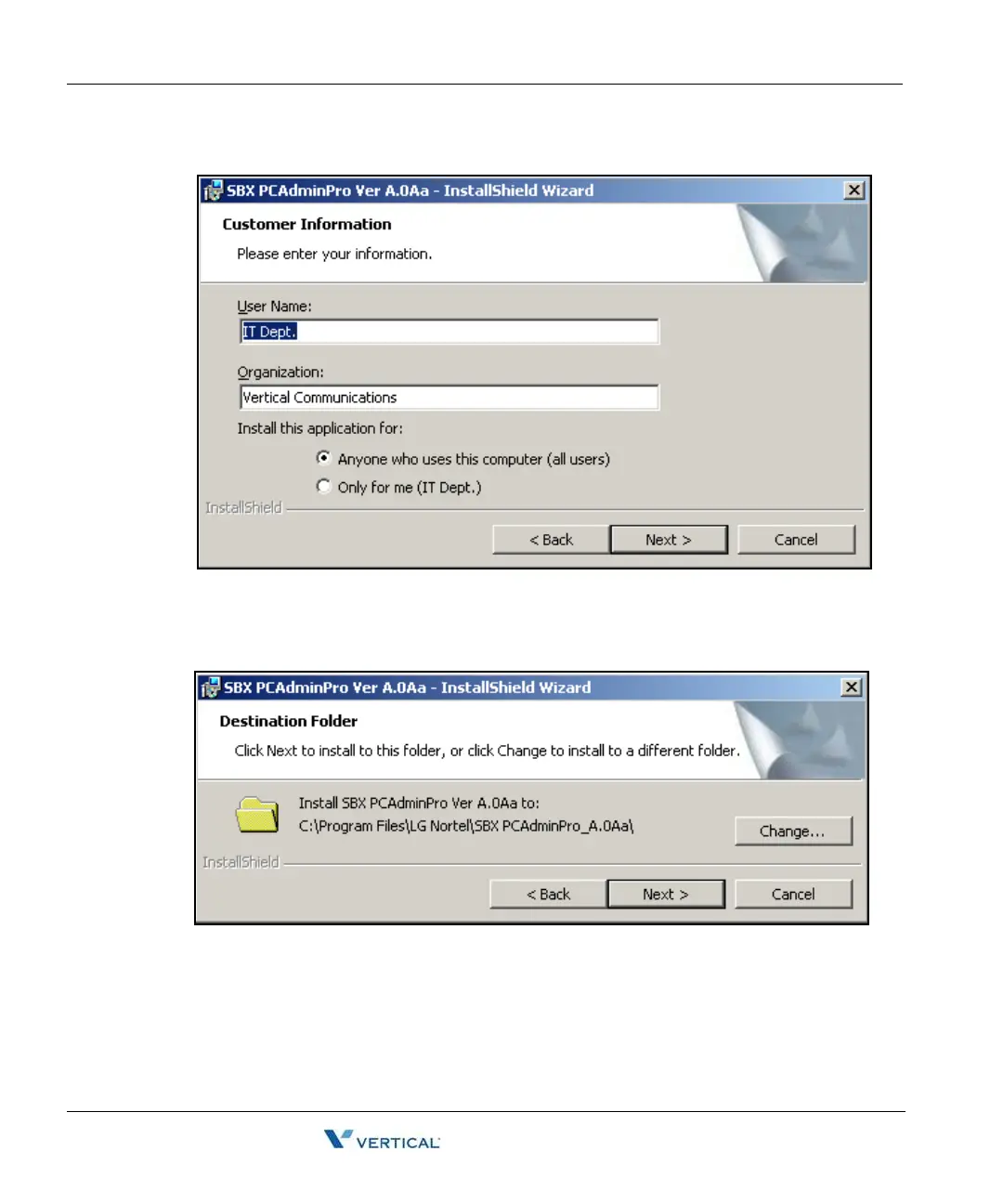
The "Customer Information" window will appear.
4. Input your name and your organization.
5. Click the "Next" button.
The "Destination Folder" window will appear.
6. Confirm the Current Path Setting or change the path
7. Click the "Next" Button.



 To Next Page