External Control Contact (PGM 168) 1-75
Chapter 1: SBX IP Online PC Admin
SBX IP - PC Admin Guide
• Busy Destination (When a station is busy)
- TONE: A tone will be heard.
- ATD: Call will be forwarded to the attendant.
- Station Group: Call will be forwarded to a station group.
• No Answer Destination (When there is no answer), input a station group to be forwarded.
- TONE: A tone will be heard.
- ATD: Call will be forwarded to the attendant.
- Station Group: Call will be forwarded to a station group.
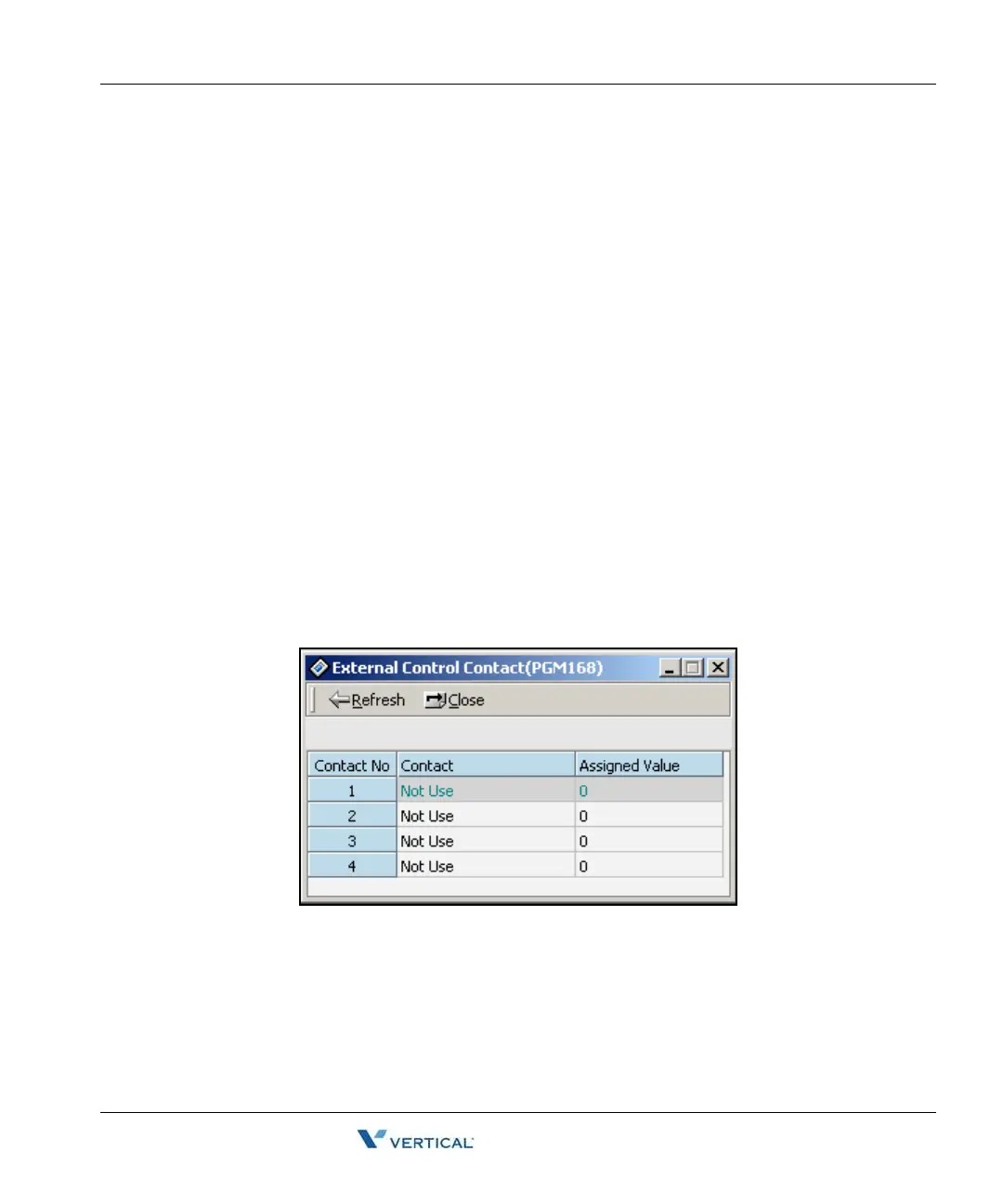
External Control Contact ( PGM 168)
Loud Bell Control, Door Open, and External Device Control can be set to use an external control
contact. The contact feature is ranged from 1 to 4. A default value is not assigned.
Operation
1. Right-click and select [Update]. Then you will see the following window.
2. After editing, press the[Update] button on the update panel to save changes.
3. Select one of the control contacts.
4. In case of Loud Bell Control, you should indicate a station to be assigned.



 To Next Page