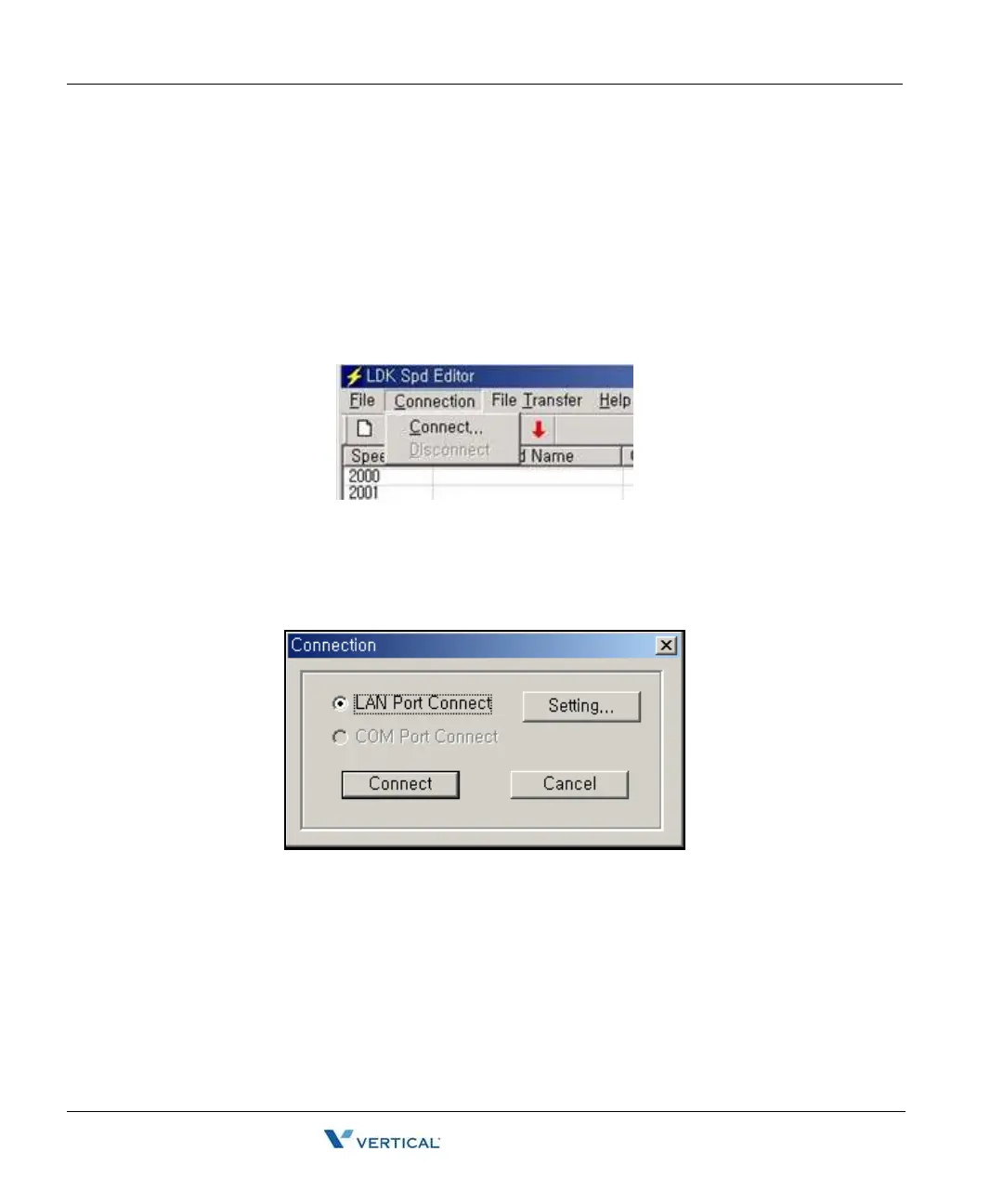
Connection Menu 3-4
Chapter 3: Speed Editor
SBX IP - PC Admin Guide
[Save File] sub-menu
1. Select [Save File] sub-menu in [File] menu. => [Save] Dialog displays.
2. Select the file type: text, doc, or Excel.
3. Click the [OK] button.
Connection Menu
This program can be connected to the SBX IP system through the LAN.
[Connect] sub-menu
1. Select [Connect] sub-menu in [Connection] menu. => [Login] Dialog displays.
2. If your PC is connected to the SBX IP system by a LAN, select [LAN Port Connect].
For the LAN connection between the PC and the SBX IP system, there must be a
physical connection with 10BaseT Cable to local network and the SBX IP system and
PC must have valid IP addresses.



 To Next Page