Basic Operation 2-10
Chapter 2: SBX IP Offline PCAdminPro
SBX IP - PC Admin Guide
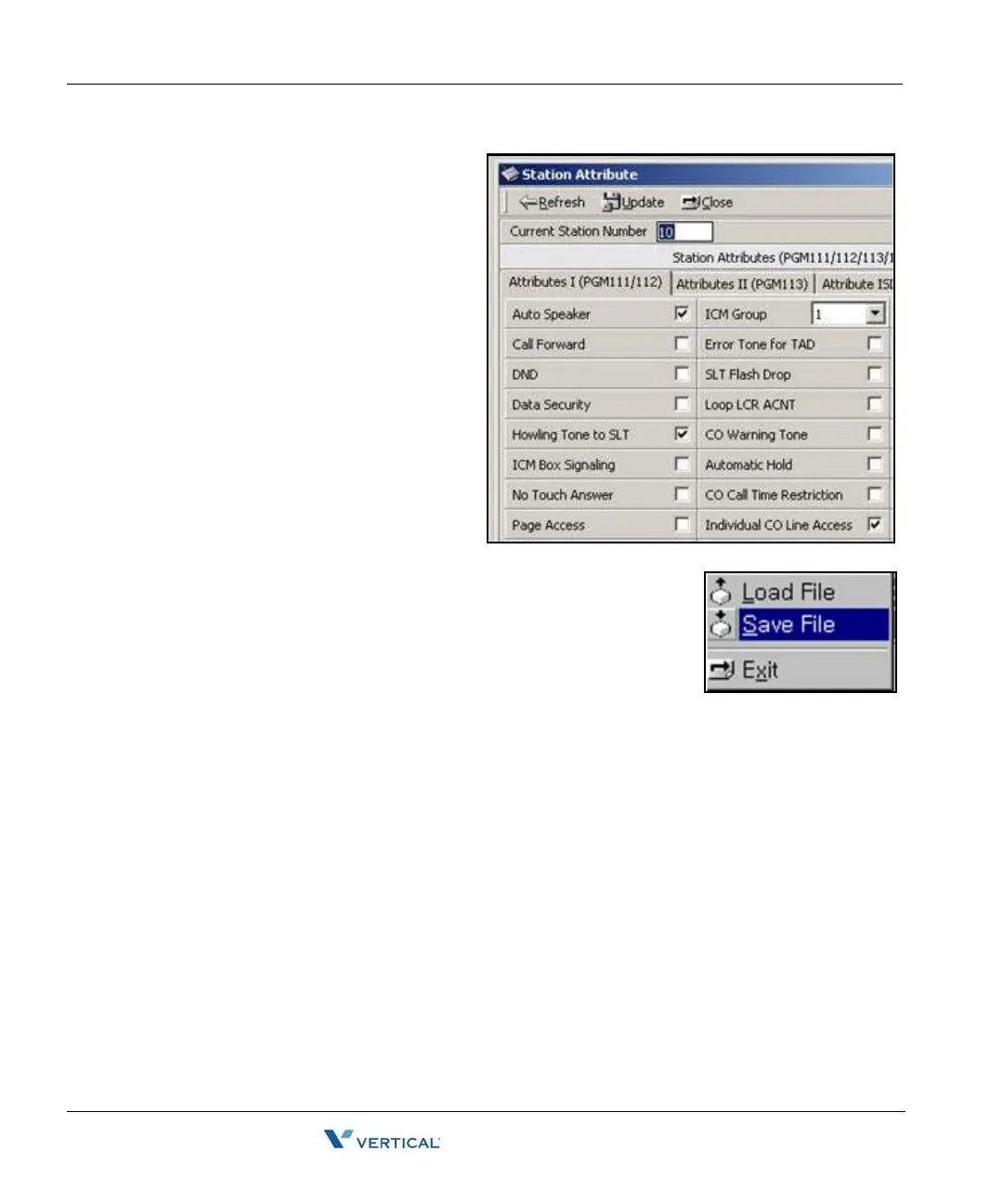
3. View DB - To view information,
Click the "Refresh" button. The
information is displayed.
4. Update DB - To update the DB,
change an attribute value and
click the "Update" button. The
DB is saved.
Note:
After clicking the "Refresh" or
"Update" button, the resulting
message is displayed in the
information area.
5. Save File - To save information
to file, click "Save File".
6. Exit - Click the "Exit" button.



 To Next Page