File Transfer Menu 3-7
Chapter 3: Speed Editor
SBX IP - PC Admin Guide
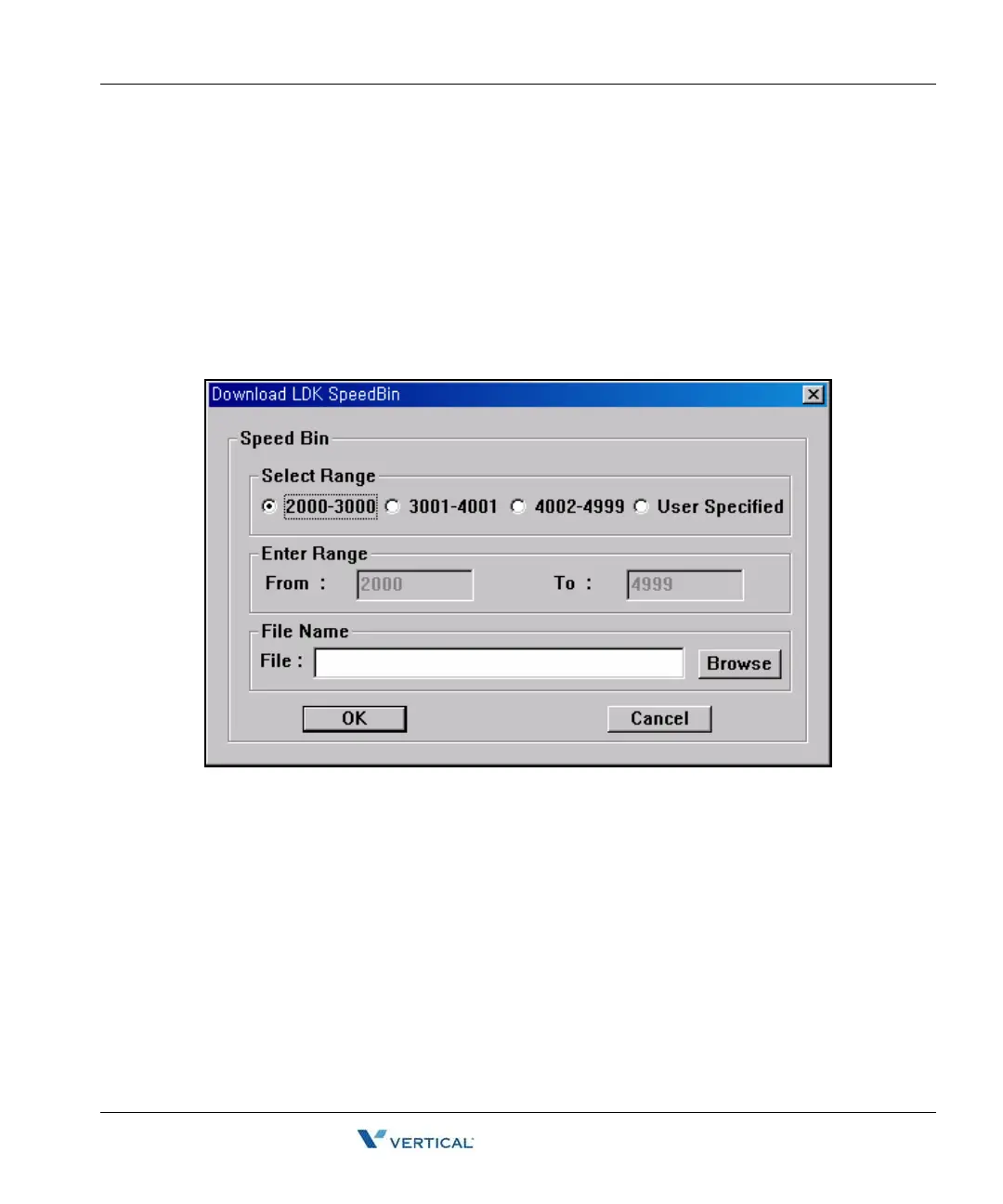
Download
1. Check to see if the file that you want to download is being used by another process.If
the file is open, you cannot download it.
2. Select [Download] sub-menu in [File Transfer] menu.
3. Select a Range. If you select User Specified, enter the range manually in the boxes
below. the User Specified radio button
4. Select [Browse], and name a file you want the speed data to be saved.
5. Click [OK] button to start download.



 To Next Page