Station COS (PGM 116) 1-34
Chapter 1: SBX IP Online PC Admin
SBX IP - PC Admin Guide
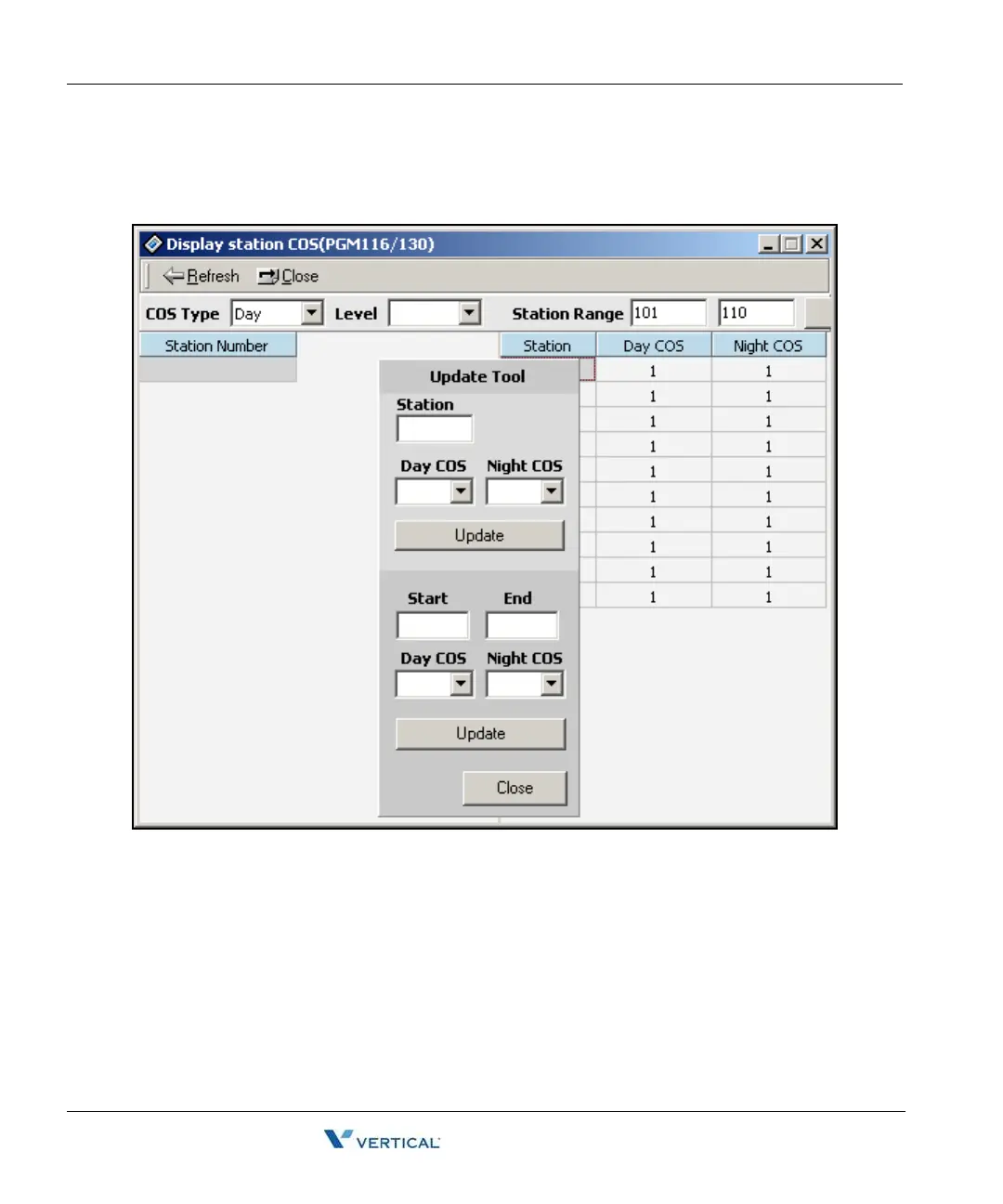
4. To update the COS level, right-click in the window and click on the [Update Tool]
button. The following Update Tool displays where you can change values. With this
tool, you can edit one station or a range of stations.
5. After entering the values, press the [Update] button to save the changes.



 To Next Page