Installation of the Online PC Admin Software 1-4
Chapter 1: SBX IP Online PC Admin
SBX IP - PC Admin Guide
5. You can change the install directory if desired or click [Next] to install the directory to
the default directory as shown in the illustration above.
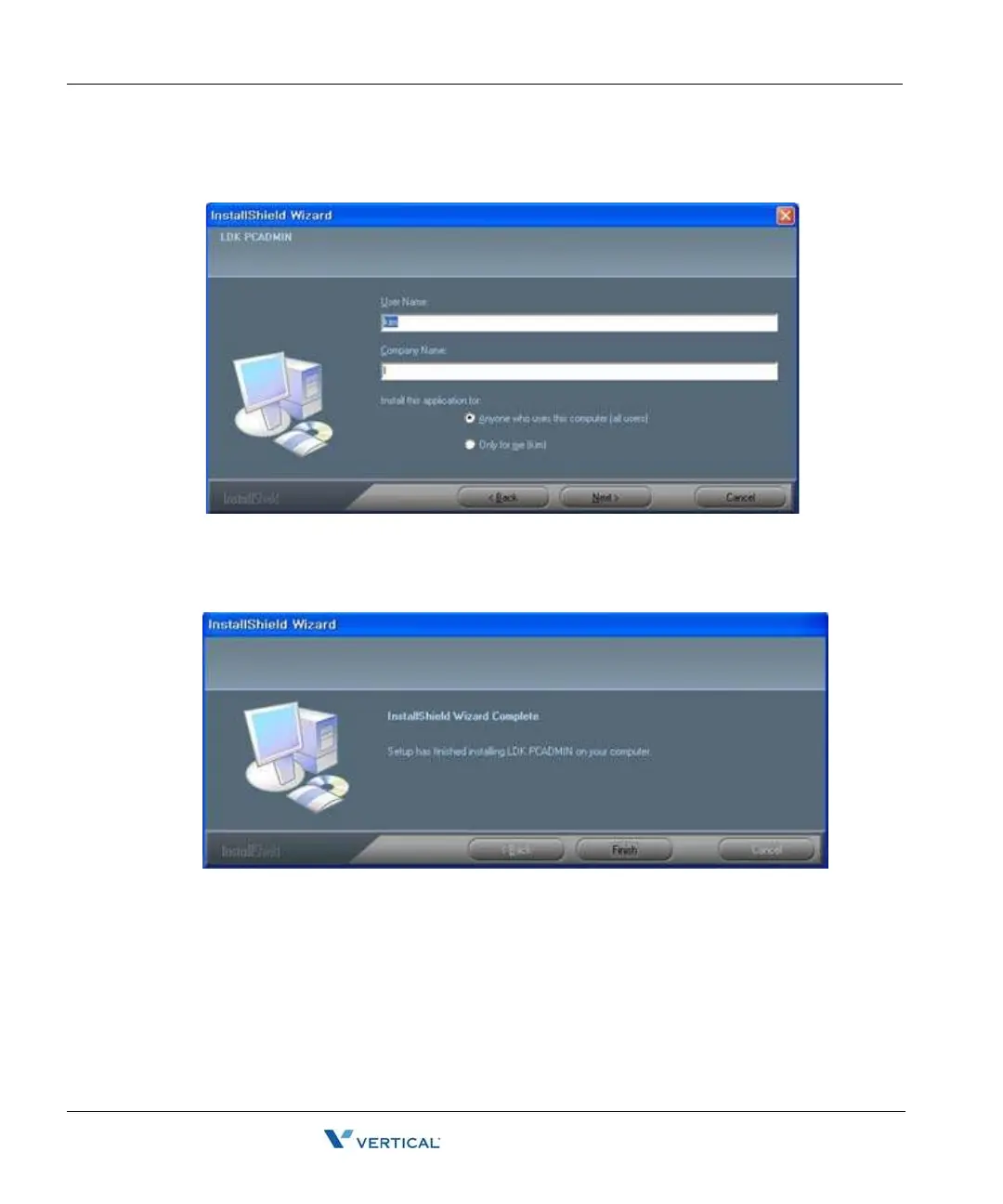
6. Enter a User Name, Company Name, and choose who the application will be installed
for. Then click [Next] to copy the files into the install directory that you have selected in
the previous step.
7. Click the [Finish] button.



 To Next Page