SIP Attributes 1 & 2 1-149
Chapter 1: SBX IP Online PC Admin
SBX IP - PC Admin Guide
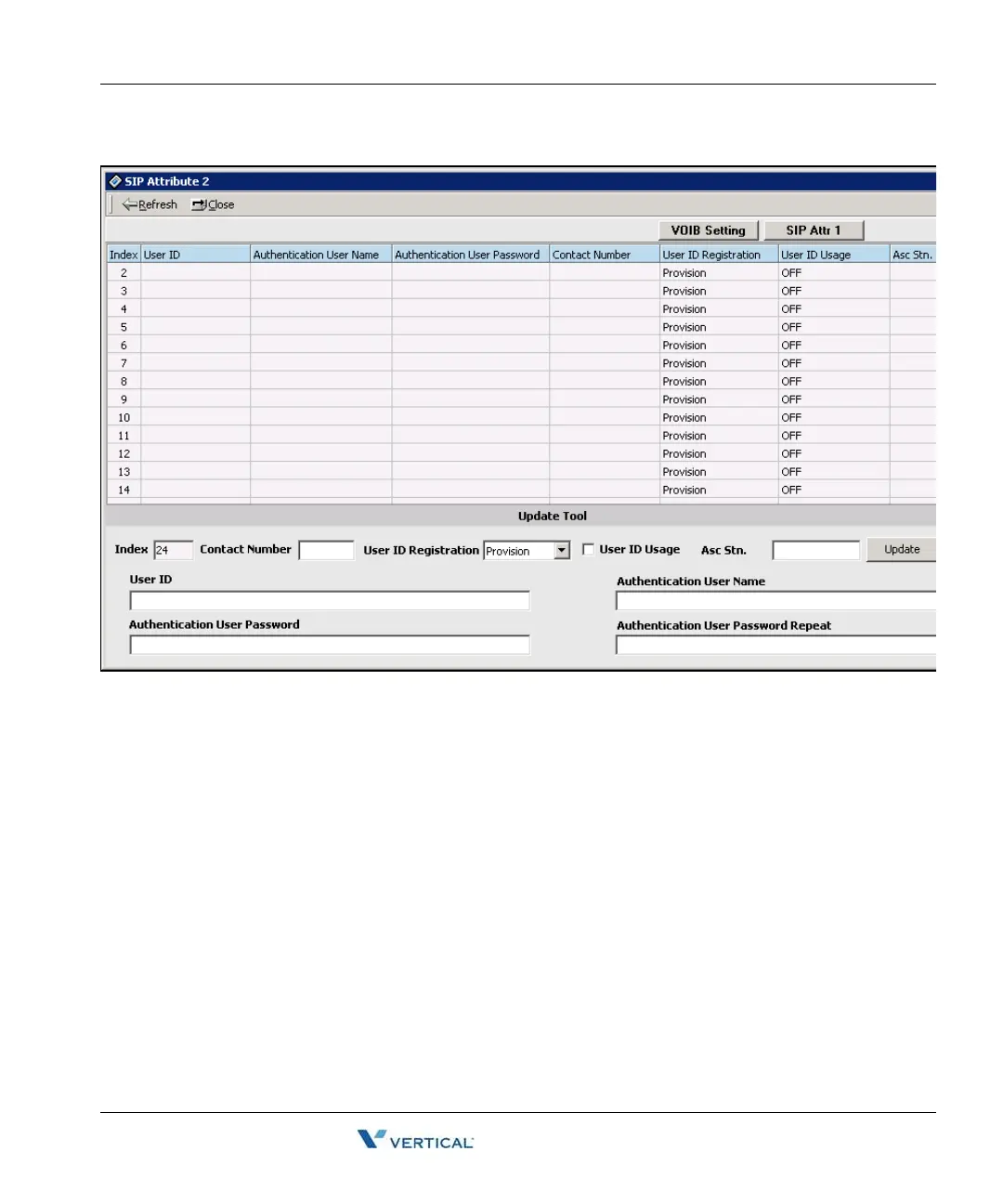
6. Enter the following as appropriate:
• User ID, Authentication User Name, and Authentication User Password can be
entered as text data and as a number. The maximum length of these fields is 64
characters.
• The type of Contact Number must be a number; otherwise, PC Admin will display
an error message.
• Authentication User Password Repeat is used for confirming the user password. If
there is no user password, this field should be empty. But if a password exists, you
should enter the same value in this Repeat field.
7. Click on the [Update] button to save your data.



 To Next Page