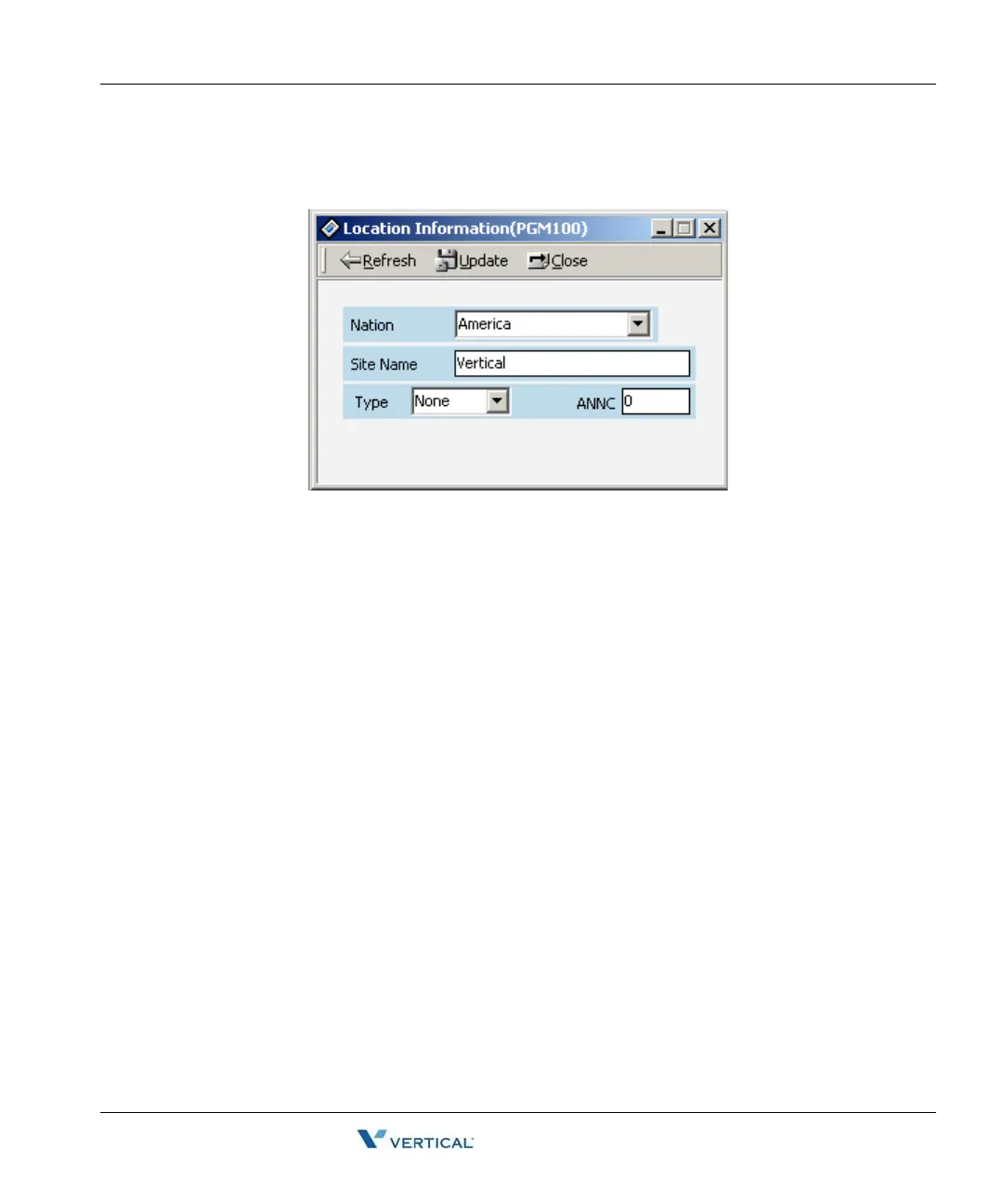
Location Information (PGM 100) 1-13
Chapter 1: SBX IP Online PC Admin
SBX IP - PC Admin Guide
Operation
1. Click [Location Information].
2. USA is the default value of Nation Code. You can change the code.
3. Before changing the Nation Code, check the DB Protected by DIP4. If DB Protected is
enabled, nation code will not be changed.
4. After changing the Nation Code, you have to reset the system. At that time Dip S/W 8
should be located for database protected.
5. You can put any name in the [Customer Site Name] box, up to 23 characters. Both
characters and number are available. You can enter lowercase characters.



 To Next Page