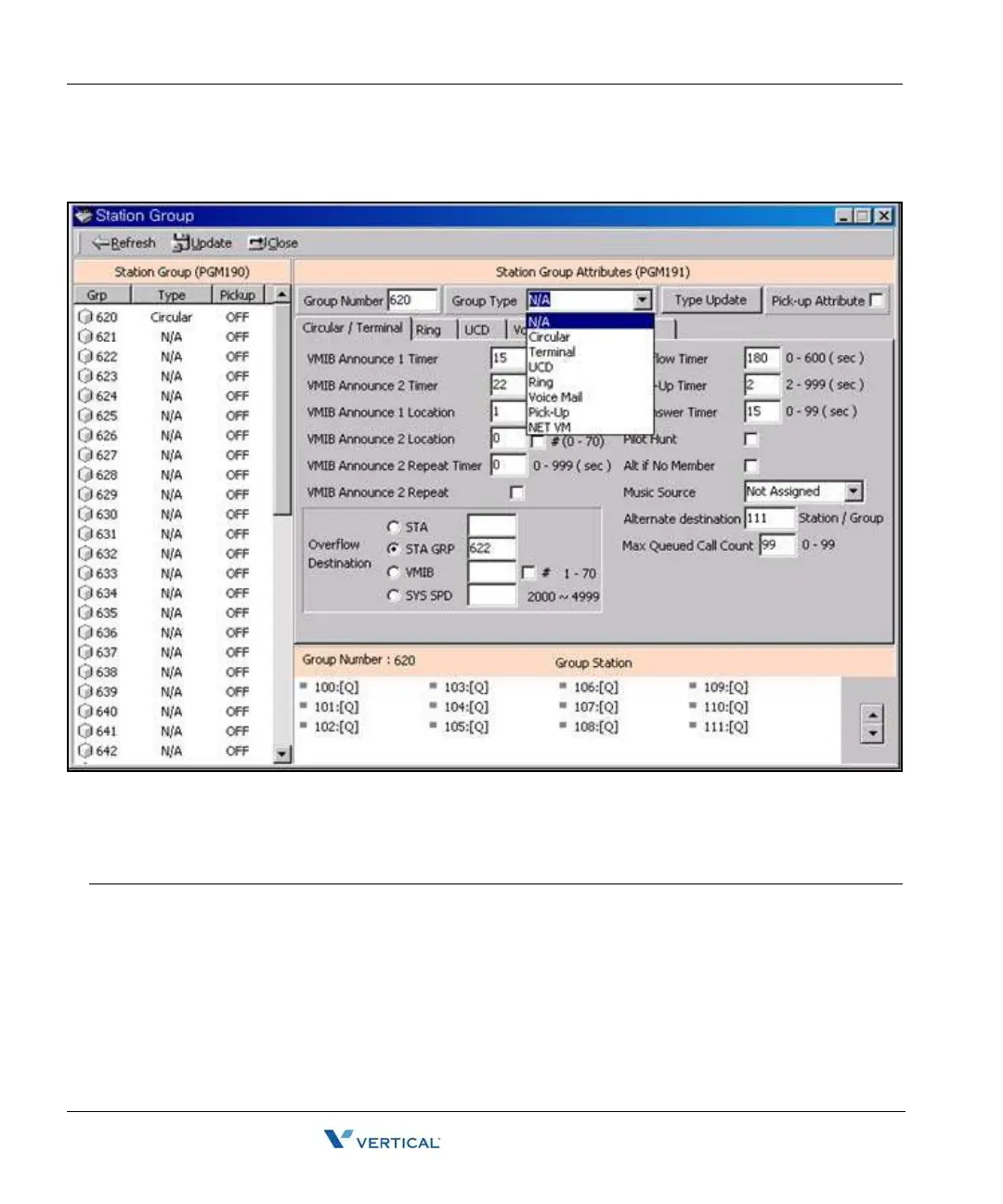
Station Group Assign (PGM 190/191) 2-96
Chapter 2: SBX IP Offline PCAdminPro
SBX IP - PC Admin Guide
9. To delete the assigned station group, select the Group Type as "N/A" and press the
"Type Update" button. Then press the "Update" button.
Station Group Type (PGM 190)
ITEM RANGE DEFAULT REMARK
Group Type 0-7 0 0: Not assigned 4: Ring
1: Circular 5: VM
2: Terminal 6: Pick up
3: UCD 7. Net VM
Pick-up Attribute ON/OFF OFF OFF
Member Assignment Not Assigned -- Group Type must be assigned first.



 To Next Page