Station ID Assignment (PGM 110/111/112/113/114) 1-21
Chapter 1: SBX IP Online PC Admin
SBX IP - PC Admin Guide
2. Right-click for other programming.
3. Select the menu that you want to change. Then a different window for the menu that
you selected will display.
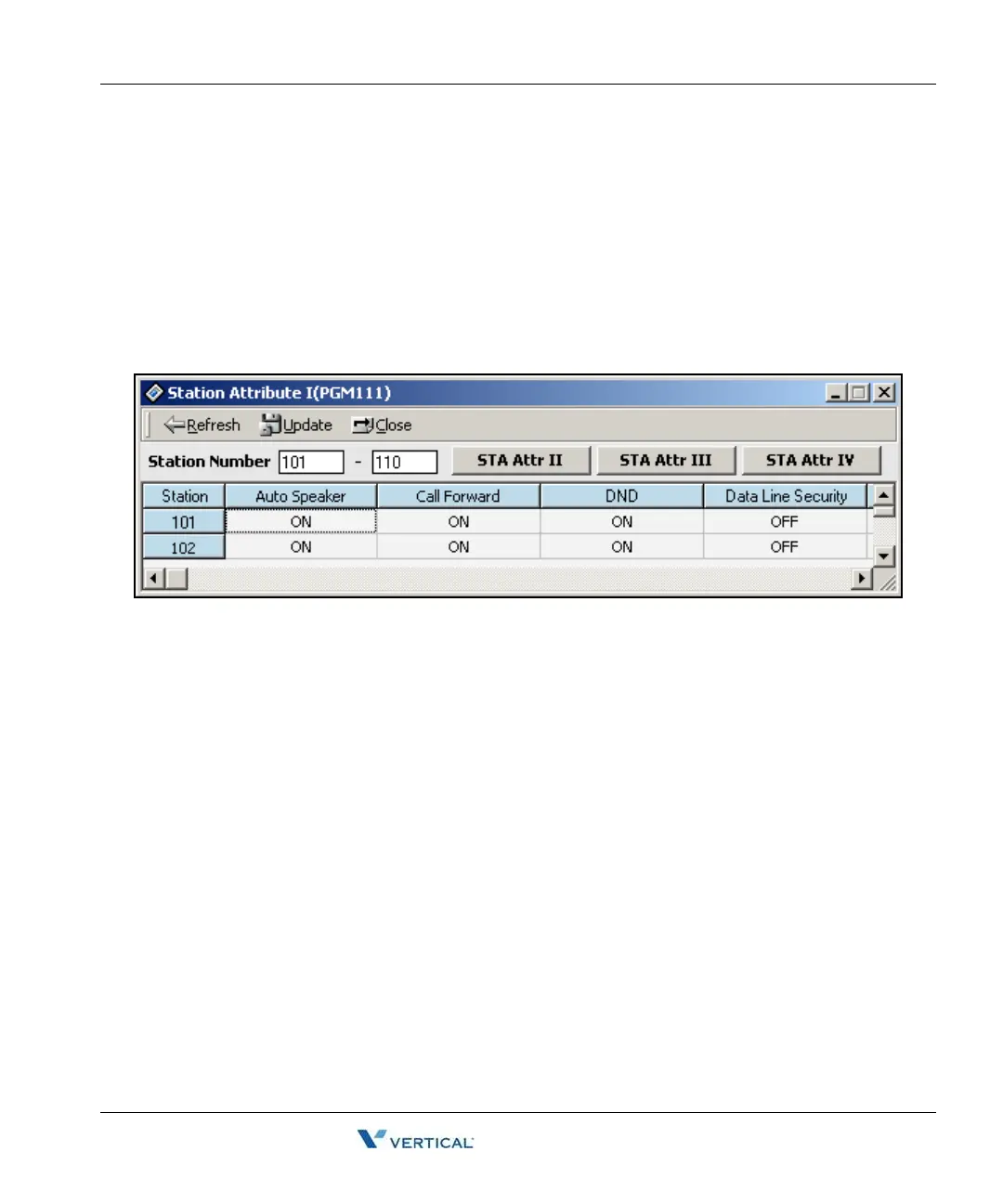
For example, the following window displays Station Attribute I (PGM111).
[All Apply] can be used when you want to update all.
[Name Data Save] can be used when you want to save ("Station Name").
[Name Data Load] can be used when you want to load from a saved file (The file should
be created by using the [Name Data Save] feature).
You can see all attributes by pressing [STA Attr II/III/IV] tab buttons and scrolling to the
right.
4. Right-click and click on the [View Option]. The Show Item Select window will display
as shown in the following illustration. If you want to see specific features, click the
desired check boxes in this window, then click OK. PC Admin will display the attributes
that you have selected.



 To Next Page