CO Related Admin (PGM 140/141/142/143/146/147) 1-53
Chapter 1: SBX IP Online PC Admin
SBX IP - PC Admin Guide
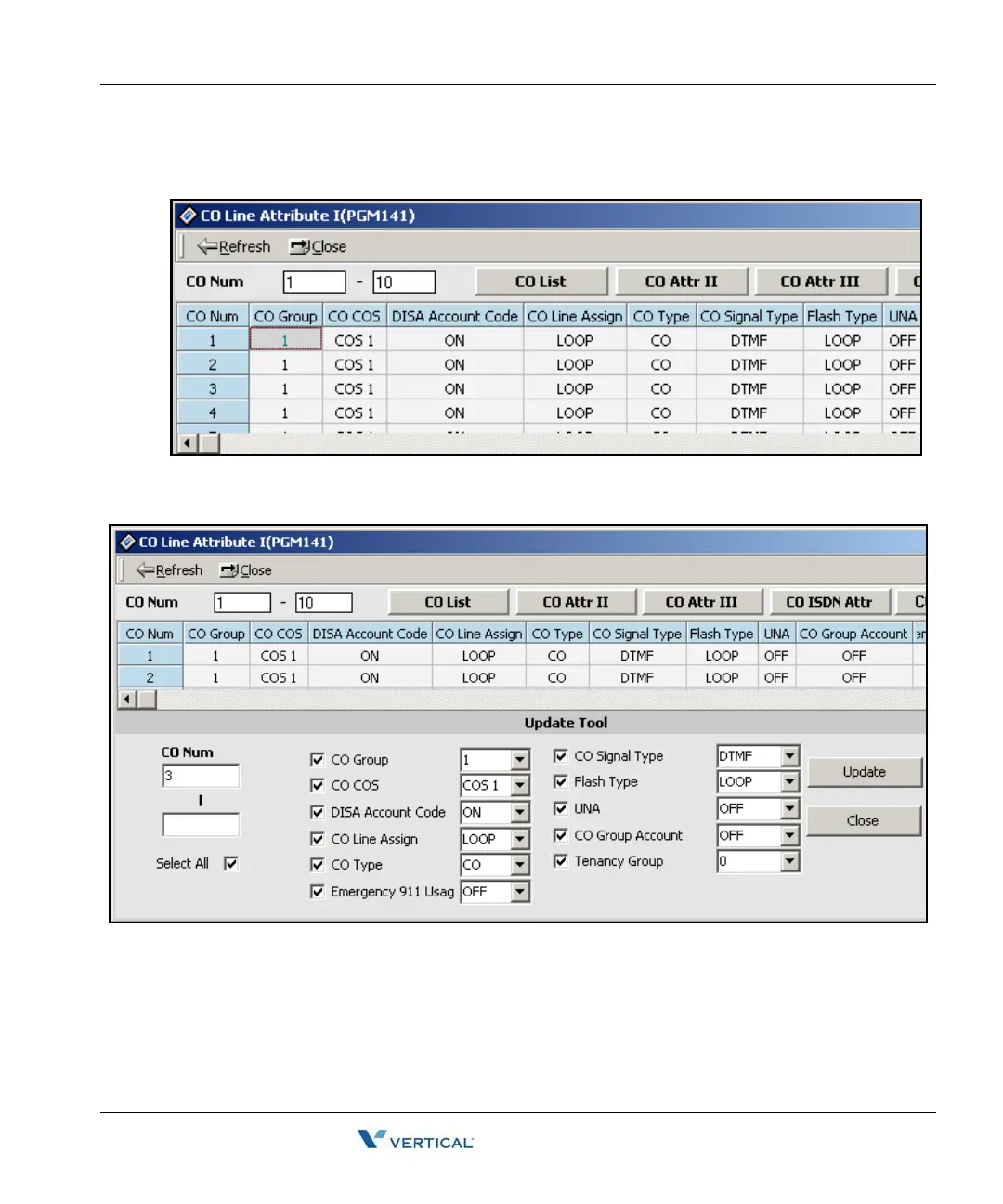
The following CO Line Attributes window displays when you select the CO Attribute I
menu from the popup menu or when you click on the CO Attr I tab.
You can select the attributes that you want to check and modify by right-clicking on the
data portion of the window and then clicking the Update Tool button.
This is same architecture for PGM 142/143/146/147



 To Next Page