Music (PGM 171) 1-78
Chapter 1: SBX IP Online PC Admin
SBX IP - PC Admin Guide
Operation
1. Click [Music].
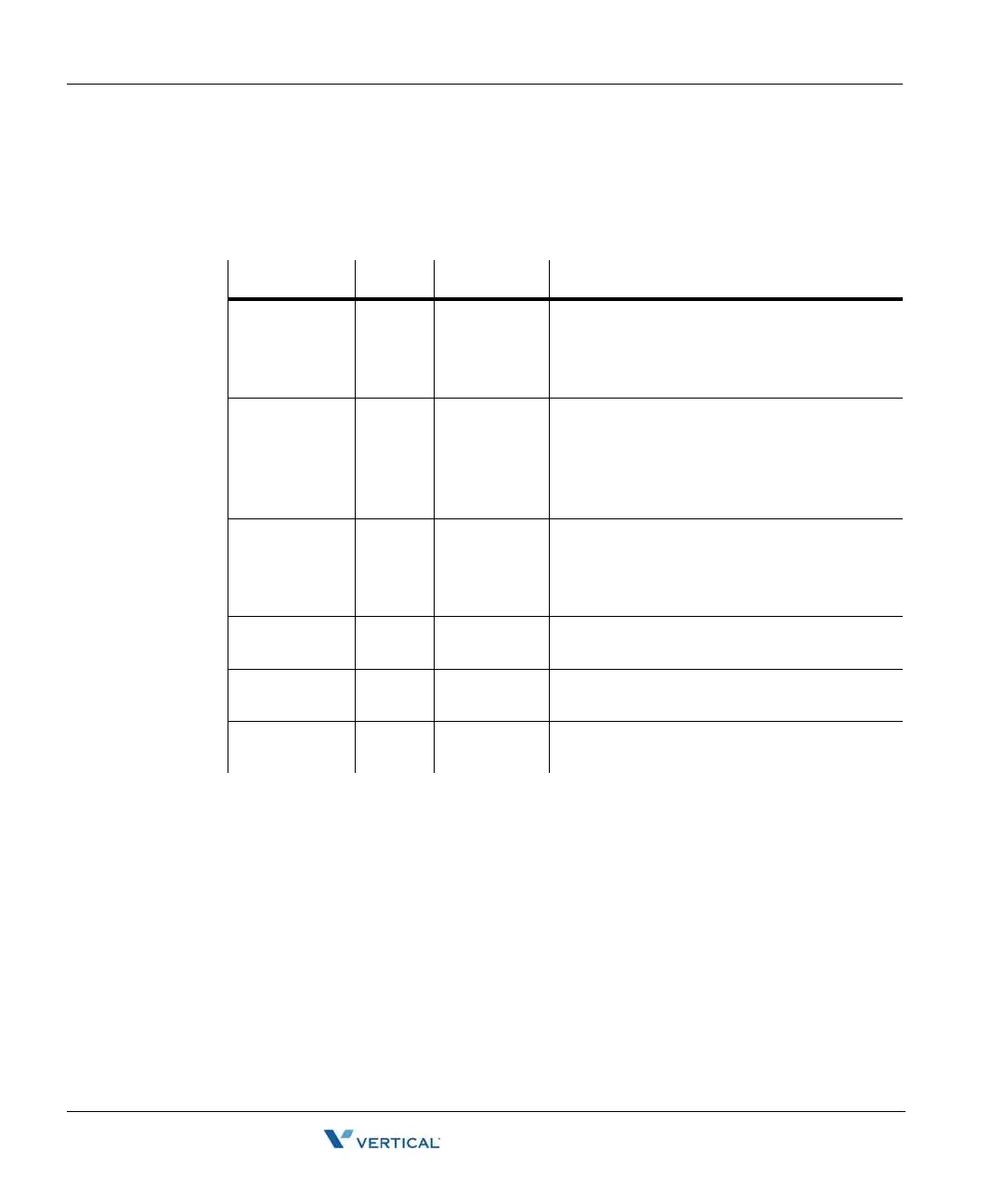
2. Refer to the table below and set the values.
ITEM RANGE DEFAULT REMARK
BGM Type 0-8 01 00: No BGM 01: Internal Music
02: External Music 03: Reserved
04: SLT 1 05: SLT 2
06: SLT 3 07: SLT 4 08: SLT 5
MOH Type 0-9 01 00: Not Assigned 01: Internal Music
02: External Music 03: Reserved
04: SLT 1 05: SLT 2
06: SLT 3 07: SLT 4
08: SLT 5 09: Hold Tone
ICM Box Music
Channel
0-8 01 00: No BGM 01: Internal Music
02: External Music 03: Reserved
04: SLT 1 05: SLT 2
06: SLT 3 07: SLT 4 08: SLT 5
Assign SLT
MOH
-- Flex 1-5 (+
SLT STA No.)
SLT MOH 1-5
Dial Tone
Source
0-5 0 (N/A) To assign external dial tone, set the SLT
station number of the SLT port.
ICM Ring Back
Tone
0-5 0 (N/A) To assign external ICM tone, set the SLT
station number of the SLT port.



 To Next Page