Chapter 6 Display-Controller ALPHA V40
Version 18.07.06
59
6. Display Controller
This chapter describes all the functions in the controller and panel keys, how
to use them to adjust the applicator, and the different menu screens available
from the control panel. This chapter also includes error codes for assistance
in troubleshooting the machine.
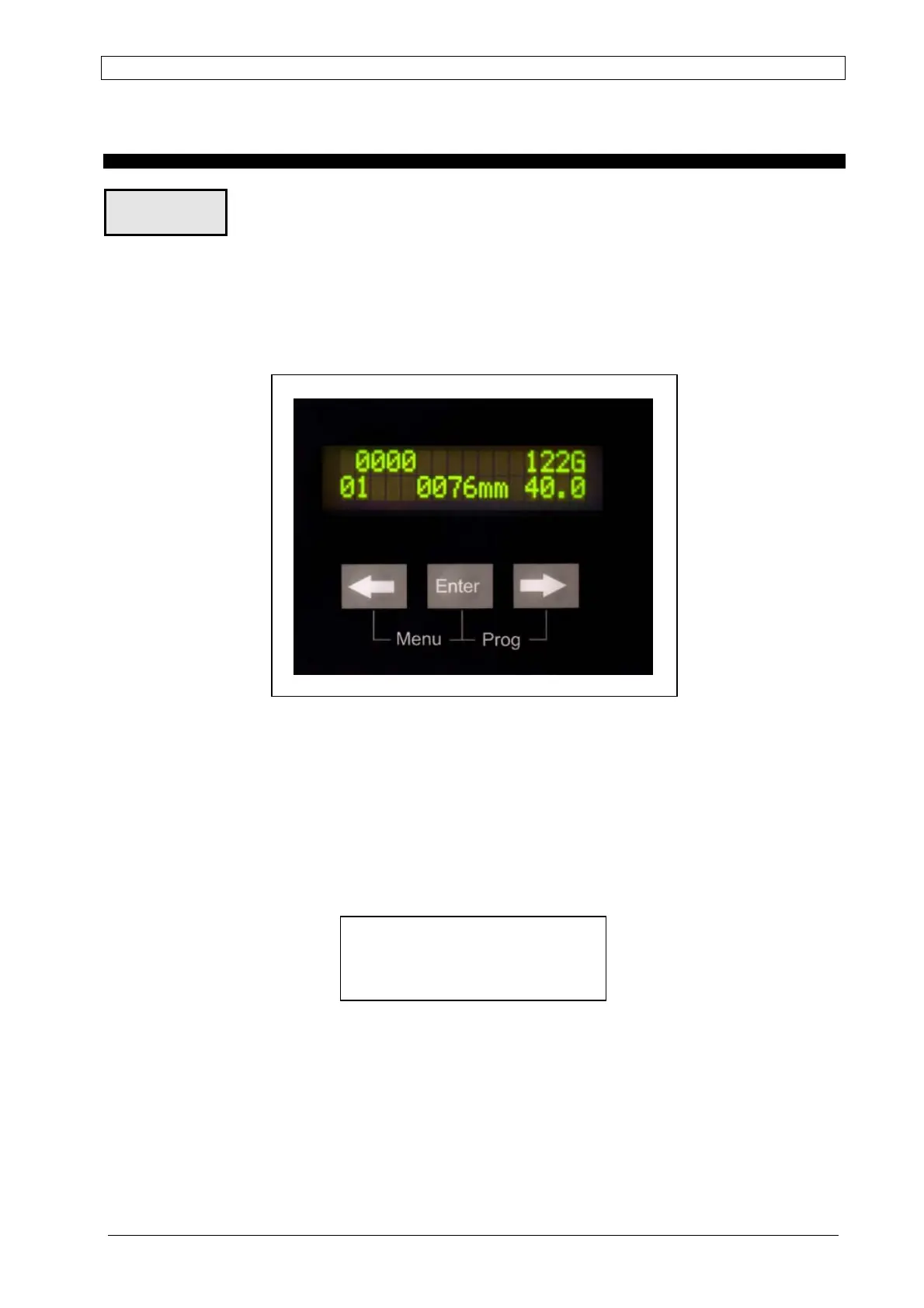
The operator interface of the ALPHA V40 is based on a 2-row by 16-characters, backlit LCD
display and a simple 3-keys keyboard.
Fig. 6-1: Display-Controller
Display Controller
Upon turning on the controller, the following screen displays for a few seconds:
NOTE: x indicates the correct firmware revision level.
In this condition, the system carries out no activities. As soon as any key is pressed the V 40
changes into normal operating mode. However if this function (to complying with CE
requirements) is not desired it can be bypassed in Service Mode (see page 81).
Overview
ALPHA V40.x
PRESS ANY KEY



 To Next Page