INFORMATION
M6060, M7060, WSM
I-9
9Y1210828INI0006US0
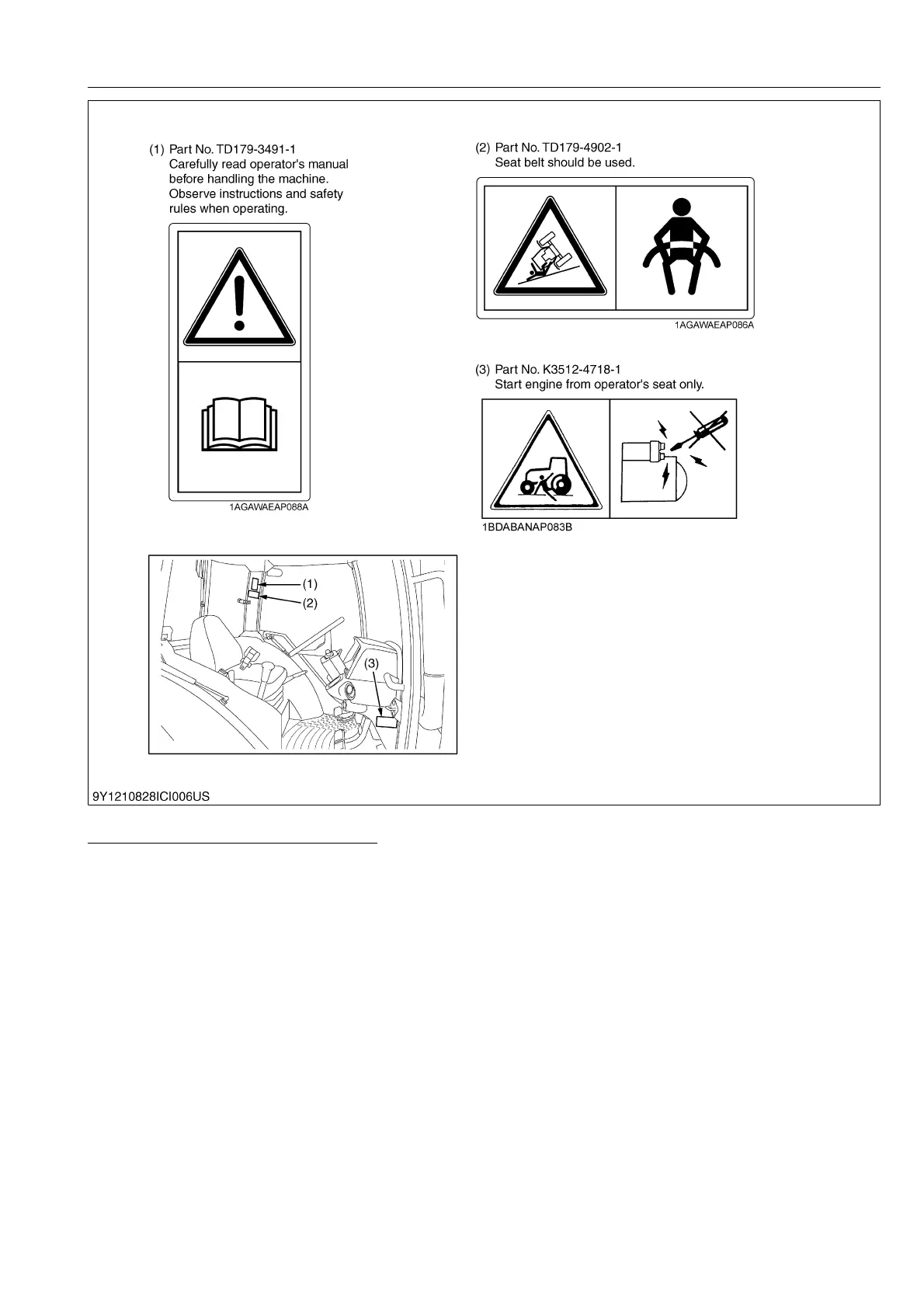
CARE OF PICTORIAL SAFETY LABELS
1. Keep pictorial safety labels clean and free from obstructing material.
2. Clean pictorial safety labels with soap and water, dry with a soft cloth.
3. Replace damaged or missing pictorial safety labels with new labels.
4. If a component with pictorial safety label(s) affixed is replaced with new part, make sure new label(s) is (are)
attached in the same location(s) as the replace component.
5. Mount new pictorial safety labels by applying on a clean dry surface and pressing any bubbles to outside edge.
9Y1210828INI0010US0



 To Next Page