GENERAL
M6060, M7060, WSM
G-11
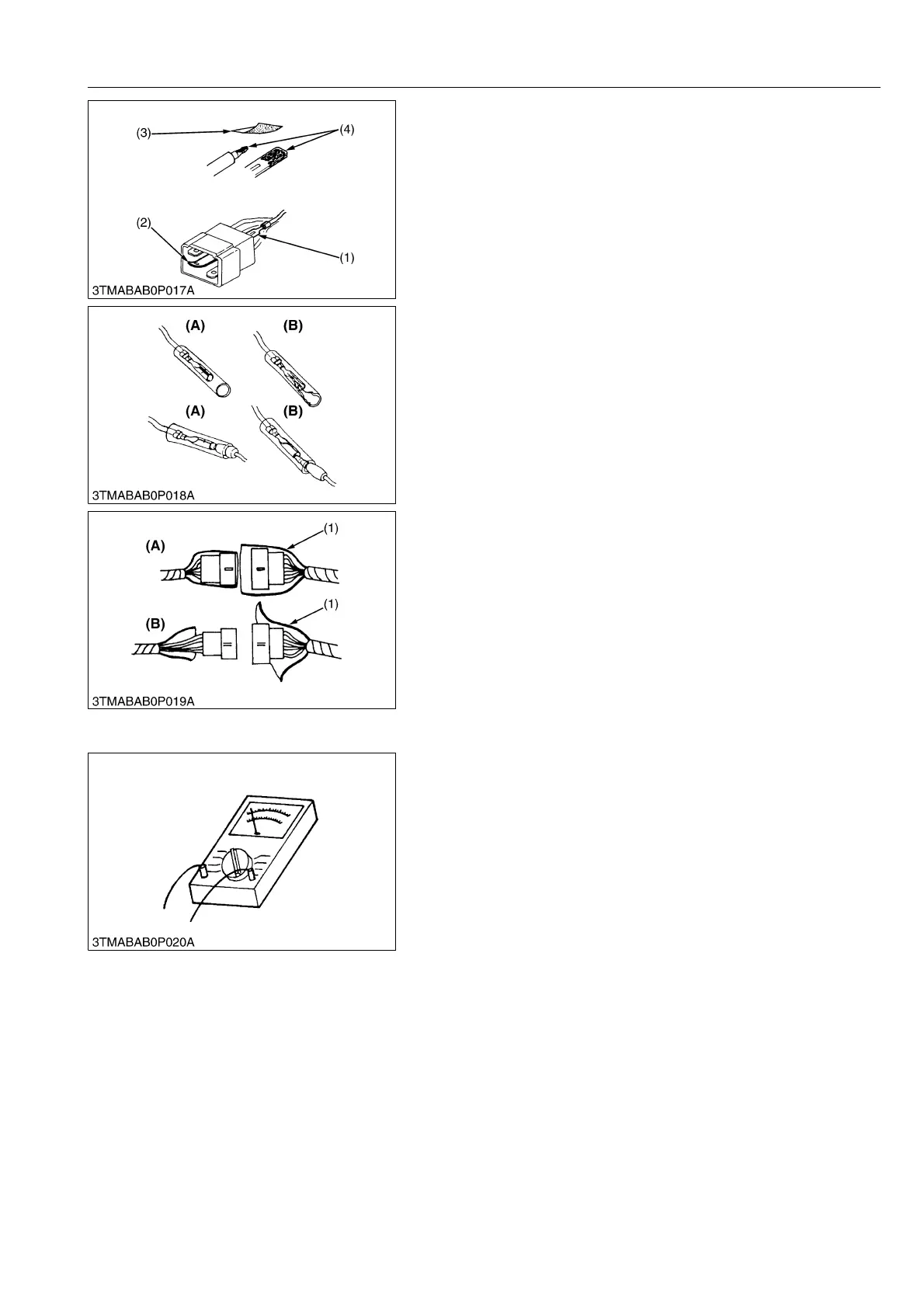
• Use sandpaper to remove rust from terminals.
• Repair deformed terminal. Make sure that there is no terminal
being exposed or displaced.
WSM000001GEG0075US0
• Make sure that there is no female connector being too open.
WSM000001GEG0076US0
• Make sure that plastic cover is large enough to cover whole
connector.
WSM000001GEG0077US0
[5] HANDLING OF CIRCUIT TESTER
• Use tester correctly following manual provided with tester.
• Check for polarity and range.
WSM000001GEG0078US0
(1) Exposed Terminal
(2) Deformed Terminal
(3) Sandpaper
(4) Rust
(A) Correct (B) Incorrect
(1) Cover (A) Correct
(B) Incorrect



 To Next Page