ELECTRICAL SYSTEM
M6060, M7060, WSM
8-S25
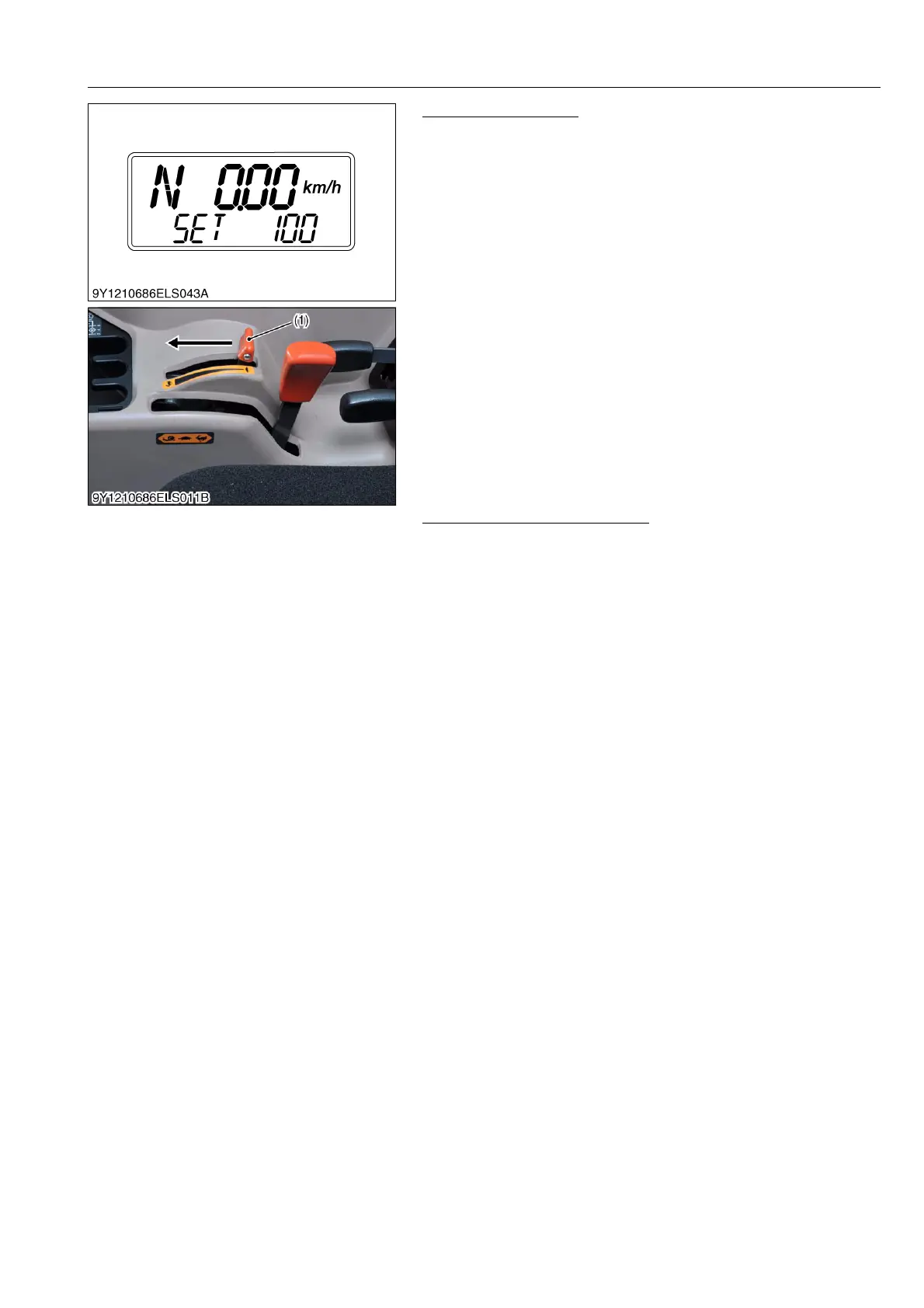
Set the MAX Position
1. The engine revolution rises automatically.
2. "SET 100" is displayed.
3. Set the hand accelerator lever (1) at MAX position (close to the
stopper).
4. Wait for about 5 seconds.
5. Press and hold the traveling speed select switch.
9Y1210828ELS0042US0
After Finishing This Procedure
1. If this setting process is correct, "OK" is displayed in the meter
panel. After that, stop the engine.
2. If this setting process is incorrect, "NG" or error code is
displayed.
3. Set this procedure again.
9Y1210828ELS0043US0
(1) Hand Accelerator Lever



 To Next Page